

← Back To Blog
Best CRM for Freelancers in 2026: 10 Tools Compared
You've got an Upwork lead waiting for a scope clarification, an email prospect asking for availability, and a past client whose next project you meant to discuss. Their details live in different inboxes. By the time you remember the follow-up, the prospect has hired someone else.
A CRM for freelancers should make the next action obvious, not just store names. But the tools solve different problems. Pipeline-focused CRMs organize conversations, opportunities, and reminders. Client-management platforms connect proposals, contracts, onboarding, delivery, and payment.
That distinction matters when you're buying software alone. A polished proposal builder won't necessarily help you track stalled sales conversations. A strong deal board won't necessarily turn an accepted quote into an invoice or a delivery brief.
Judge the usable plan, not the starting plan. Free-plan limits, proposal-to-payment coverage, integration quality, and feature gates determine whether a tool fits your business. For onboarding-heavy services, the onboarding guidance for accountants from Snyp provides a useful reference for thinking beyond contact capture.
The recommendations below focus on where each platform stops helping, especially when your leads originate on Upwork.
1. HoneyBook

HoneyBook fits creative freelancers who want a consistent inquiry-to-payment process. Lead forms, client records, proposals, contracts, scheduling, invoices, and payment collection sit within a client-management environment.
Say you sell brand design packages. You need to collect requirements, agree on scope, secure a signature, and request payment before starting. HoneyBook makes more sense for that situation than a CRM whose main strength is organizing sales calls.
Where It Breaks
HoneyBook is less configurable than a dedicated pipeline CRM. If you qualify opportunities by technology, buying committee, service fit, and multiple sales stages, test whether its records and reporting match those decisions.
Its Google Calendar, QuickBooks, Zoom, Slack, and Zapier connections are useful integration options. Still, confirm the exact action you need, such as creating a meeting or transferring accounting information, rather than treating an integration logo as proof of complete synchronization.
My recommendation: Choose HoneyBook when onboarding and collecting payment create more friction than prospect qualification. Skip it if you only need contact records and reminders. For marketplace contracts, keep platform payment requirements separate from the workflow you build for independently sourced clients.
2. Dubsado

A standardized service can still require a complicated onboarding process. A consultant might need a questionnaire, a discovery meeting, a customized scope, and staged payments before delivery begins. Dubsado suits freelancers willing to configure that sequence carefully.
Its client and project management, email integration, forms, templates, invoices, payment plans, and portals provide a flexible foundation. Both plans support unlimited clients and projects, according to Dubsado's plan information.
Premier Is the Important Decision
Workflow automation, scheduling, public proposals, and Zapier require Premier. Starter can organize clients and handle administrative work, but it isn't the right comparison if automation is your reason for buying.
Before building templates, settle your service structure. These agency proposal templates can help you distinguish reusable scope language from details that need client-specific editing.
Configure the process you actually sell, not every possible exception you might encounter.
Dubsado's weakness is setup effort. Extensive customization gives you control, but every branch needs sensible triggers, clear ownership, and testing. A badly designed workflow can send a polished message at the wrong moment.
Best fit: Freelancers with repeatable, multi-step onboarding who can invest time in configuration. It's less attractive for someone who needs to remember which Upwork prospect deserves a reply. That marketplace conversation still needs an explicit handoff into the client record.
3. Bonsai
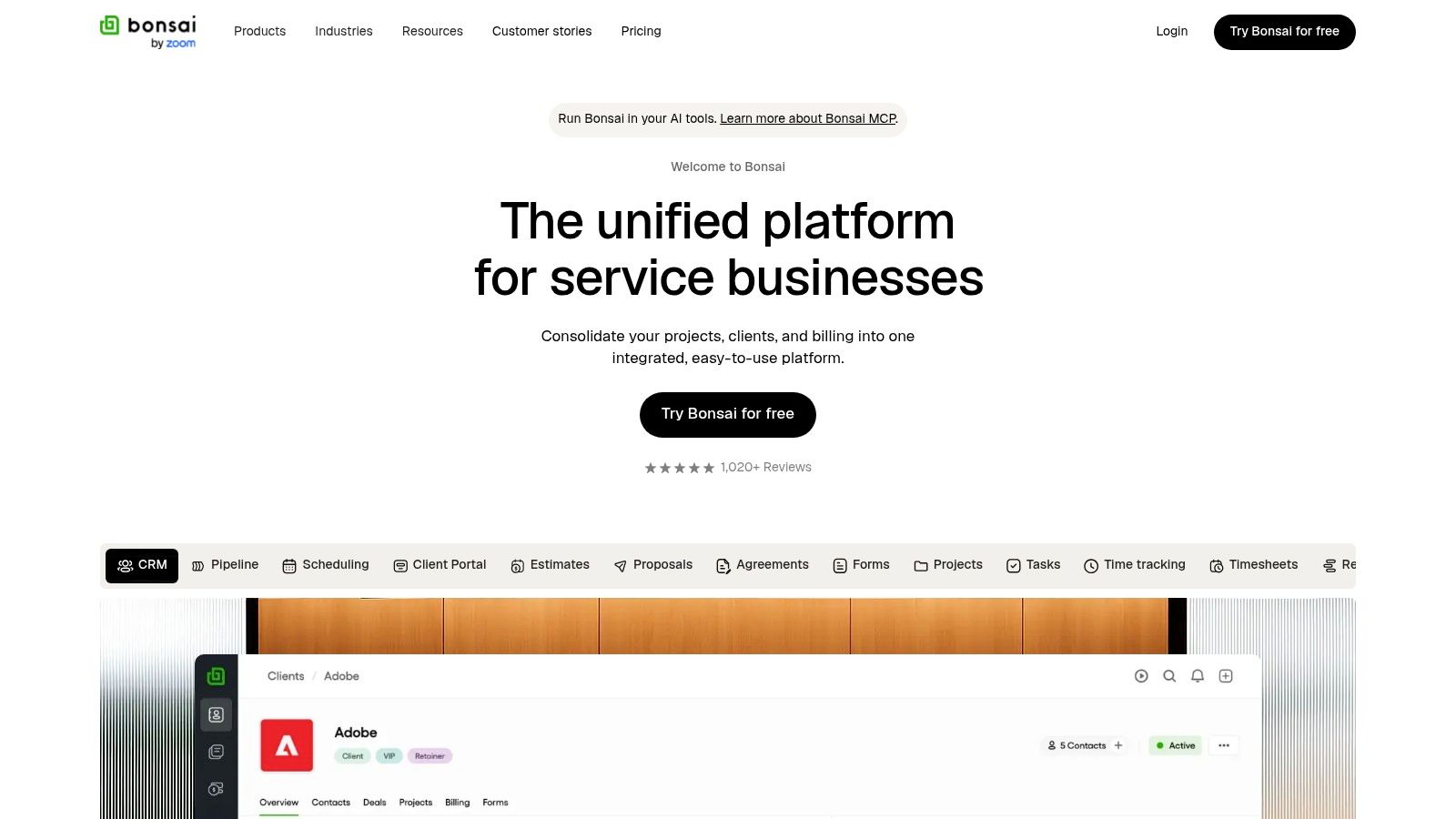
Bonsai's Basic plan isn't a complete proposal-to-payment system. That's the distinction to understand before choosing Bonsai for its broad freelance-business feature set.
Basic supports client management, projects, and time tracking. Essentials adds proposals, contracts, invoicing, payments, a client portal, scheduling, and forms. Higher tiers introduce additional deal-pipeline, reporting, and workload-management capabilities.
For a developer who bills for implementation and ongoing maintenance, the connection between client records, project work, and tracked time is useful. You can evaluate the business as a delivery operation rather than maintaining unrelated contact and timesheet systems.
Where the Lower Plan Stops
The trade-off is breadth versus subscription fit. Buying Basic because its entry cost looks appealing won't help if you immediately need contracts and invoices. Conversely, advanced workload features add little value if you're staying solo and manage straightforward assignments.
My recommendation: Start your evaluation at Essentials when you want a freelance operating system. Consider higher tiers only after testing the specific reporting or pipeline gap you need to solve. For Upwork work, preserve the marketplace contract reference and agreed scope without assuming Bonsai replaces the platform's billing workflow.
4. Moxie
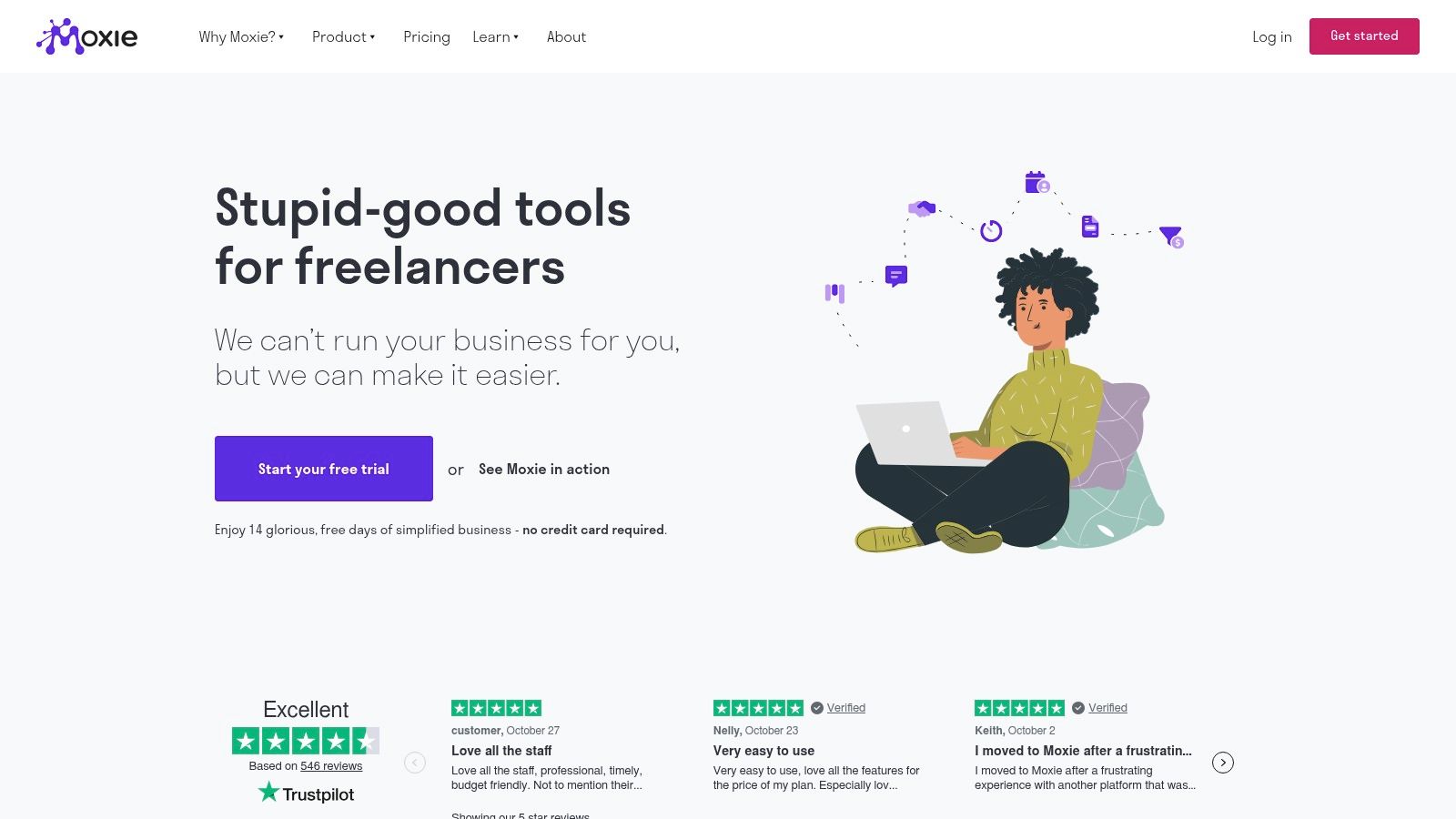
Writers, designers, and developers often need a modest amount of everything: a sales pipeline, project tasks, time tracking, and a way to send contracts and invoices. Moxie is a practical candidate when you'd rather maintain a shared business workspace than assemble specialist apps.
Its toolkit includes client management, proposals, quotes, contracts, invoicing, payments, scheduling, and time tracking. That combination makes it relevant when you sell project work but still need visibility into upcoming assignments.
The important limitation is Starter versus Pro. Workflow automation, the white-label client portal, QuickBooks, and API integrations belong in the Pro evaluation, not your assumptions about Starter.
Test the Actual Handoff
Use a sample website project to assess the workflow. Enter the prospect, prepare the quote, record acceptance, create delivery tasks, track time, and inspect how you'd invoice.
Moxie's potential weakness is expecting freelance breadth to equal advanced sales management. Test qualification fields and reporting before moving a multi-bidder agency pipeline into it.
Best fit: A generalist freelancer seeking connected administration and delivery. It doesn't remove the need to capture Upwork replies, identify the account owner, and schedule the next client action.
5. Plutio
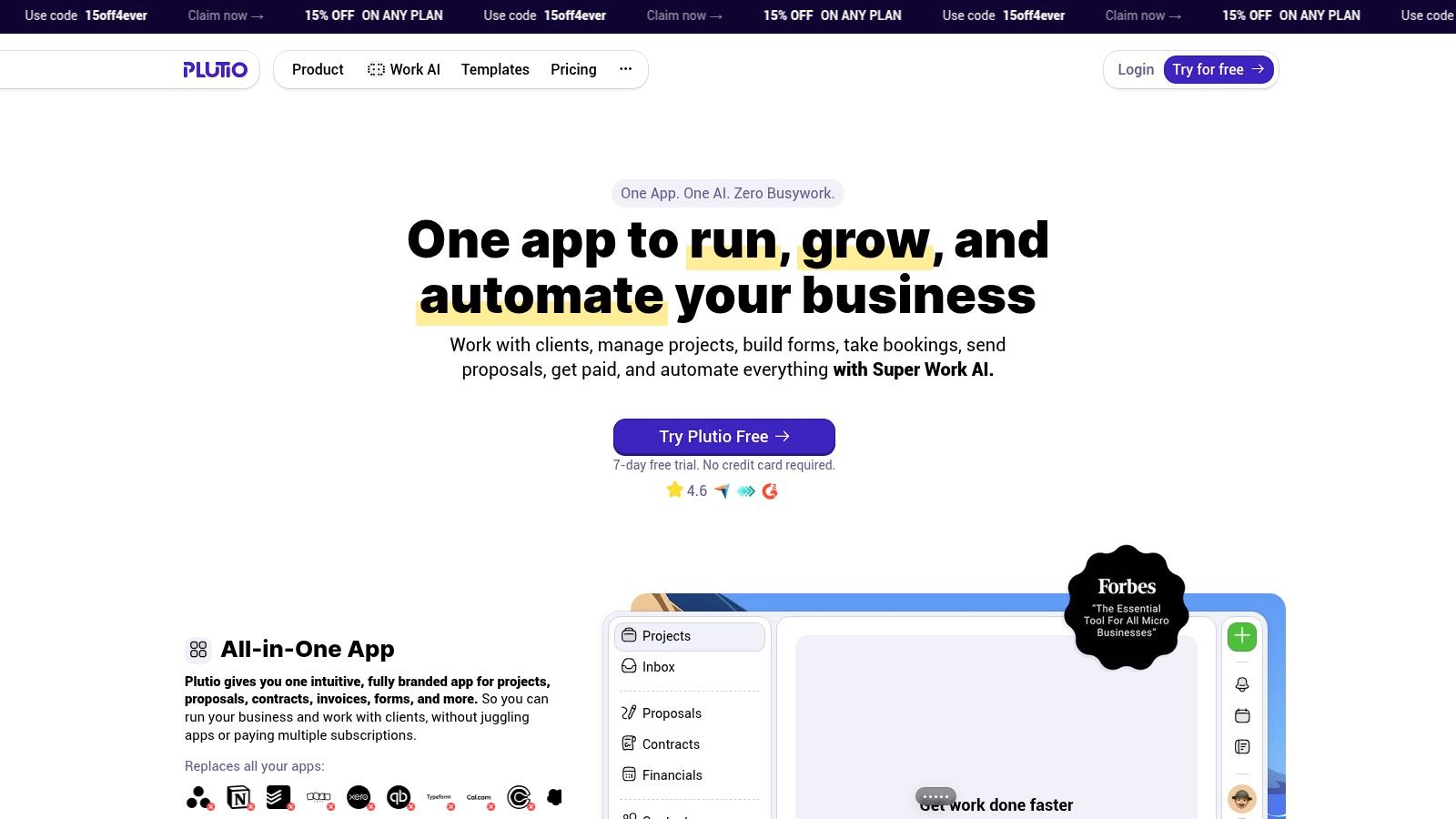
The difficult moment isn't always winning the project. Sometimes it's transferring the promises in your proposal into work that a contractor can deliver. Plutio is worth considering when sales-to-delivery continuity matters more than a polished prospecting dashboard.
CRM, projects, tasks, proposals, contracts, invoices, time tracking, forms, an inbox, and automations share a workspace. Client-facing pages and branding options can also support collaboration without scattering documents across unrelated systems.
Capacity Can Decide the Purchase
Core is limited to nine active clients, according to Plutio's plan information. That makes the definition of an active client important for freelancers juggling retainers, paused assignments, and ongoing support relationships.
White-labeling is an add-on on Core and Pro. If removing platform branding is part of your client-experience requirement, include that cost rather than comparing base subscriptions alone.
Carry the accepted scope, exclusions, approval owner, and delivery dates into the project. A won status isn't a delivery brief.
Plutio can feel excessive if all you need is a list of prospects and a follow-up calendar. Its value is stronger when clients or collaborators use the workspace.
My recommendation: Consider it for small studios and freelancers who subcontract delivery. Test contributor permissions, client access, and active-client capacity before migrating. Upwork lead follow-up remains a separate requirement unless you've established a reliable way to transfer the relevant conversation and project details.
6. 17hats
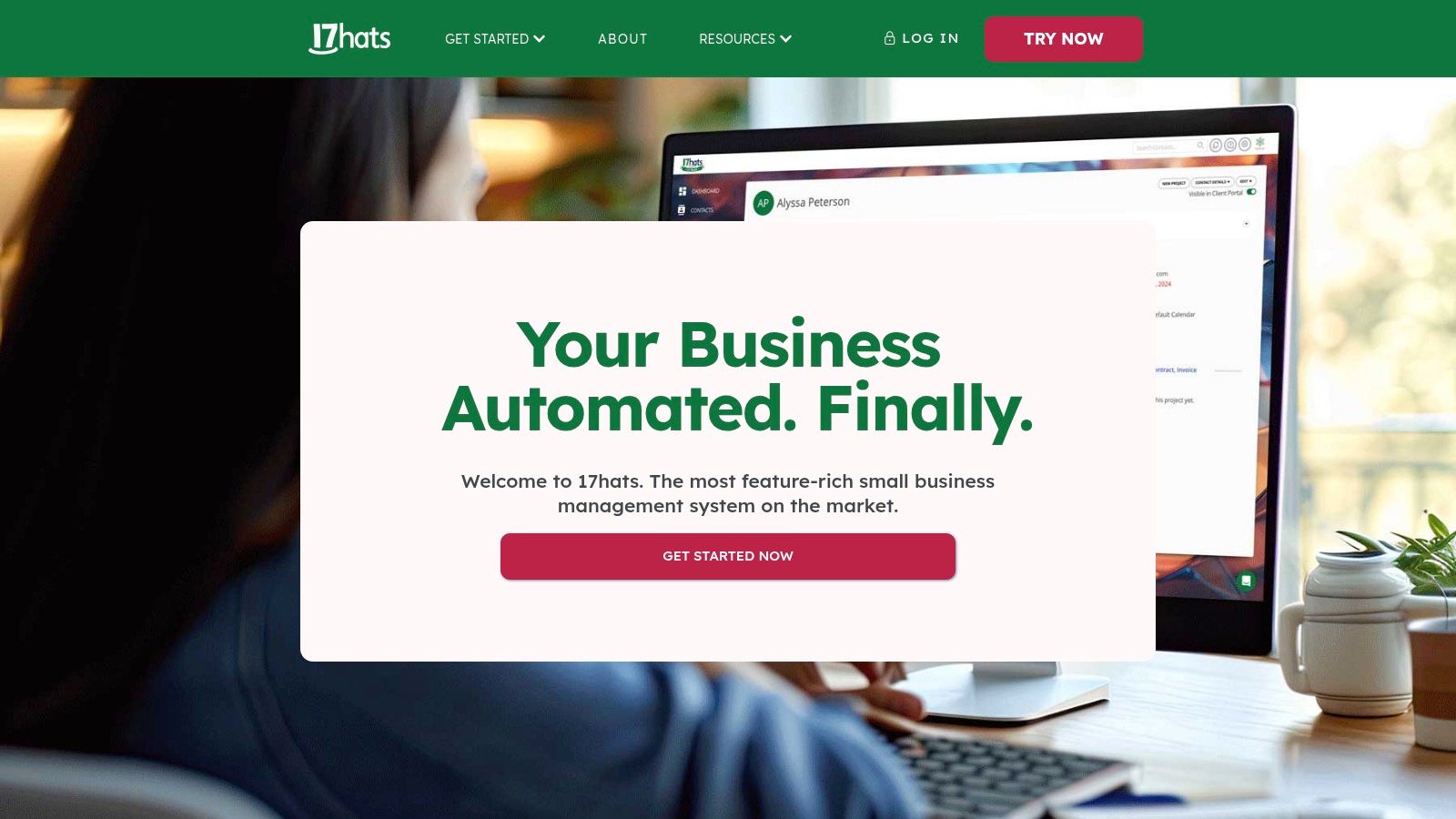
17hats takes a bundled approach to client organization and business workflows. Rather than choosing among feature tiers, you evaluate whether the package matches how you operate.
That can simplify the purchase for an independent service provider. It doesn't automatically make the software economical. If you only use contact records and occasional reminders, you're paying for a broader business system without gaining much from the bundle.
The Bundle Still Needs Testing
Use the available trial and complimentary walkthrough to demonstrate your real process. Bring a representative inquiry, the information you collect before quoting, and the steps you take after acceptance.
The main plan limitation is therefore fit rather than tier access. There isn't a smaller feature package to solve overbuying. Nor should you assume bundled business management means every specialist workflow is covered.
Best fit: Solo service providers who want a packaged administrative system and prefer evaluating a complete offering. It's a weaker choice for an agency whose main problem is assigning Upwork leads across bidders. Require a clear demonstration of ownership, communication history, and next actions before treating it as the sales team's central record.
7. HubSpot CRM

Start with HubSpot when the missing habit is follow-up, not invoicing. HubSpot CRM provides contact management, deal pipelines, imports, reporting, and connections with Gmail and Outlook.
A freelance marketing consultant can use it to distinguish an unqualified inquiry from a discovery call, a pending proposal, or a stalled negotiation. That's a different job from collecting a signature and delivering a project.
Its free plan has no time limit, but it does have user and record limits. Paid costs depend on the product, seats, and features you choose, so map required capabilities before adopting the wider ecosystem.
Where Free Stops Being Enough
The HubSpot CRM evaluation from TopToolAdvisor offers another perspective on fit. If you're planning shared ownership and a sales team, compare those needs against this guide to the best CRM for agencies.
My recommendation: Use HubSpot for a sales-led freelance business that already has satisfactory delivery and billing tools. For Upwork-sourced opportunities, create the CRM record at a defined qualification point and preserve the conversation reference. Don't assume connecting your email inbox also captures marketplace messages.
8. Zoho Bigin
Zoho Bigin makes sense when a spreadsheet no longer gives you a clear answer to a simple question: Who needs attention next?
Its contact and opportunity records, pipelines, tasks, activities, dashboards, and mobile apps focus on that problem. Automation is available across free and paid tiers, with higher limits on paid plans. Connections with Zoho and selected third-party apps can support an existing business stack.
The Free Plan Has a Clear Ceiling
Bigin's free plan supports one user, one pipeline, and 500 records, according to Zoho's Bigin plan information. That can suit a solo operator with a narrow sales process, but it becomes restrictive when you need separate workflows or shared access.
The practical advantage is focus. You can build stages around buying decisions without first designing a complete client portal. For stage design, this pipeline tracking software guide provides useful context.
My recommendation: Shortlist Bigin when you already like your proposal and accounting tools. Keep those systems and improve the sales record instead of replacing everything. For Upwork leads, store the service fit, latest client request, account owner, and next action. Marketplace messaging still requires its own workflow.
9. Capsule CRM
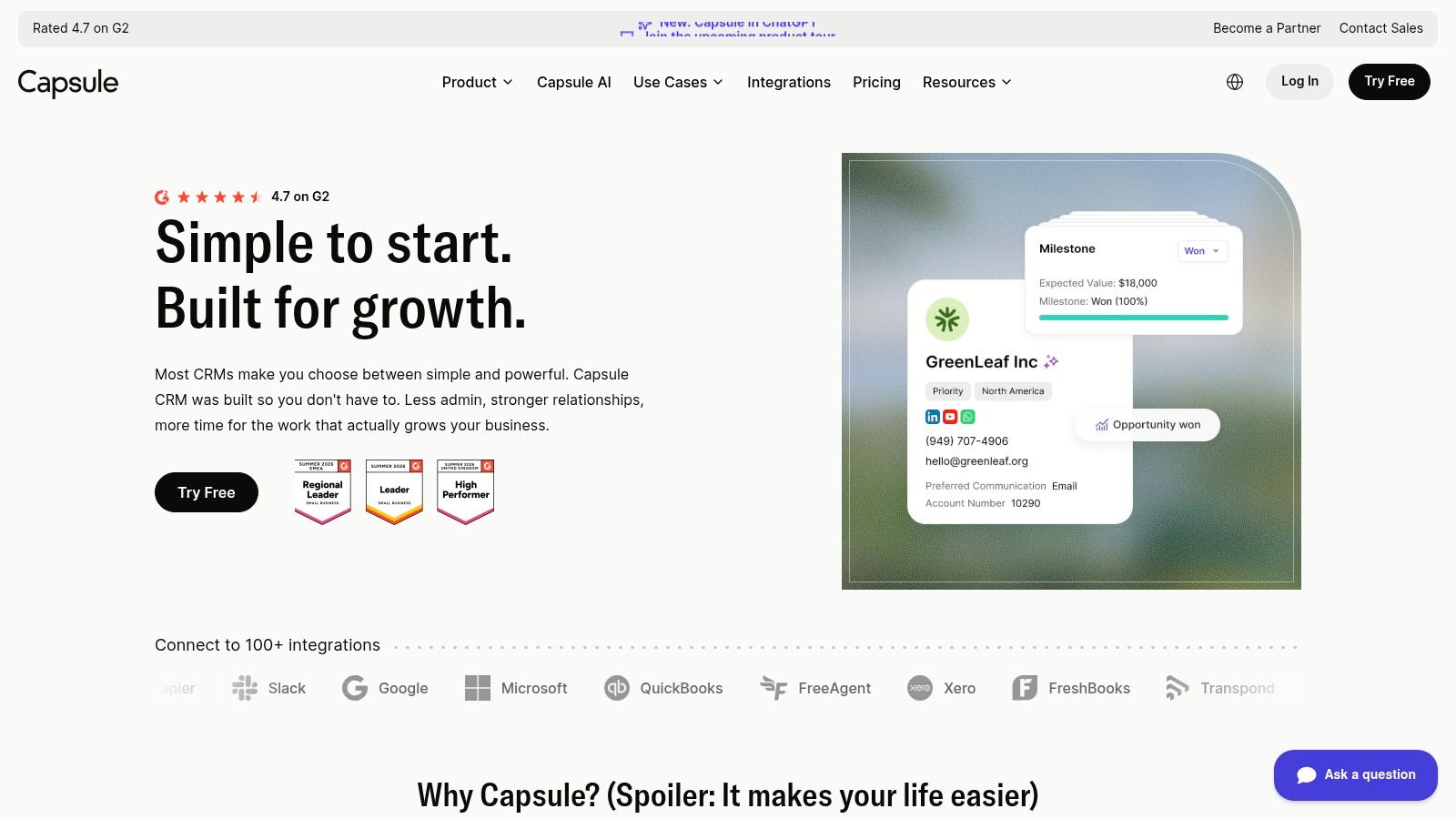
A referral-based consultant may care more about relationship history than automated campaigns. Capsule CRM fits that situation through contact and company records, sales opportunities, custom milestones, tasks, and email templates.
Its connections with FreshBooks and Xero make it relevant when you already have a billing process you don't want to replace. The aim is to keep the commercial relationship organized while specialist software handles the financial work.
Capsule's free plan is limited to 250 contacts and two users, according to its published plan details. Paid pricing is per user, so adding collaborators changes the cost even if your workflow stays simple.
Where the Relationship Record Ends
Proposals, contracts, and invoicing require other tools. Capsule can help you remember that a scope needs approval, but you still need a dependable way to create, sign, and bill that scope.
For an ongoing SEO engagement, use the CRM to record decision-makers, renewal discussions, and follow-up tasks. Keep delivery instructions in the project system, with a clear reference back to the client record.
Choose a focused CRM because you want to preserve your existing tools, not because you hope it will quietly replace them.
Best fit: Consultants and freelancers with recurring relationships and separate accounting software. Before choosing it for an agency, test account ownership and the project handoff. Before choosing it for Upwork, decide how the relevant marketplace context will reach the contact record.
10. Less Annoying CRM
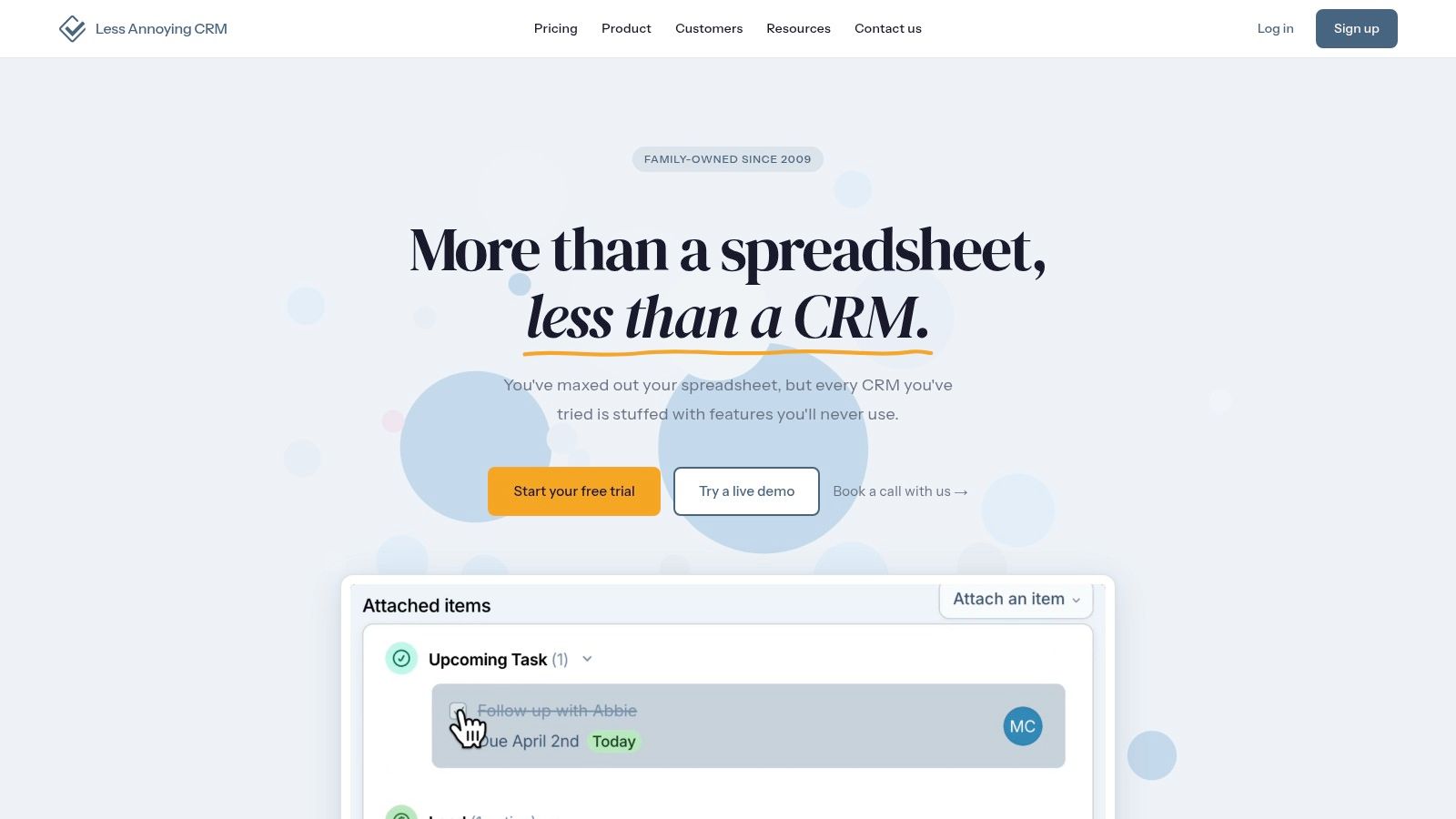
Less Annoying CRM is for freelancers who want contacts, pipelines, tasks, calendars, and email logging without a complicated tier decision. Its published plan gives users the same core features.
Custom fields and multiple pipelines let you represent different services or sales processes. Phone and email support are also part of the offering. The pricing page notes U.S. hosting, which is relevant when reviewing client data requirements.
Simpler Pricing Doesn't Mean Complete Coverage
The platform offers a 30-day trial without a credit card, according to Less Annoying CRM's website. Use that evaluation period to test whether its focused scope is sufficient, rather than looking for an all-in-one freelance suite.
For a freelance consultant with an established contract template and accounting system, that separation can be sensible. You don't need to rebuild billing just to improve follow-up.
My recommendation: Choose it when you value a straightforward relationship record over extensive business automation. It won't solve Upwork prospecting or marketplace follow-up by itself. Build a deliberate capture step after a meaningful client reply, then use tasks and pipeline stages to keep the resulting opportunity moving.
For marketplace work, check the lead-follow-up gap: a general CRM may track a prospect after you add them, but it does not find Upwork jobs or send proposals from your account. For a solo freelancer, the practical choice is the tool that covers the steps you use without pushing them onto a plan you cannot justify.
Choosing the Right CRM for Your Freelance Workflow
The best CRM for freelancers matches the point where you lose control of the work. Don't start by counting features. Start with the last prospect you forgot, the proposal that stalled, or the project that began without a clear brief.
If you lose track of conversations, shortlist HubSpot, Bigin, Capsule, or Less Annoying CRM. These are the stronger conceptual fit when your delivery and accounting tools already work. Judge them by how easily you can find the latest context and assign a next action.
Match Coverage to the Failure Point
The distinction between CRM and delivery software is also central to UI Lib's agency software comparison. A connected workspace can help, but only if the accepted scope survives the transfer into delivery.
For Upwork-sourced leads, the CRM often becomes useful after the first meaningful reply. Automated outreach on Upwork can handle finding jobs, sending proposals, and booking calls from your own account. The CRM should track the resulting qualified contacts, decisions, ownership, and next steps without duplicating every application.
Track Revenue Quality, Not Just Activity
Record acquisition cost alongside opportunity value. Upwork's freelancer guide states that Connects cost $0.15 each, so proposal selection is a measurable expense. Capture Connects spent, selling effort, service fit, and the outcome rather than celebrating application volume alone.
Keep gross value separate from expected earnings. Upwork's service-fee guide states that freelancer fees range from 0% to 15% per contract. Preserve the applicable fee on the opportunity instead of applying an assumed rate across your pipeline.
Finally, don't close the relationship record when delivery starts. Track scope changes, approvals, payment status, client feedback, and repeat-work signals. For eligible fixed-price work, Upwork's payment-protection guidance describes automatic release 14 days after submission when the client neither approves nor requests changes.
Test your shortlist with a representative prospect and project. Choose the tool that makes the next action clear without creating another administrative job.
Earlybird AI finds relevant Upwork jobs, writes personalized proposals, replies to client leads, and books calls from your own account. Pair that outreach workflow with a CRM that manages qualification, delivery handoff, and ongoing relationships. Visit Earlybird AI to book a demo of the job-to-call workflow.


