
← Back To Blog
10 Best SEO Agency Project Management Software (2026)
Your SEO agency can be getting strong results and still feel badly run. Deadlines live in spreadsheets, strategy notes sit in docs, clients send requests by email, and nobody's fully sure which tasks are done, blocked, or waiting on someone else. That setup works for a while. Then one account manager goes on leave, one developer misses context on a technical fix, and one client asks for an update you have to assemble by hand.
That's the point where admin starts eating margin. It's also where seo agency project management software stops being a nice-to-have and becomes part of delivery infrastructure. The right tool doesn't just store tasks. It gives your team one operating system for campaign execution, client collaboration, capacity planning, and reporting.
That matters more now because SEO work isn't a set-and-forget checklist anymore. Wrike's guidance on SEO project management software requirements explains the operational problem clearly: SEO teams need internal project reporting for progress and capacity, plus performance reporting for rankings, traffic, and conversions, and the hard part is keeping both current without manually pulling from multiple tools. In practice, that's why modern tools have moved toward centralized workflows, real-time dashboards, and integrations with platforms like Ahrefs, Semrush, and Google Analytics.
If your agency is outgrowing spreadsheets, start here.
1. Teamwork
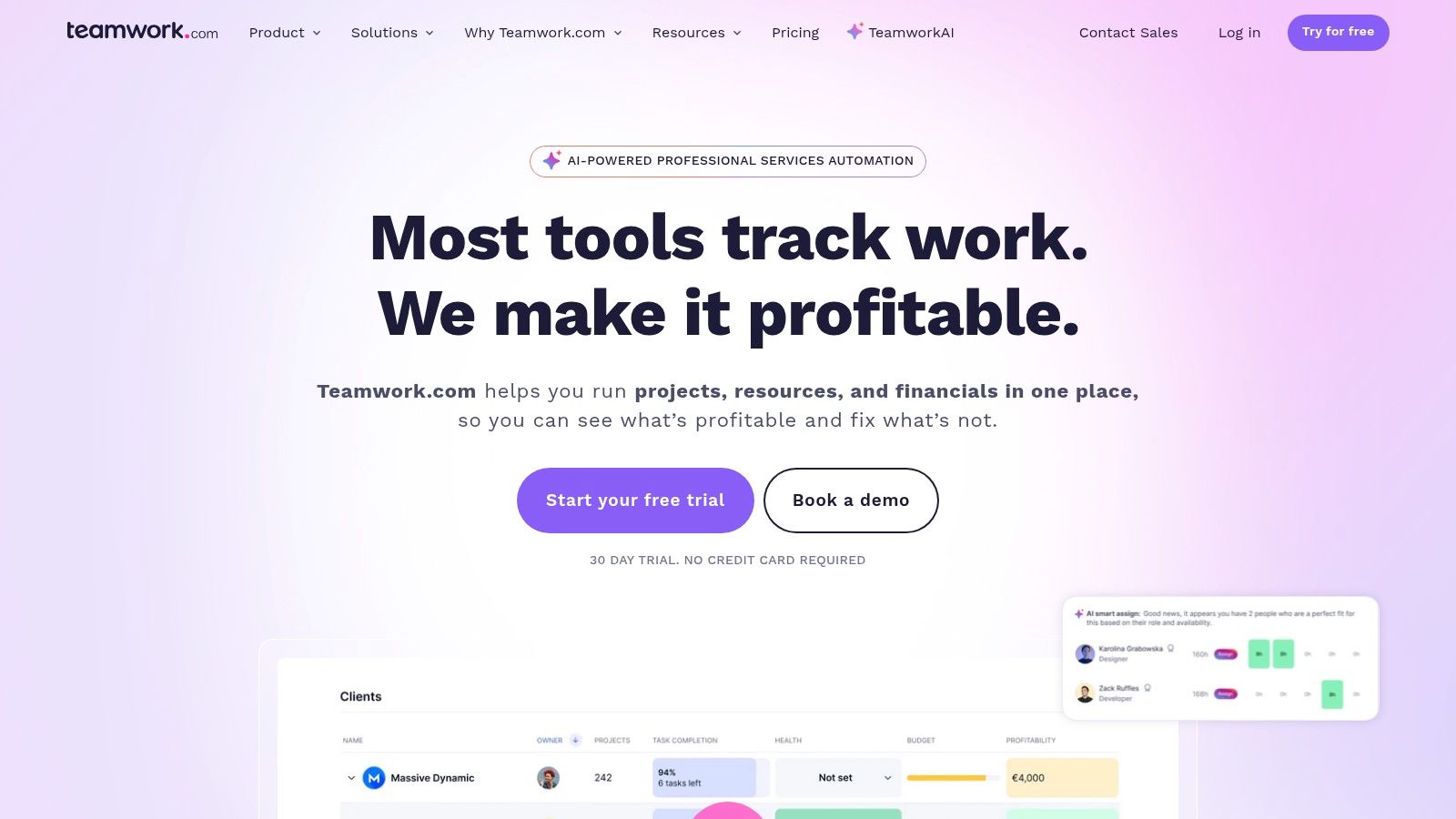
Teamwork makes sense fast if your agency bills by retainer, tracks time, and needs client work to connect to profitability. It was built around service delivery, not just internal task management, and that shows in how projects, budgets, time logs, and client access fit together.
For SEO teams, that matters because campaign work rarely sits neatly in one lane. You're managing technical tickets, content production, reporting deadlines, and small client requests that can eat hours if no one tracks them.
Where Teamwork fits best
Teamwork is a strong choice for agencies that have outgrown lightweight task boards but don't want a heavy PSA rollout yet. You can run recurring SEO retainers, monitor billable versus non-billable time, and keep client-facing collaboration inside the same system.
What usually works well:
- Time and budget control: Billable rates, non-billable tracking, and retainer oversight help you see whether a “simple” SEO account is profitable.
- Useful project structure: List, board, table, and Gantt views cover most agency workflows without forcing one style on everyone.
- Service-style operations: Helpdesk and project links make it easier to route support requests into real delivery workflows.
Practical rule: If your agency loses money because “quick requests” never get scoped or tracked, Teamwork fixes that better than most general PM tools.
The trade-off is that some of its stronger optimization and forecasting capabilities sit higher in the product line, and proofing limits on lower tiers can be annoying if clients review lots of deliverables.
If your team also handles broader client operations beyond SEO, this kind of setup overlaps well with other software for advertising agency workflows. It's one of the cleaner options for agencies that want project management with financial accountability built in.
Use Teamwork if you need agency-first project management, not another generic task app.
2. ClickUp
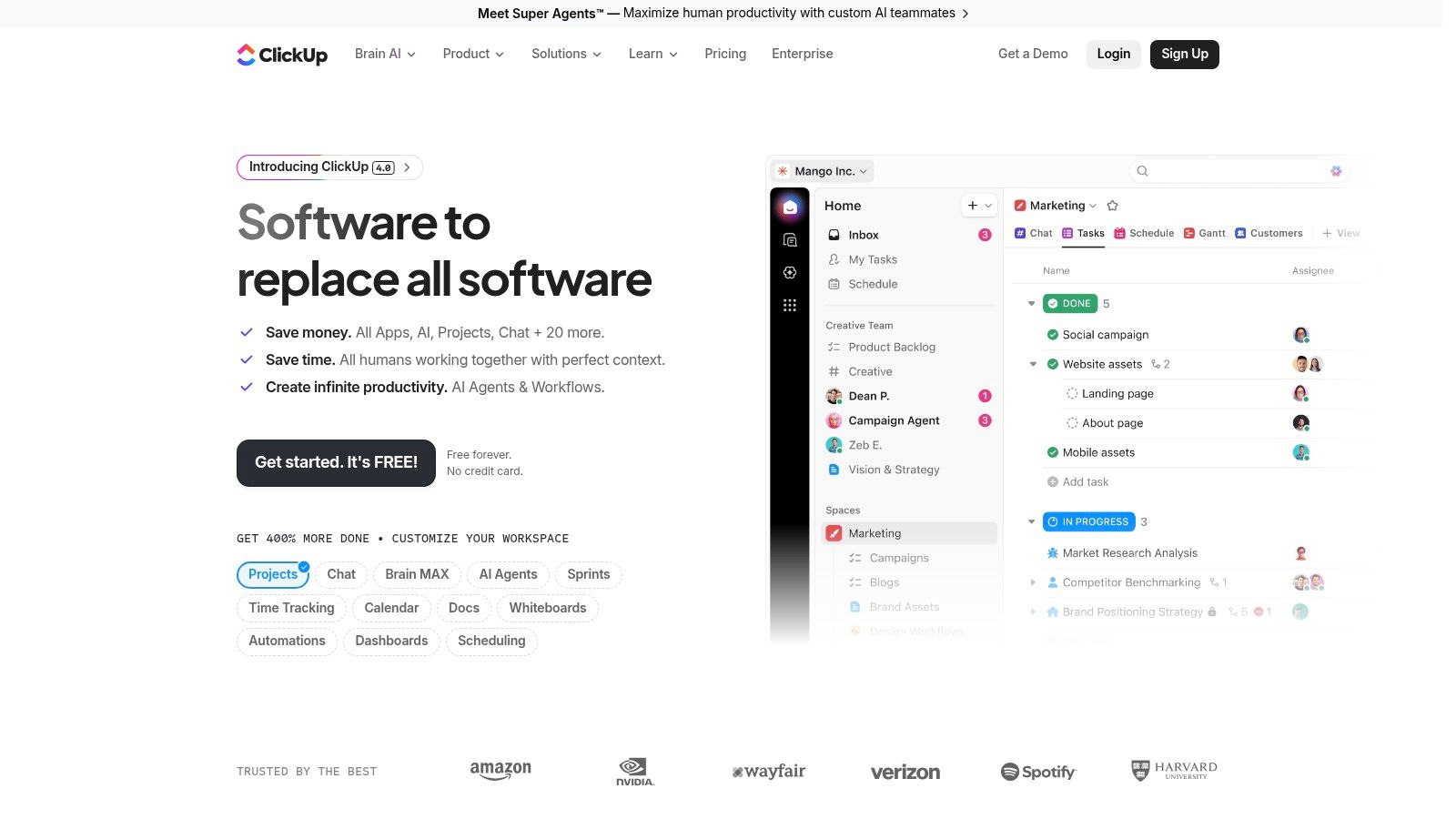
ClickUp is the tool agencies pick when they want one workspace to do almost everything. Project plans, SOPs, client dashboards, editorial calendars, meeting notes, and sprint boards can all live in one system. That flexibility is the appeal, and the risk.
For SEO operations, ClickUp is excellent when you want to connect planning to execution. Keyword clusters can feed briefs, briefs can feed content tasks, and content tasks can roll into campaign dashboards without bouncing between five systems.
What ClickUp does well in real agency use
ClickUp works best for agencies willing to design their own operating model. If you like building templates, custom fields, automations, and dashboards, you can shape it around technical SEO, content, link acquisition, and account management.
A few strengths stand out:
- Workflow depth: Docs, goals, dashboards, and task hierarchies let you build a full SEO delivery system in one place.
- Client collaboration: Guest access is useful when you want clients to review work without exposing the whole workspace.
- Automation potential: Repetitive handoffs, status updates, and recurring monthly work are easy to standardize.
The downside is that ClickUp can become messy if nobody owns structure. Agencies that skip taxonomy work end up with duplicate spaces, inconsistent statuses, and dashboards no one trusts.
ClickUp rewards disciplined operators. It punishes teams that think “we'll organize it later.”
It's also worth being realistic about add-ons. AI features, automation scale, and advanced governance can add both cost and admin decisions. Still, if you want a central hub for work plus documentation, it remains one of the strongest options in the category.
It pairs naturally with broader SEO software for agencies when you want the PM layer to sit above research, audit, and reporting tools.
See ClickUp if customization matters more to you than simplicity.
3. monday.com
monday.com is usually the fastest tool on this list to understand. Agencies adopt it because boards, automations, and dashboards are visual enough for account managers and clients, but structured enough for operations teams to standardize delivery.
That balance is useful in SEO, where work crosses content, technical, analytics, and client communication. monday.com handles campaign pipelines well, especially when you want visibility without turning the whole agency into PM specialists.
Best for growing agencies that need clarity
monday.com's own analysis of SEO operations points out a real limitation in general PM software: many tools fall short because they lack native ranking tracking, task-to-metric linking, and support for continuous optimization cycles. The same analysis emphasizes automated white-label reporting and customizable dashboards as important for proving value to clients in SEO environments, as discussed in monday.com's 2026 SEO project management analysis.
That aligns with how agencies use it. monday.com is strongest when you need a clean delivery layer and you're willing to connect reporting and SEO data through integrations or companion tools.
What to expect in practice:
- Strong visual workflow management: Great for content calendars, technical implementation queues, and campaign status boards.
- Cross-team expansion: CRM, service, and dev add-ons help if sales, support, and delivery all need to connect.
- Good client readability: Non-technical stakeholders usually understand monday.com faster than denser systems.
Its weak point is pricing clarity and usage sprawl. Seat minimums, plan differences, and AI credit models can make budgeting less straightforward than it should be.
If your agency wants to tie pipeline, delivery, and account management together, it also fits well inside a broader CRM stack for agencies.
Visit monday.com if you want visual structure and easier adoption across mixed teams.
4. Asana
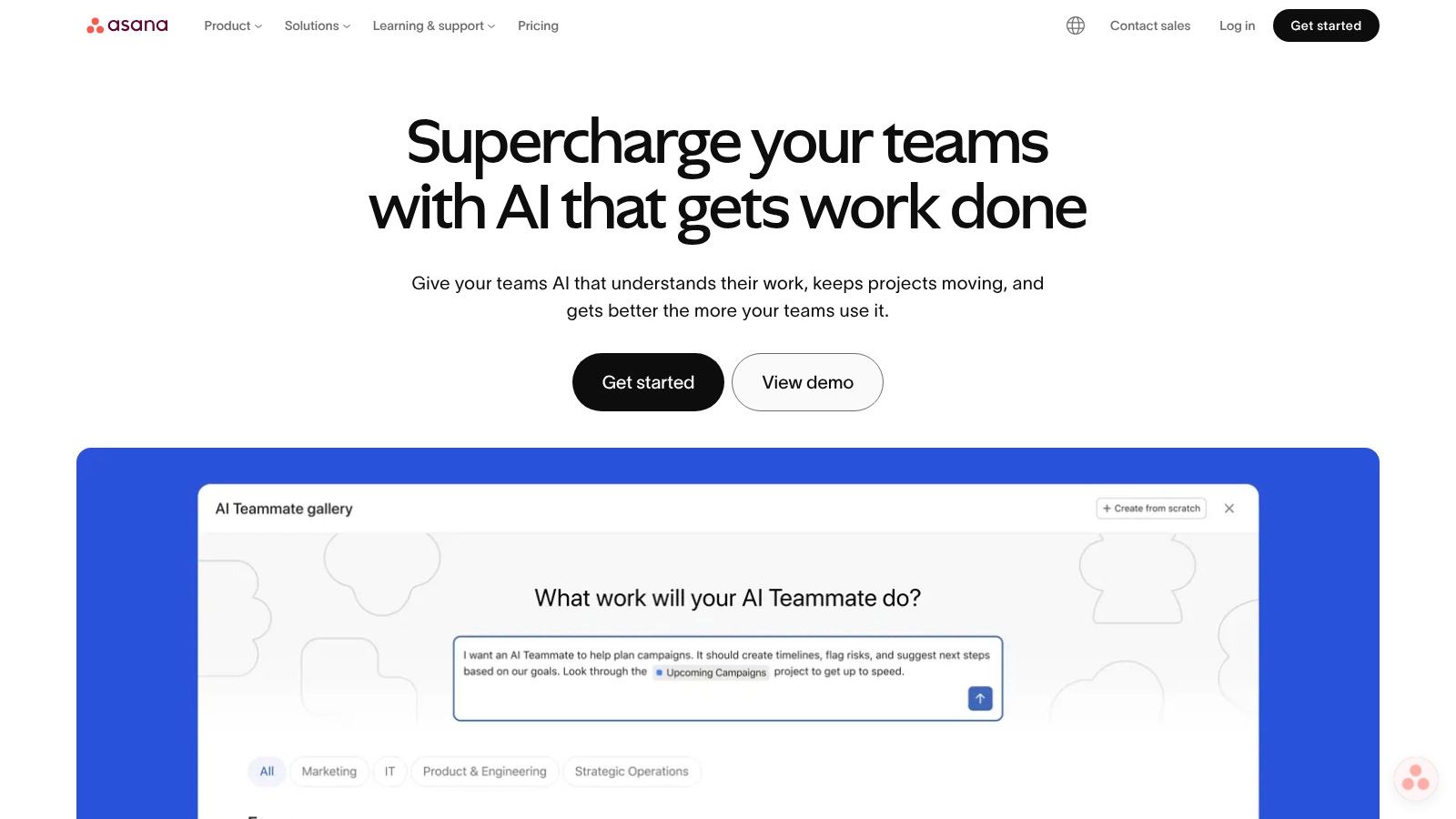
Asana is one of the easiest platforms to roll out across an SEO team without a long adoption curve. People understand projects, tasks, sections, timelines, and forms quickly. That matters when your bottleneck isn't software capability, but whether account managers, writers, strategists, and freelancers will effectively use the system.
For multi-client SEO work, Asana shines in deadline management and cross-functional visibility. It's especially good when one team owns strategy but hands work to content, design, dev, or external partners.
Where Asana wins and where it doesn't
Asana's clean interface is a real strength. Teams usually need less training to get moving, and unlimited guest access makes client and contractor collaboration easier than in tools that charge heavily for outside users.
It's a strong fit if you need:
- Clear campaign planning: Timeline, calendar, and list views are enough for most SEO roadmaps.
- Portfolio oversight: Higher tiers help operations leads monitor multiple client accounts in one view.
- Workload visibility: Capacity planning is better here than in many lightweight PM tools.
The limitation is financial control. Native time tracking and budgeting aren't Asana's strength, so agencies that need margin visibility usually add integrations or pair it with another system.
Asana is excellent for delivery coordination. It's less convincing if you want one tool to manage retainers, profitability, and billing discipline.
That makes it a good match for agencies that already have finance and reporting processes elsewhere. If your agency is still small and mostly needs clean execution, Asana can carry a lot of weight before you need something heavier.
Use Asana when team adoption matters more than extreme customization.
5. Wrike
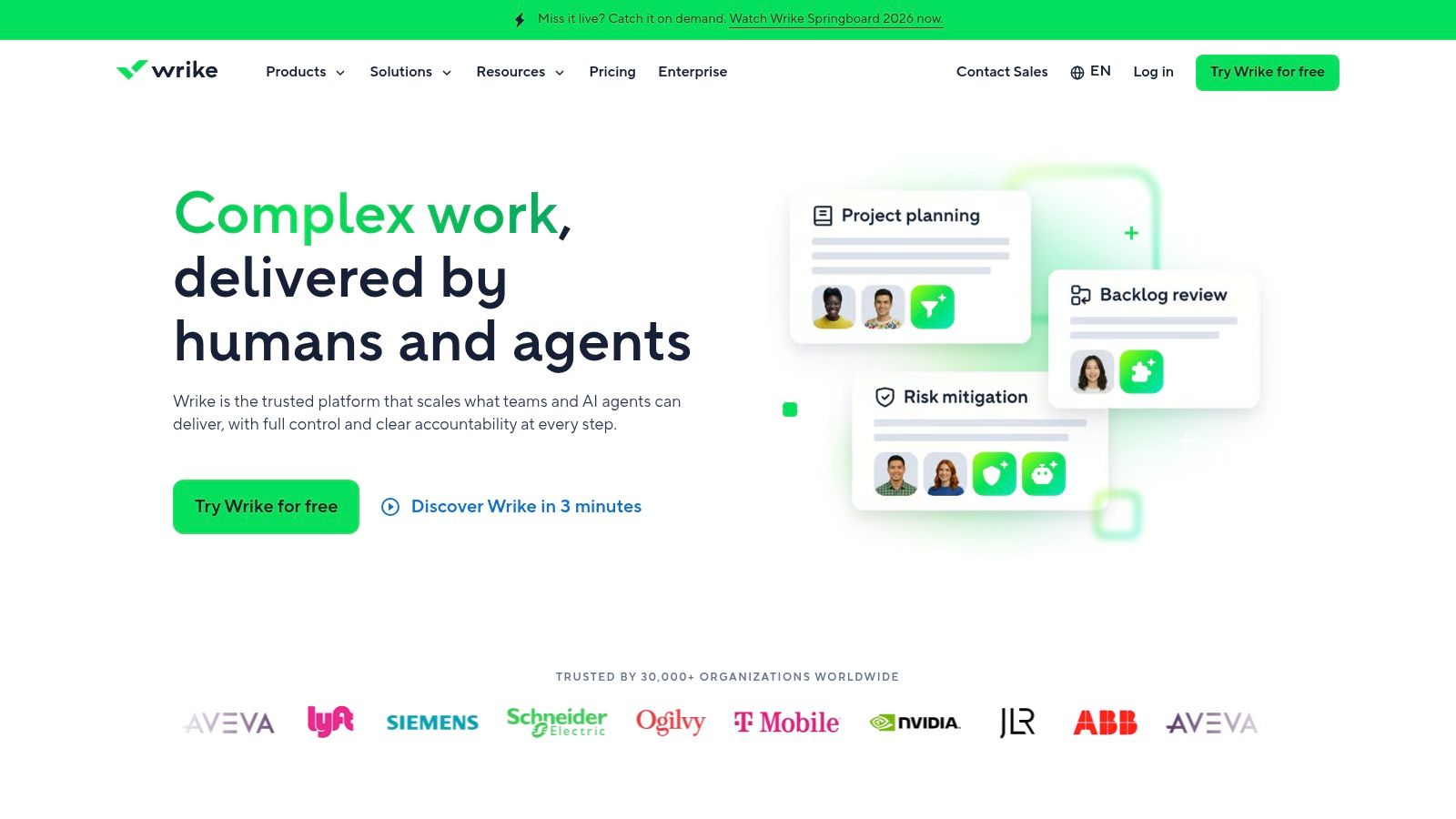
A common Wrike scenario looks like this. The SEO team is not just managing keyword work and content calendars. It is also routing dev tickets, collecting intake from account managers, tracking approvals across departments, and reporting progress to leadership in a format they can use.
That is where Wrike starts to make sense.
For agencies at an earlier stage, Wrike can feel heavy. For agencies with growing delivery complexity, that weight is often the point. You get more control over how work enters the system, how it moves, who approves it, and how performance is reported across a large client book.
Why mature agencies choose Wrike
Wrike fits agencies that are building operational discipline, not just task visibility. If your current problem is inconsistent intake, unclear ownership between SEO, content, and dev, or poor reporting across dozens of active campaigns, Wrike gives you more structure than simpler tools.
The features that usually justify the added setup are:
- Structured request intake: Useful for technical SEO asks, content production requests, and internal handoffs that need the right fields every time.
- Detailed reporting: Better suited to directors and operations leads who need portfolio views, not just project-level status.
- Complex workflow control: Helpful when approvals, dependencies, and cross-team coordination are part of normal delivery.
- Scalability for larger teams: A stronger fit for agencies standardizing service lines and formalizing how campaigns are run.
The trade-off is real. Wrike needs deliberate configuration, clear admin ownership, and a team willing to work inside a defined process. I would not put it in front of a solo consultant or a small agency that still changes its workflow every month. They usually get more software than they can use.
But if your agency is entering the stage where process inconsistency is hurting margin, delivery speed, or client confidence, Wrike is worth serious evaluation. It is a better match for scaling teams than for small ones, and that distinction matters more than any feature checklist.
6. Basecamp
Basecamp stays alive in agency circles for one reason. Clients use it.
That sounds simple, but it matters. A lot of seo agency project management software fails not because the feature set is weak, but because external collaborators ignore it and go back to email. Basecamp avoids that problem better than most.
Best for simple collaboration, not heavy operations
Basecamp gives you message boards, to-dos, schedules, docs, files, and chat in a format that feels approachable. For freelancers, boutique agencies, and account-led shops, that can be enough.
It works well when your delivery model is straightforward:
- Client communication hub: Fewer lost emails and easier context history.
- Low admin burden: You won't spend weeks configuring it.
- Predictable collaboration: Clients can join without much friction.
But Basecamp is intentionally light on power features. You won't get strong native resource planning, deep dependencies, or meaningful budget controls in the way you would from Teamwork, Productive, or Scoro.
Use Basecamp when communication chaos is the main problem. Don't use it when profitability visibility is the main problem.
That distinction matters. A lot of small agencies confuse “easy to use” with “good long-term fit.” Basecamp is excellent for keeping work organized and conversations centralized. It's less useful once utilization, retainer burn, and delivery forecasting become management priorities.
Check out Basecamp if you want a client-friendly collaboration hub more than a full agency operating system.
7. Productive
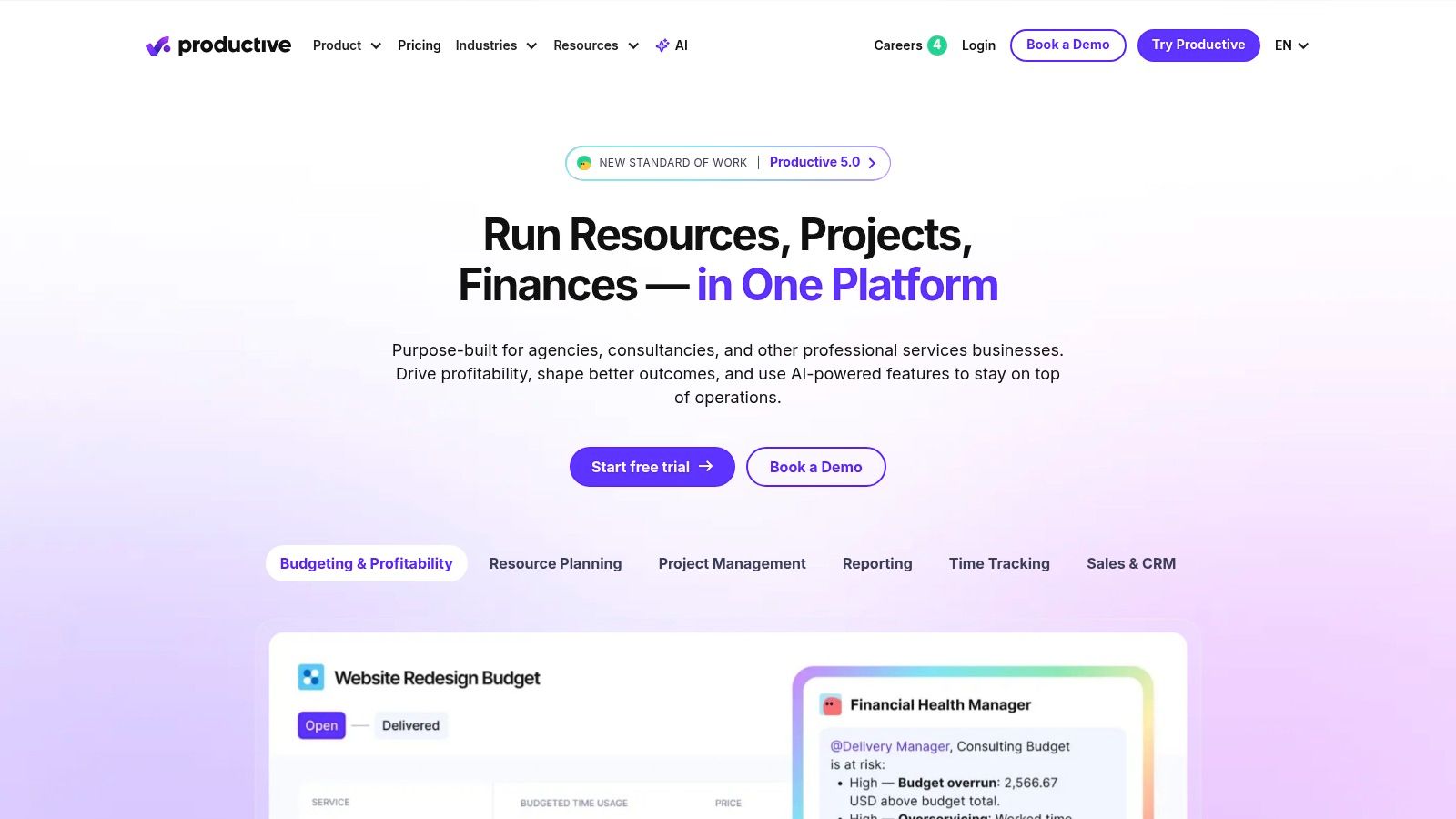
Productive is one of the better choices when your agency has moved past “project management” and into “operations management.” It connects delivery to budgets, retainers, invoicing, and reporting in a way that general PM tools usually don't.
For SEO agencies, that's valuable because recurring retainers can look healthy on paper while leaking margin through untracked requests, uneven staffing, and poor scope control. Productive gives you a clearer line from planned work to revenue and utilization.
Strong fit for agencies that care about margins
Productive feels most natural for agencies with established services and recurring client work. If your leadership team wants answers on account health, team utilization, or quoted versus actual effort, this is the kind of system that supports that conversation.
Its strengths are practical:
- Financial visibility: Budgets, multiple budgets per project, and invoicing live close to delivery.
- Agency reporting: Utilization and PM reporting are more useful than what you get in many general-purpose platforms.
- Retainer control: Better alignment for ongoing SEO work than task-first systems.
The trade-off is onboarding complexity. Productive asks you to think like an operator. Rate cards, budget structures, and reporting rules need setup discipline, and client user licensing can be less attractive if you want wide external access.
Still, if your agency is big enough that margin management matters every month, Productive is worth serious consideration.
8. Accelo
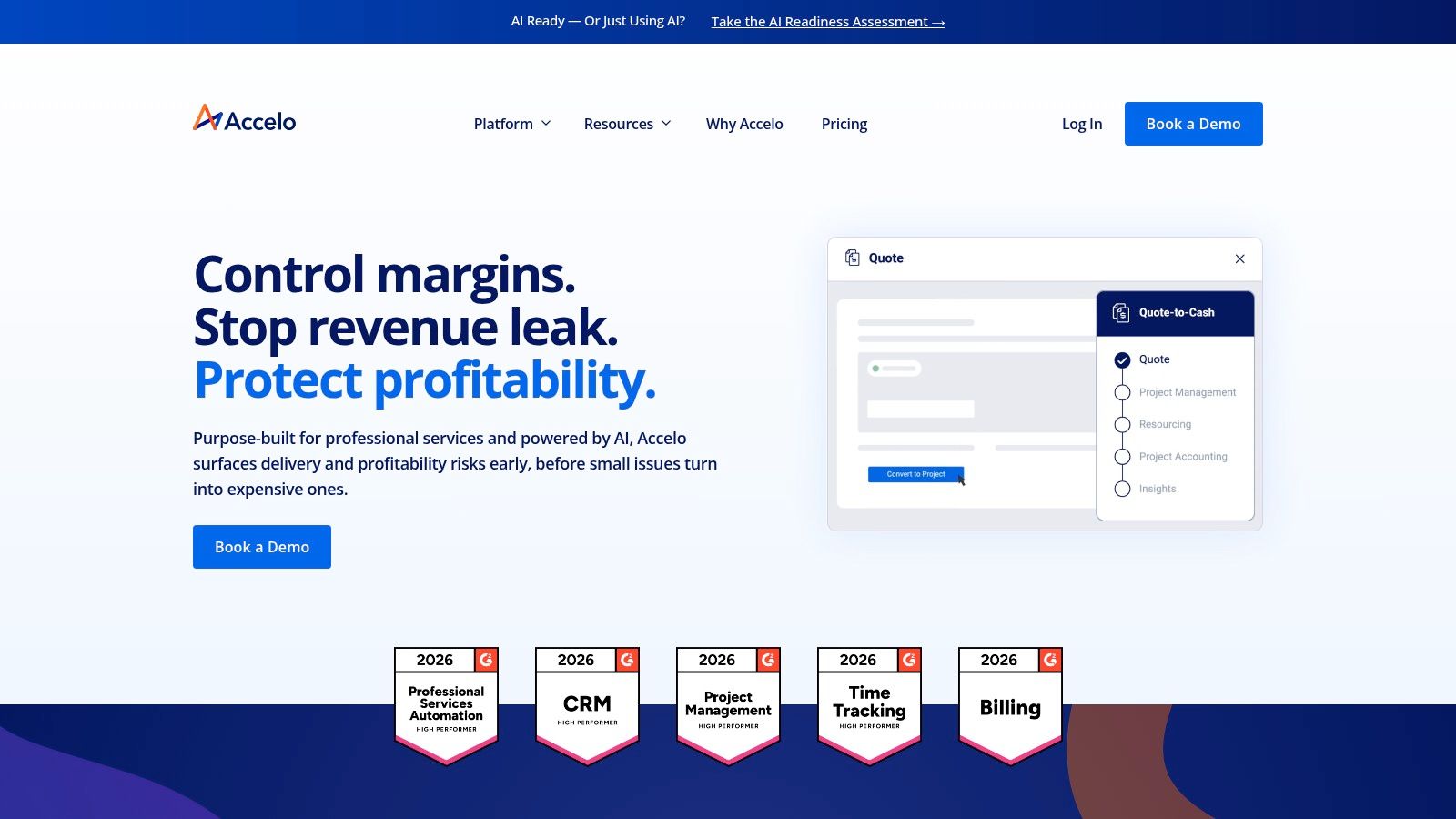
Accelo sits closer to PSA territory than standard PM software. That means it's less about pretty task boards and more about linking CRM, quotes, projects, time, tickets, retainers, and invoicing in one workflow.
That model suits agencies that want less tool sprawl. If sales wins an SEO retainer, delivery starts, client support requests arrive, and invoices go out, Accelo is designed to keep that chain in one system.
A better fit for process-driven service firms
Accelo is usually strongest for agencies that already know they want CRM-to-cash visibility. It's not the easiest platform for a small team that only needs content boards and checklists. It is good for agencies tired of stitching together CRM, PM, ticketing, and billing.
Where it stands out:
- Retainers and tickets: Helpful for SEO accounts with ongoing support and reactive work.
- End-to-end workflow: Reduces handoff gaps between sales, delivery, and finance.
- Operational consistency: Good for firms that want repeatable service processes.
The trade-off is weight. Accelo can feel like too much system if your agency isn't mature enough to use the full chain. It also requires contacting sales for pricing, which makes early evaluation slower than tools with transparent self-serve plans.
For agencies that want operations discipline more than visual simplicity, Accelo deserves a look.
9. Scoro
A familiar agency problem looks like this. Rankings are improving, client renewals are steady, and the team is busy, yet leadership still cannot answer a basic question with confidence: which SEO accounts are making money?
Scoro is built for that stage.
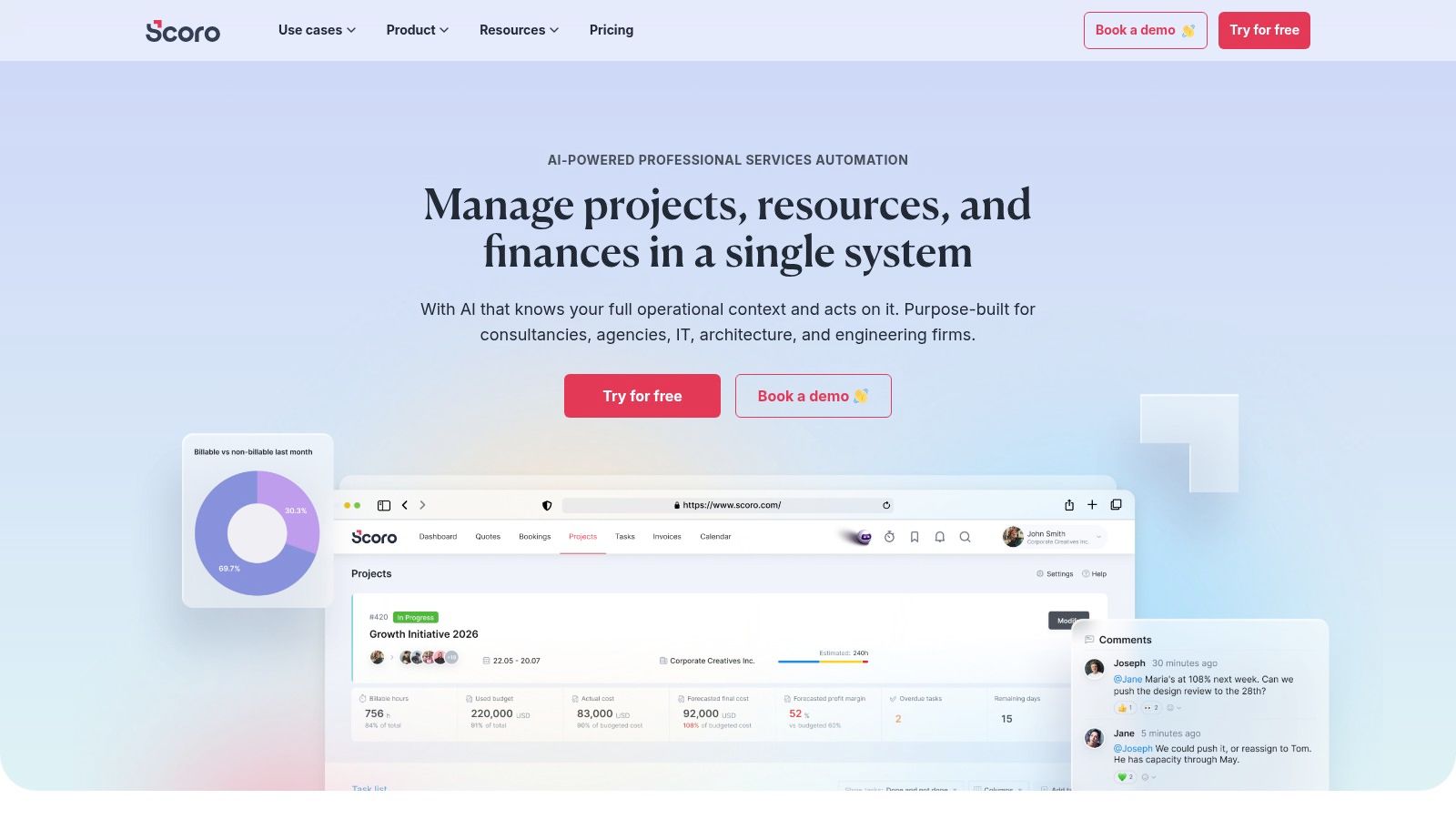
It sits closer to an agency operations platform than a standard task manager. Projects, quotes, retainers, budgets, time, utilization, and invoicing live in the same system, which makes it easier to see whether a retainer is healthy or subtly over-serviced.
Best for agencies graduating from delivery tracking to business control
Scoro usually makes sense once an agency has outgrown simple task visibility and needs tighter control over margin and capacity. For a solo consultant or very small SEO shop, it can feel heavy. For a growing team with account managers, specialists, and leadership all needing different views of the same work, the structure starts to pay off.
What it does well:
- Quoted versus actual tracking: Helps catch retainers that look fine on paper but burn too many delivery hours.
- Utilization and capacity planning: Useful when forecasting hiring needs or spotting overloaded specialists.
- Retainer and financial oversight: Stronger than typical PM tools if finance and delivery need shared visibility.
- Process discipline: Better suited to agencies that want standardized workflows across accounts.
The trade-off is adoption effort. Scoro works best when your agency already has defined services, role rates, and delivery stages. If those are still loose, the software will expose the mess rather than fix it for you. That is valuable for mature agencies and frustrating for early-stage teams.
This is why Scoro fits a narrower, more advanced part of the market than tools built mainly for task collaboration. It is a stronger match for agencies in the scaling stage that need operational maturity, not just a cleaner board view.
Visit Scoro if your biggest SEO operations problems are profitability, forecasting, and retainer control rather than basic project coordination.
10. Notion
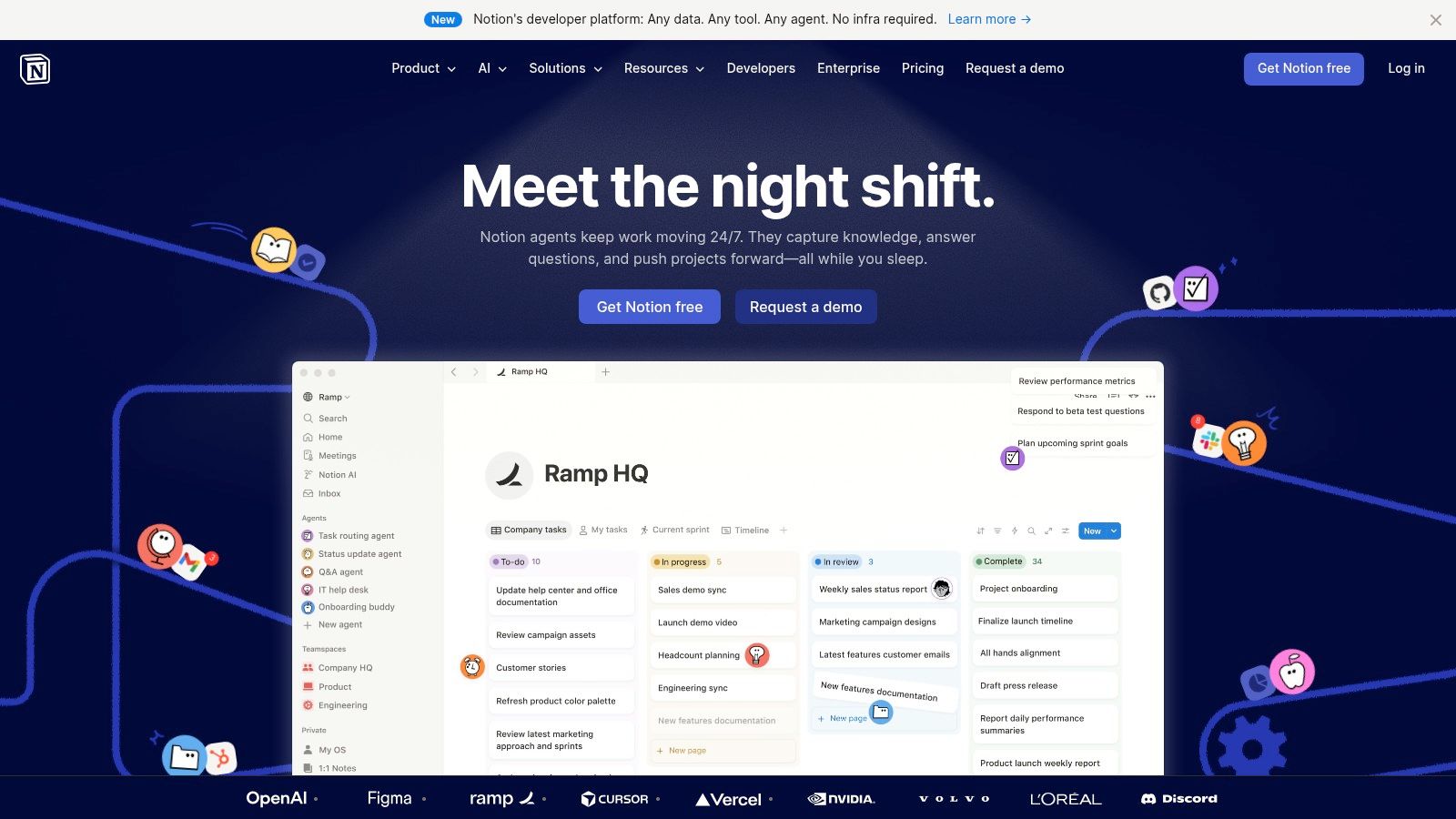
An SEO agency hits this point fast. Tasks live in one tool, but key operating knowledge is scattered across Google Docs, Slack threads, old client decks, and someone's head. Notion fixes that problem better than almost anything on this list.
For agency operations, Notion works best as the knowledge system that sits beside your delivery tool. It gives structure to the parts of SEO work that do not fit neatly inside task management. SOPs, content briefs, QA checklists, onboarding docs, client notes, reporting context, link building databases, and strategy decisions all need a home. If they stay buried inside task cards, teams waste time searching and repeat work.
That is why Notion shows up so often in agency stacks. According to Ramp's project management software category data, Notion has broad adoption among businesses using project management software. The exact month matters here, and any reference to May 2026 should be treated as a typo, not a future-dated benchmark.
The trade-off is operational discipline. Notion is flexible enough to support almost any structure, which also means it can turn into a messy wiki if nobody owns taxonomy, templates, and permissions. I have seen agencies build beautiful workspaces that fail, often subtly, because account managers keep using old docs and specialists save process updates somewhere else.
Where it fits by agency stage is fairly clear:
- Solo consultant or small SEO shop: Strong choice if you need one place for SOPs, deliverable templates, research notes, and client documentation.
- Growing agency: Useful as the source of truth behind a separate PM tool, especially once onboarding, QA, and handoffs start breaking down.
- Scaling team: Still valuable, but only if someone actively manages structure, naming conventions, and documentation standards.
A few practical use cases stand out:
- Knowledge management: Excellent for SOPs, playbooks, editorial standards, and repeatable SEO workflows.
- Client documentation: Good for strategy hubs, meeting notes, and shared reference pages.
- Light project tracking: Acceptable for simple workflows, weak once you need time tracking, budgeting, utilization, or retainer control.
Notion helps agencies mature operationally because it captures how work should be done, not just what is due next. That makes it a strong fit for teams whose biggest bottleneck is inconsistency, scattered knowledge, or poor handoffs, not financial control or advanced resource planning.
Use Notion if your agency needs a better system for documentation and process memory, and you already know your execution will live somewhere else.
Your System for Scalable SEO Success
Monday morning usually exposes the truth. One client wants an update on technical fixes, another is asking why content is late, and your team is checking three different places to figure out who owns the next step. At that point, software choice stops being a feature comparison and becomes an operating decision.
The right seo agency project management software matches the stage your agency is in. It should also leave room for the next stage, so you do not have to rebuild your delivery process every six months.
For solo consultants and very small teams, the bottleneck is usually consistency. Work gets dropped because tasks live in email, docs, and Slack threads instead of one system. Basecamp, Asana, and ClickUp fit well here because they solve the immediate problems: clear ownership, reusable templates, and a client-friendly way to keep communication visible.
As the agency grows, the problems change. Handoffs between SEO strategists, writers, developers, and account managers create delays. Recurring work needs structure. Capacity becomes harder to judge by instinct alone. Teamwork and monday.com tend to fit this stage well because they add process control without forcing a finance-heavy rollout before the team is ready for it.
At a more mature stage, delivery data has to connect to commercial data. That usually means tracking utilization, retainer burn, budget drift, and margin by client or service line. Productive, Scoro, Accelo, and sometimes Wrike are stronger options here. They require more setup discipline, but they give leadership a clearer view of whether the agency is busy, profitable, or both.
Reporting maturity matters too. Agencies now expect project management software to reduce manual status updates, support white-label reporting, and give clients a clearer view of progress. Those are no longer nice extras. They directly affect account confidence, renewal conversations, and how much time account managers spend chasing updates instead of managing outcomes.
My advice is simple. Buy for the bottleneck you already feel every week.
If deadlines slip because nobody owns work, fix task management first. If clients get frustrated because reporting is messy or delayed, prioritize visibility and reporting workflows. If margins are getting thinner because time, scope, and retainers are loosely tracked, move to an agency operations platform sooner than feels comfortable.
Good systems do not replace good operators. They make strong operators more consistent, help new hires ramp faster, and reduce the agency's dependence on memory, spreadsheets, and last-minute rescue work.
If your agency is tightening operations on the delivery side, it usually makes sense to tighten lead generation on the sales side too. Earlybird AI helps agencies automate Upwork outreach with personalized proposals, fast response handling, profile optimization, and multi-user workflows, so your team can spend less time chasing new work manually and more time delivering the client work your new PM system is built to support.




