
← Back To Blog
Top 12 SEO Reporting Software for Agencies in 2026
For a growing SEO agency, manual reporting is a silent killer of profitability. Pulling data from Google Analytics 4, Search Console, rank trackers, and backlink tools into spreadsheets is tedious, error-prone, and impossible to scale. Your clients expect professional, data-rich reports that not only show progress but also tell a clear story about the return on their investment. This is where dedicated SEO reporting software for agencies becomes essential.
These platforms are designed to automate data collection, create stunning white-labeled dashboards, and improve client communication. This frees up your team to focus on what they do best: driving results. Instead of spending hours compiling metrics, your strategists can spend that time analyzing performance and identifying new opportunities. For agency owners, this transition from manual chaos to automated efficiency directly impacts your bottom line, improving margins and enabling your business to grow.
This guide moves beyond generic feature lists. We will dive deep into the top 12 reporting solutions, providing an honest assessment of their strengths, weaknesses, and ideal agency use cases. Each review includes screenshots and direct links to help you find the perfect fit for your workflow and budget. We will explore how tools like multi-client dashboards, automated report scheduling, and deep integrations can transform your agency's service delivery. The goal is to help you select and implement the right platform to prove your value and retain clients longer.
1. AgencyAnalytics
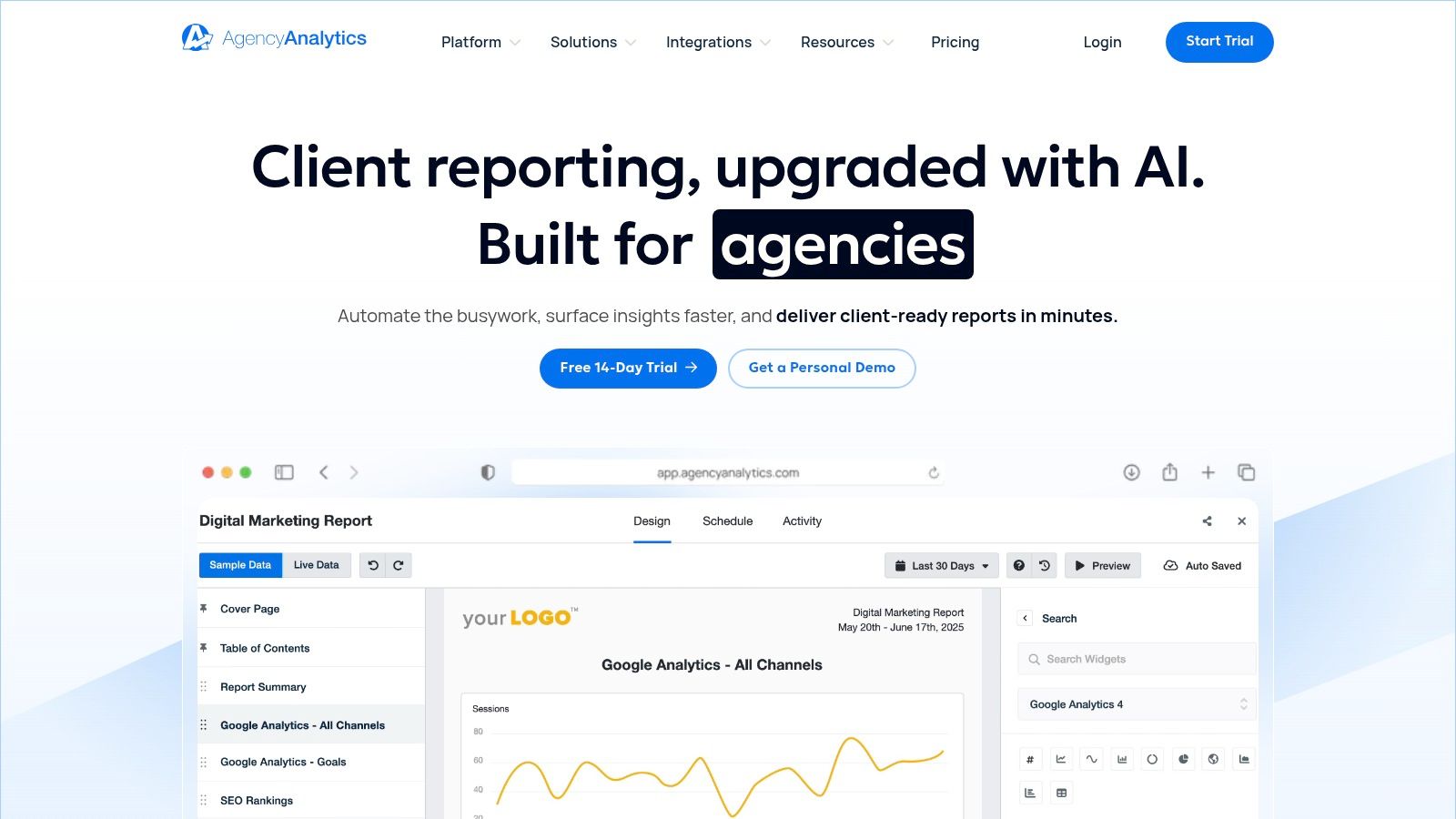
AgencyAnalytics is an agency-first reporting platform built from the ground up to automate and simplify client communication. It consolidates data from over 80 marketing channels, including essential SEO tools like Google Analytics 4 and Google Search Console, into one cohesive, brandable interface. Its primary strength lies in its ability to combine a native SEO toolkit with broad, multi-channel reporting, making it a standout choice for agencies that offer more than just SEO services.
Why It's a Top Choice for Agencies
This platform excels at creating a professional, white-labeled client experience. Agencies can set up custom domains and email branding, giving clients a secure portal to view their campaign performance anytime. The integrated SEO tools, which include a rank tracker, site auditor, and backlink monitor, are robust enough for most client needs, reducing the necessity for multiple separate subscriptions. This consolidation is a significant workflow advantage, making it a valuable piece of an agency's overall technology stack. For more on building an effective agency toolkit, explore this guide on essential software for a digital marketing agency.
Practical Insights & Considerations
- Pros: Its design is purpose-built for agency workflows, featuring excellent client management, automated reporting, and staff permission levels. The white-labeling is mature and easy to implement.
- Cons: The pricing model is based on the number of client campaigns, which means costs can increase significantly as your agency grows. Access to more advanced features or higher API limits often requires upgrading to a higher-tier plan.
- Pricing: Plans start at $12 per client campaign/month, with different tiers offering more features and user seats.
- Website: https://agencyanalytics.com
2. Whatagraph
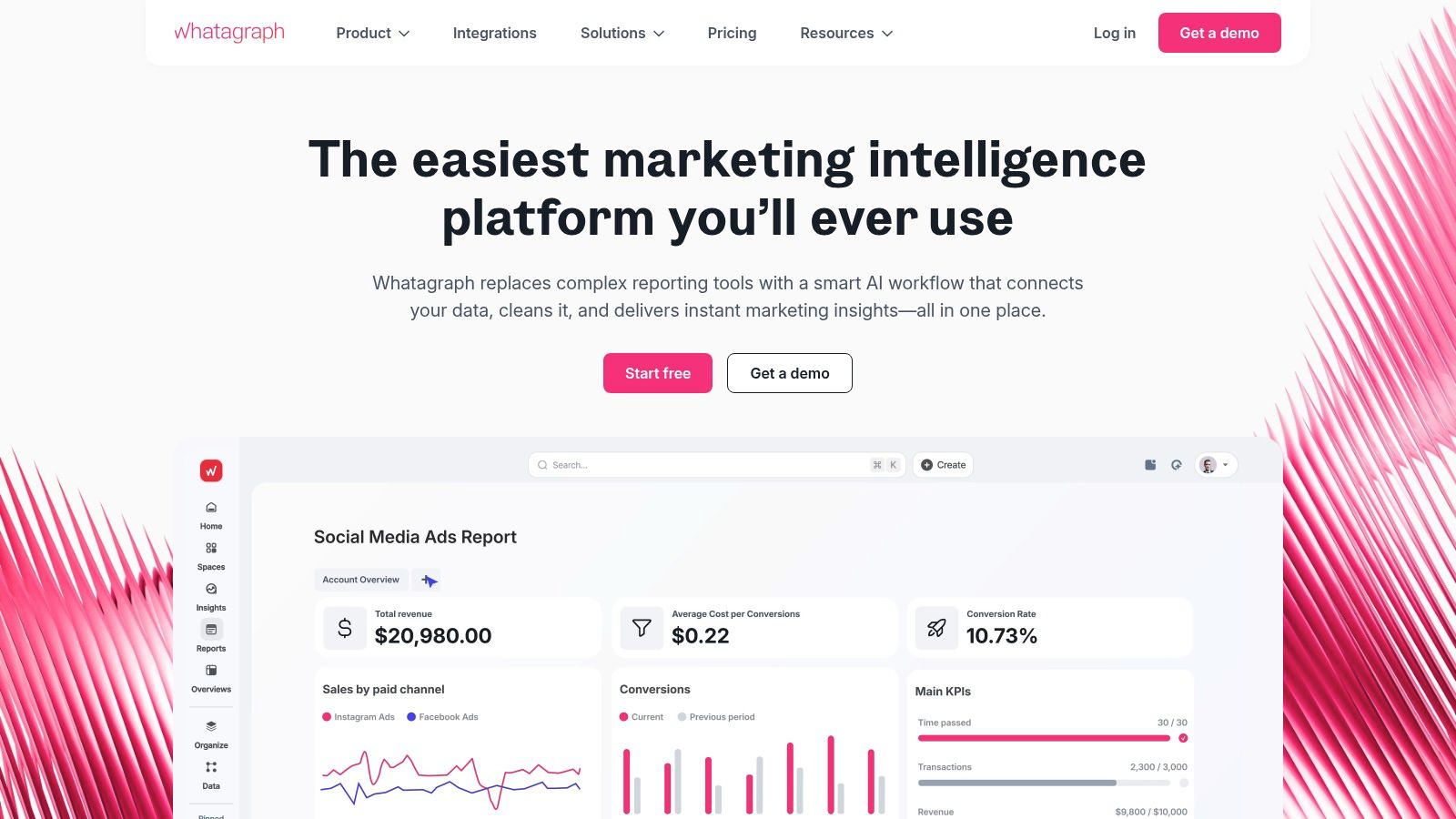
Whatagraph is a marketing data aggregation and reporting platform designed for agencies that prioritize visually engaging, presentation-ready reports. It excels at consolidating data from over 50 marketing platforms, including Google Analytics 4, Search Console, and various social media channels, into polished, automated dashboards. Its primary value for agencies lies in its powerful templating system and report-wide filters, which allow for the quick creation and standardization of complex, multi-account reports for different clients.
Why It's a Top Choice for Agencies
This platform stands out for its strong emphasis on report design and aesthetics, enabling agencies to deliver professional, branded insights without extensive manual design work. The multi-account data consolidation feature is a significant advantage, allowing you to pull data from numerous client accounts into a single, unified report. This makes it an ideal piece of seo reporting software for agencies managing clients with multiple business locations or complex campaign structures. The ability to create custom templates ensures brand consistency and drastically cuts down on the time required to build new client reports.
Practical Insights & Considerations
- Pros: Its beautiful, ready-to-use templates and intuitive report builder save considerable time. The advanced filtering and widget-level controls are excellent for creating highly customized views for sophisticated client needs.
- Cons: The pricing is on the higher end compared to some competitors, which may be a barrier for smaller agencies. The credit-based system for certain features and data sources requires careful planning to avoid unexpected costs as your agency scales.
- Pricing: Custom pricing is provided based on the number of data sources and features required. A "Professional" plan is available, with costs tailored to agency needs.
- Website: https://whatagraph.com
3. DashThis
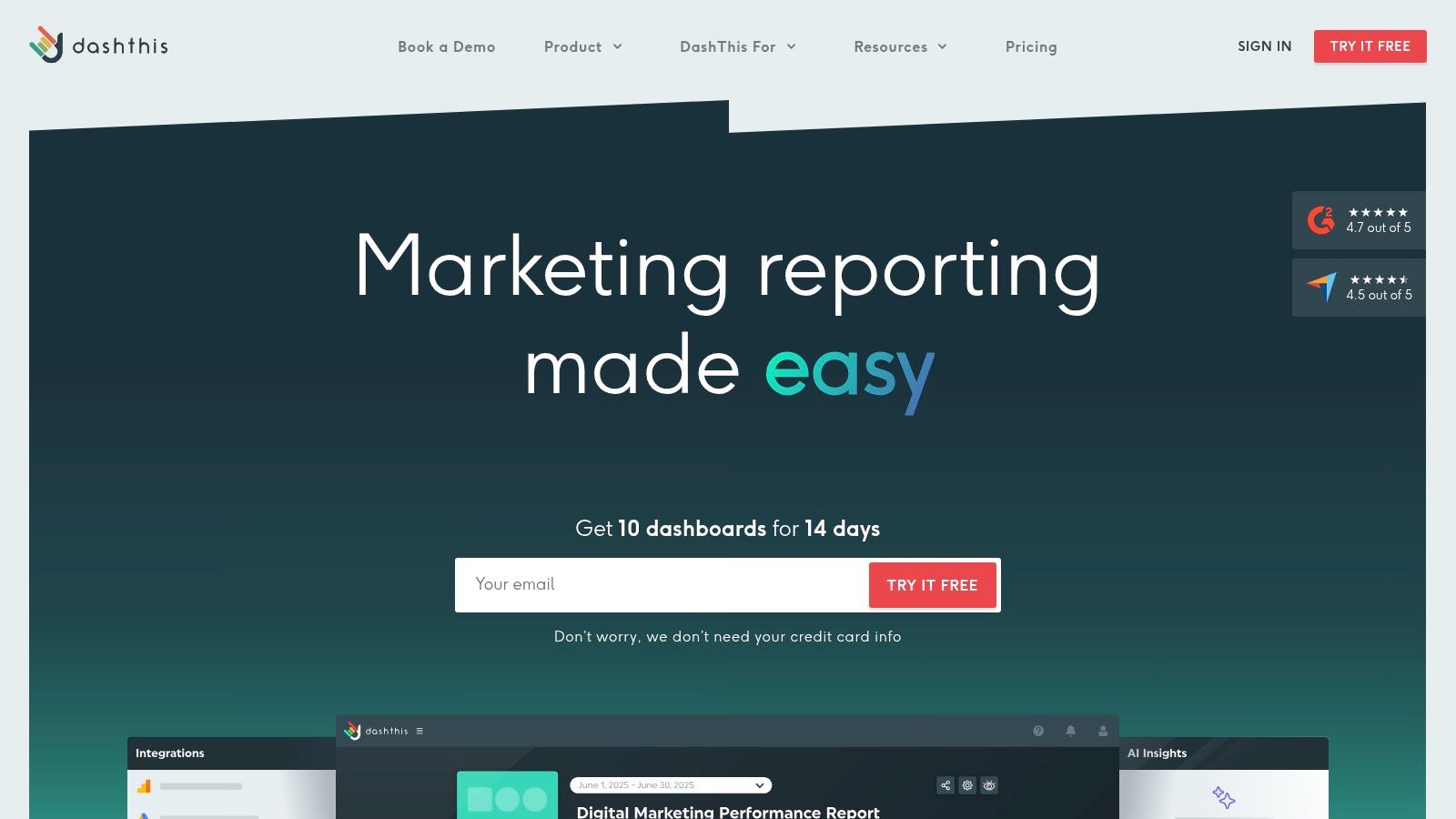
DashThis is a user-friendly reporting and dashboard tool designed for agencies and marketers who need to produce clear, attractive reports quickly. It excels at pulling data from key SEO sources like Google Analytics 4 and Google Search Console, alongside paid media and social channels, into simple, shareable dashboards. Its core value is speed and simplicity, making it an ideal choice for lean teams or agencies that prioritize efficient reporting without a steep learning curve.
Why It's a Top Choice for Agencies
This platform stands out for its quick-start templates and straightforward interface, which allows agencies to generate professional, white-labeled reports in minutes. The focus is purely on data visualization and reporting, not deep SEO analysis, making it an excellent reporting layer on top of other specialized tools. Agencies can automate report delivery via email or a shared URL, providing clients with a clean and accessible view of their campaign results. Its 1-on-1 onboarding support is also a significant benefit for teams needing to get up and running without delay.
Practical Insights & Considerations
- Pros: The simple user interface requires minimal training or ongoing maintenance. Its entry-level pricing is competitive, making it one of the more accessible pieces of seo reporting software for agencies.
- Cons: Pricing is often tied to the number of dashboards, so costs can escalate as you add more clients or reports. It lacks native deep-dive SEO research tools, functioning primarily as a reporting and visualization layer.
- Pricing: Plans are based on the number of dashboards, starting from around $45/month for three dashboards.
- Website: https://dashthis.com
4. Swydo
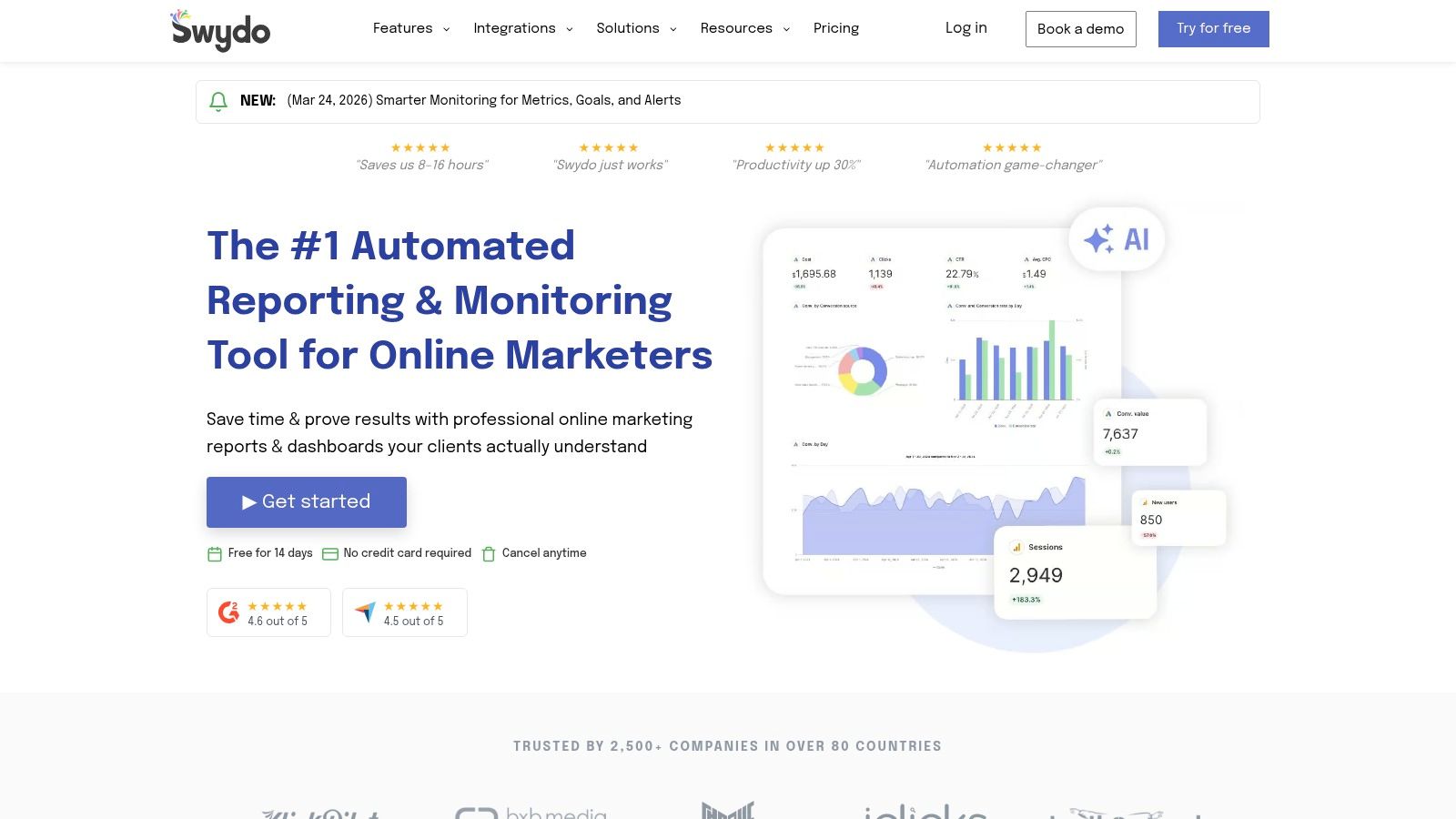
Swydo is a reporting and monitoring platform built with a clear focus on agency efficiency and cost predictability. It allows teams to automate the creation and delivery of cross-channel reports, combining SEO metrics with data from paid media, social, and other channels. Its major advantage is a pricing model that scales with data sources, not clients, making it an economically sound choice for agencies managing a large volume of customer accounts who need reliable, scheduled reporting without unpredictable cost increases.
Why It's a Top Choice for Agencies
The platform’s structure is designed to save agencies time. Features like automated report scheduling, goal setting, and performance alerts mean less manual work and more proactive client management. For agencies offering both SEO and PPC, Swydo provides a unified view that clients can easily understand. Its inclusion of unlimited clients, users, and dashboards in its base plans removes common barriers to growth, allowing an agency to scale its client base without immediately scaling its software costs, which is a significant operational benefit.
Practical Insights & Considerations
- Pros: The source-based pricing is exceptionally agency-friendly, offering excellent value for teams with many clients. Its strong automation features for scheduling and sending reports are a core time-saver.
- Cons: While its report customization is solid, it may not offer the same level of deep design flexibility found in dedicated, high-end business intelligence (BI) tools. The list of integrations is robust but not as extensive as some larger enterprise platforms.
- Pricing: Plans are based on the number of data source connections, starting from around $49/month for 10 sources.
- Website: https://www.swydo.com
5. ReportGarden
ReportGarden is a reporting and budget management tool designed for agencies managing multiple client campaigns across various channels. It focuses on combining automated client reporting with essential budget pacing and performance management features. With over 100 integrations, it pulls data from SEO, PPC, and social media platforms into a single, cohesive view, making it a practical option for agencies that need to show the combined impact of their marketing efforts.
Why It's a Top Choice for Agencies
The platform’s core strength is its unification of reporting with budget and campaign management. This is especially useful for agencies running integrated campaigns where SEO performance needs to be reported alongside PPC spend. ReportGarden allows you to create automated reports and dashboards that not only show SEO metrics but also track budget pacing against client goals. This dual functionality helps agencies provide a more complete picture of marketing ROI, linking organic performance to paid campaign efficiency without needing separate tools. The personalized onboarding and proof-of-concept setup also help agencies get started quickly.
Practical Insights & Considerations
- Pros: The entry-level pricing offers good value for freelancers and smaller agencies. Its ability to combine budget tracking with report automation in one place is a key workflow advantage.
- Cons: The interface is simpler and may lack the advanced business intelligence or data modeling features found in more expensive platforms. As your client count grows, certain features or higher usage limits may require plan upgrades.
- Pricing: Plans are tiered based on features and the number of dashboards/reports.
- Website: https://reportgarden.com
6. Databox
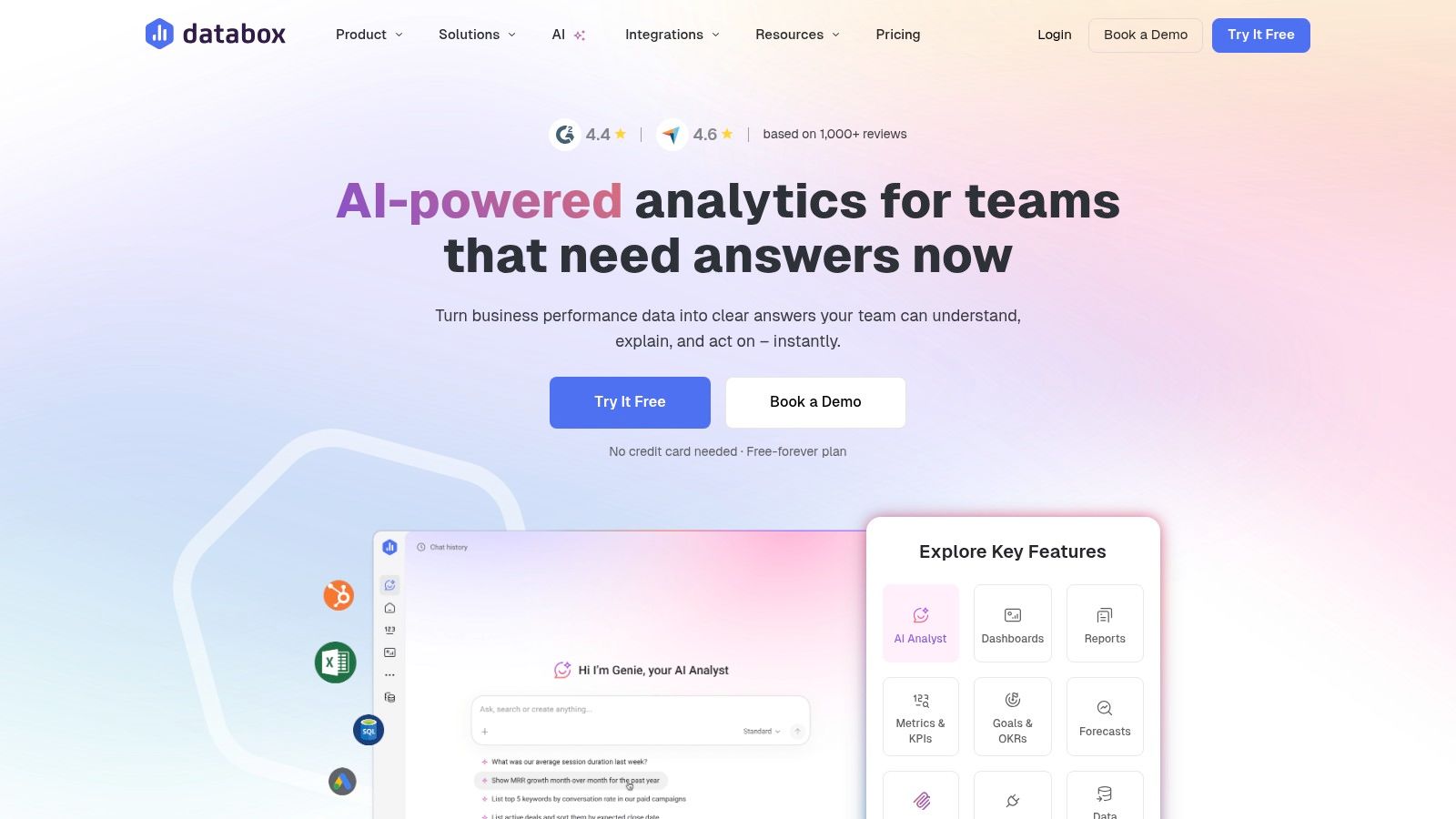
Databox is a business analytics platform focused on creating executive-ready dashboards and scorecards that consolidate data from numerous sources. While not a dedicated SEO tool itself, it serves as a powerful aggregator, connecting with essential data sources like Google Analytics 4, Google Search Console, Ahrefs, and Semrush via native connectors. Its core value for an agency is its ability to present high-level performance metrics in a clean, visual format that clients can understand at a glance.
Why It's a Top Choice for Agencies
The platform shines in its flexibility and its extensive template library, which provides a fast-track to creating reports for common agency use cases. Agencies can quickly build and deploy white-labeled dashboards that combine SEO metrics with data from paid media, social media, and CRM platforms for a full-funnel view. Features like goal tracking, automated alerts for performance changes, and scheduled snapshots make it an excellent tool for proactive client management and making data-driven decisions.
Practical Insights & Considerations
- Pros: Databox offers strong data flexibility through native connectors and an API for custom data. Its template library and mobile app access are significant workflow advantages. It easily scales beyond just SEO reporting to become a central business intelligence hub for your agency and its clients.
- Cons: You will still need separate subscriptions to deep-dive SEO tools like Ahrefs or Semrush for crawling and backlink analysis. The free plan was sunset, making it a fully paid product.
- Pricing: Paid plans begin at $66/month (billed annually) for the "Starter" plan, which includes 5 data source connections and 5 dashboards.
- Website: https://databox.com
7. Google Looker Studio (and Looker Studio Pro)
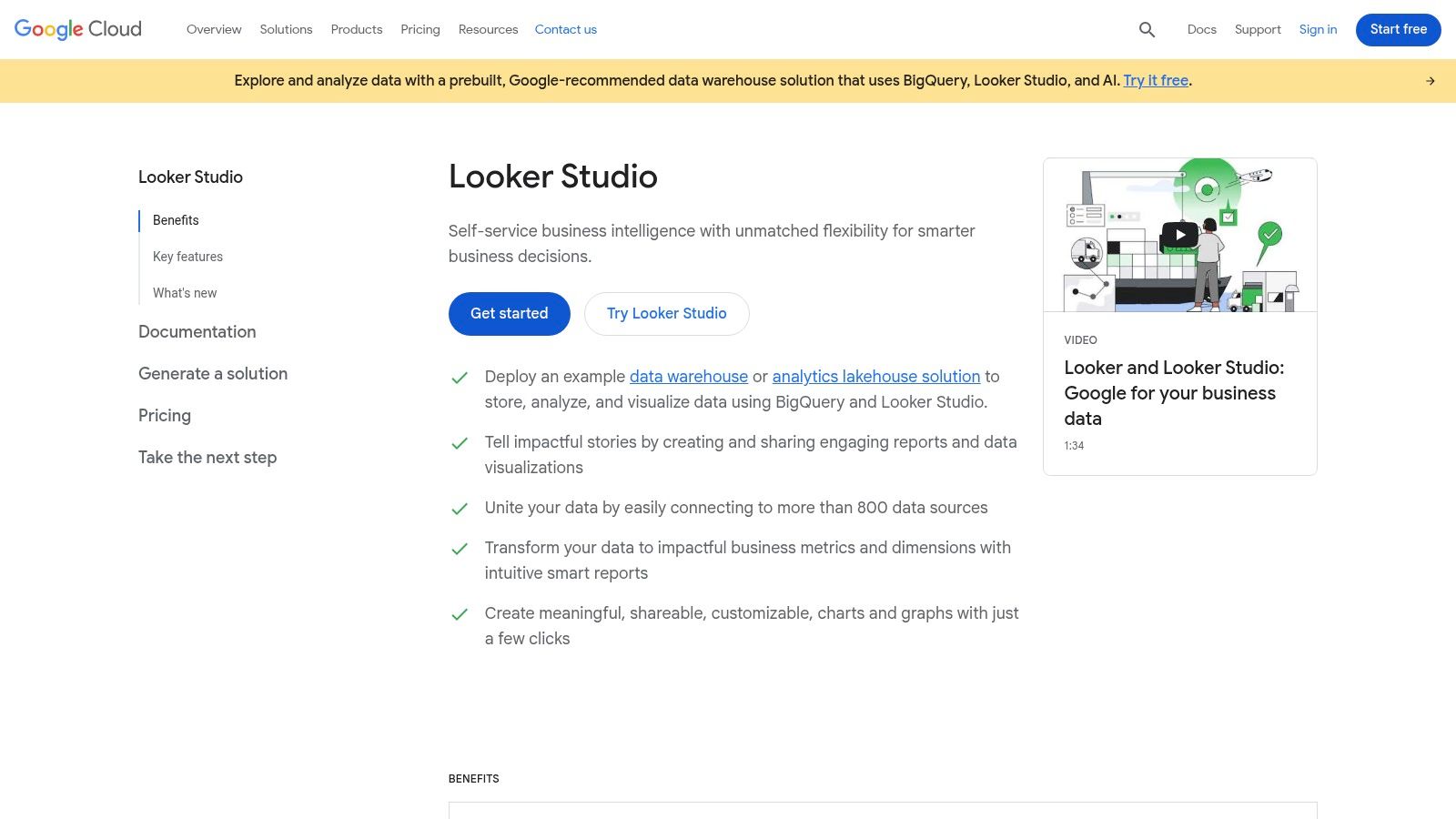
Google Looker Studio is a powerful data visualization and dashboarding tool that excels at centralizing information. Its core product is free, providing a flexible, no-cost entry point for agencies to build custom SEO reports. It naturally integrates with key Google products like Google Analytics 4, Google Search Console, and BigQuery, making it the default choice for agencies deeply embedded in the Google ecosystem who need full control over their report design.
Why It's a Top Choice for Agencies
The platform’s main advantage is its extreme customizability. Unlike template-based tools, Looker Studio allows an agency to build a report from a blank canvas, ensuring the final product perfectly matches client needs and agency branding. This makes it an ideal piece of seo reporting software for agencies that manage large or complex datasets, especially when using BigQuery for advanced data warehousing. The introduction of Looker Studio Pro also adds enterprise-level governance and collaboration features for larger teams.
Practical Insights & Considerations
- Pros: The $0 entry price for the core product is a major draw, and its native support for GA4 and GSC is unmatched. The high degree of customization is perfect for creating bespoke client-facing dashboards.
- Cons: Connecting to third-party SEO platforms like Ahrefs or Semrush almost always requires purchasing separate, paid connectors. The Pro version's pricing is tied to Google Cloud billing and can introduce per-user costs, making it less predictable than flat-rate tools.
- Pricing: The core Looker Studio is free. Looker Studio Pro is available through Google Cloud and has usage-based or negotiated pricing.
- Website: https://cloud.google.com/looker-studio
8. NinjaCat
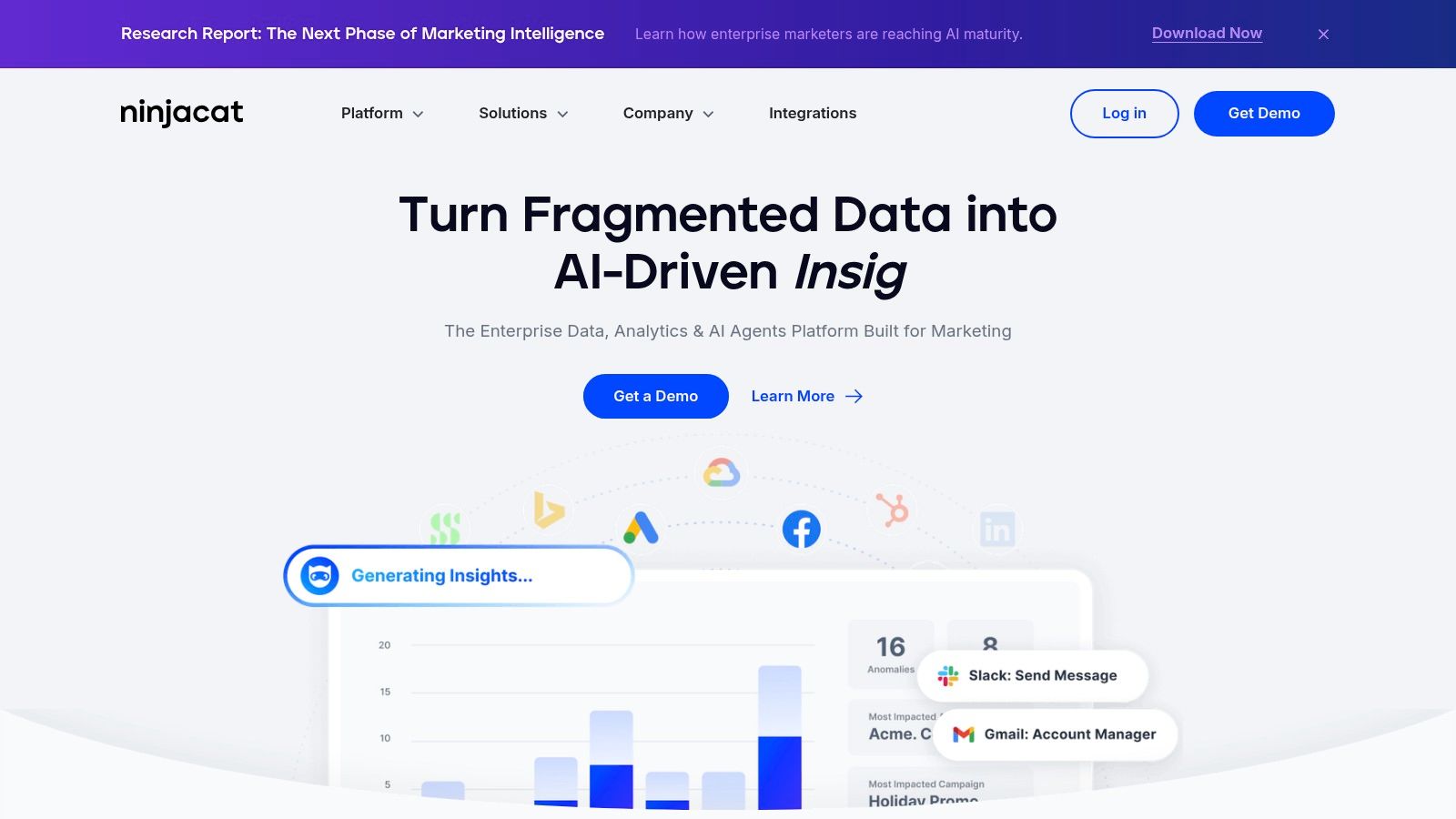
NinjaCat is a marketing performance and reporting platform designed for agencies operating at scale. It centralizes data from a broad array of marketing channels into a unified data layer, allowing for the creation of sophisticated, no-code dashboards and templated reports. Its core function is to manage and automate reporting across hundreds of client accounts efficiently, making it a powerful solution for mid-to-large agencies that require robust data infrastructure and governance.
Why It's a Top Choice for Agencies
The platform's true strength is its ability to templatize and automate reporting at an enterprise level. An agency can create a master report template and deploy it across hundreds of clients with a few clicks, with each report automatically populating with the correct client data. This makes NinjaCat a formidable piece of an agency’s technology stack for delivering consistent, professional reporting without the manual overhead. The managed data infrastructure also means agencies can trust the data integrity and focus on delivering insights rather than data wrangling, a key benefit for any agency looking for reliable SEO reporting software for agencies.
Practical Insights & Considerations
- Pros: It is built for scale with superior multi-client automation and governance features. The platform offers strong customer support and provides valuable agency enablement content and resources.
- Cons: The pricing is quote-based and reflects its enterprise focus, making it a significant investment compared to SMB-focused tools. Its complexity can present a steep learning curve for small teams or those needing simple dashboards.
- Pricing: Custom quote-based pricing tailored to agency size and needs. It is generally positioned for mid-market and enterprise agencies.
- Website: https://www.ninjacat.io
9. Semrush (My Reports + Client Portal)
Semrush is a widely recognized all-in-one SEO and marketing suite, but its reporting features specifically cater to agency needs. For agencies already invested in the Semrush ecosystem for keyword research, site audits, and competitive analysis, using its native reporting tools is a natural extension. The platform's "My Reports" feature allows for the creation of automated, branded PDF reports that pull data directly from Semrush projects, Google Analytics 4, and Google Search Console. This integration makes it a powerful piece of SEO reporting software for agencies that prefer a unified toolkit.
Why It's a Top Choice for Agencies
The primary advantage is workflow efficiency. Instead of exporting data from one tool to import into another, agencies can build reports directly within the same environment where they conduct their research and tracking. The Client Portal adds another layer of professionalism, offering a secure, white-labeled space for clients to view shared reports and dashboards. This consolidation of research and reporting into a single platform is a significant benefit, reducing tool-switching and simplifying staff training. Presenting this unified data effectively is key to demonstrating value, a crucial step when you get SEO clients.
Practical Insights & Considerations
- Pros: Having a single platform for both deep SEO research and client reporting is a massive workflow advantage. The SEO toolkit is broad and frequently updated with new features.
- Cons: The platform's pricing has increased over time, and various add-ons, including certain white-label and Client Portal functionalities, can raise the total cost of ownership or require higher-tier plans.
- Pricing: Core plans start at around $129.95/month, with agency-focused plans and add-ons available at additional costs.
- Website: https://www.semrush.com
10. Ahrefs
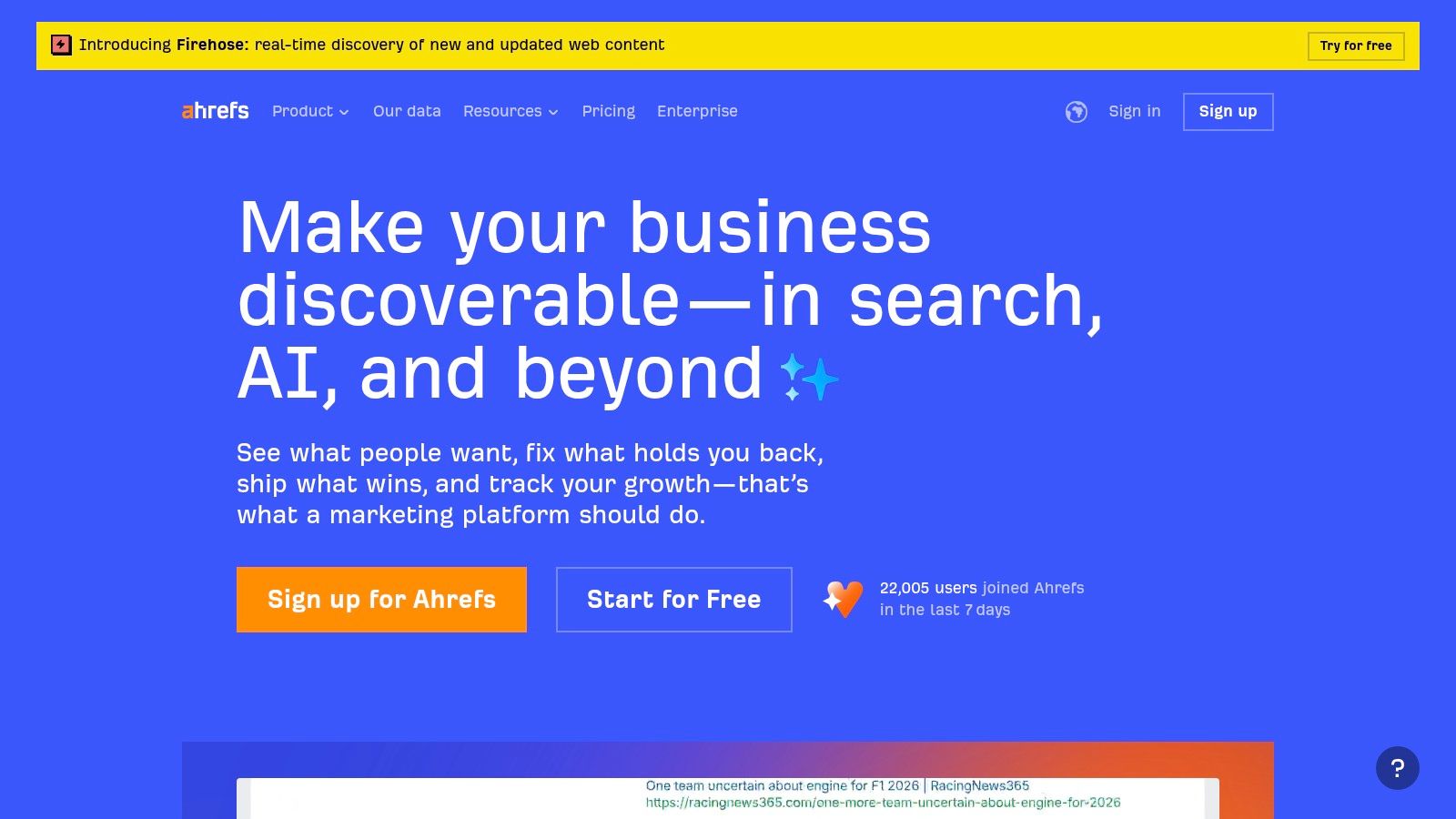
Ahrefs is a premier SEO research platform widely recognized for its massive backlink index and powerful keyword research capabilities. While not a dedicated reporting platform in the same vein as others on this list, agencies depend on it as a primary source of high-quality data. Its strength lies in providing the foundational metrics for competitive analysis, link building, and rank tracking, which agencies then export to build their own custom client reports and dashboards.
Why It's a Top Choice for Agencies
Ahrefs serves as the data engine behind many agency reports. Its Site Explorer, Rank Tracker, and Site Audit tools produce reliable data that can be scheduled for export and fed directly into other reporting systems like Looker Studio. This makes it an indispensable tool for agencies that prioritize data accuracy and depth in their SEO reporting software for agencies. The platform’s API and partner connectors allow for building custom data pipelines, which is a key function for agencies that manage client relationships and data within a central system; for more on this, see our guide on the best CRM for agencies.
Practical Insights & Considerations
- Pros: It offers industry-leading backlink and keyword datasets, providing a depth of insight that few competitors can match. The auditing and rank tracking tools are robust and reliable for populating agency reports.
- Cons: Ahrefs is priced at a premium. Agencies will almost certainly need a separate reporting layer for client-facing portals and white-labeling. Some advanced data connectors for platforms like Looker Studio are third-party and may come with additional costs.
- Pricing: Plans are based on usage credits and features, with the Lite plan starting at $99 per month.
- Website: https://ahrefs.com
11. SE Ranking
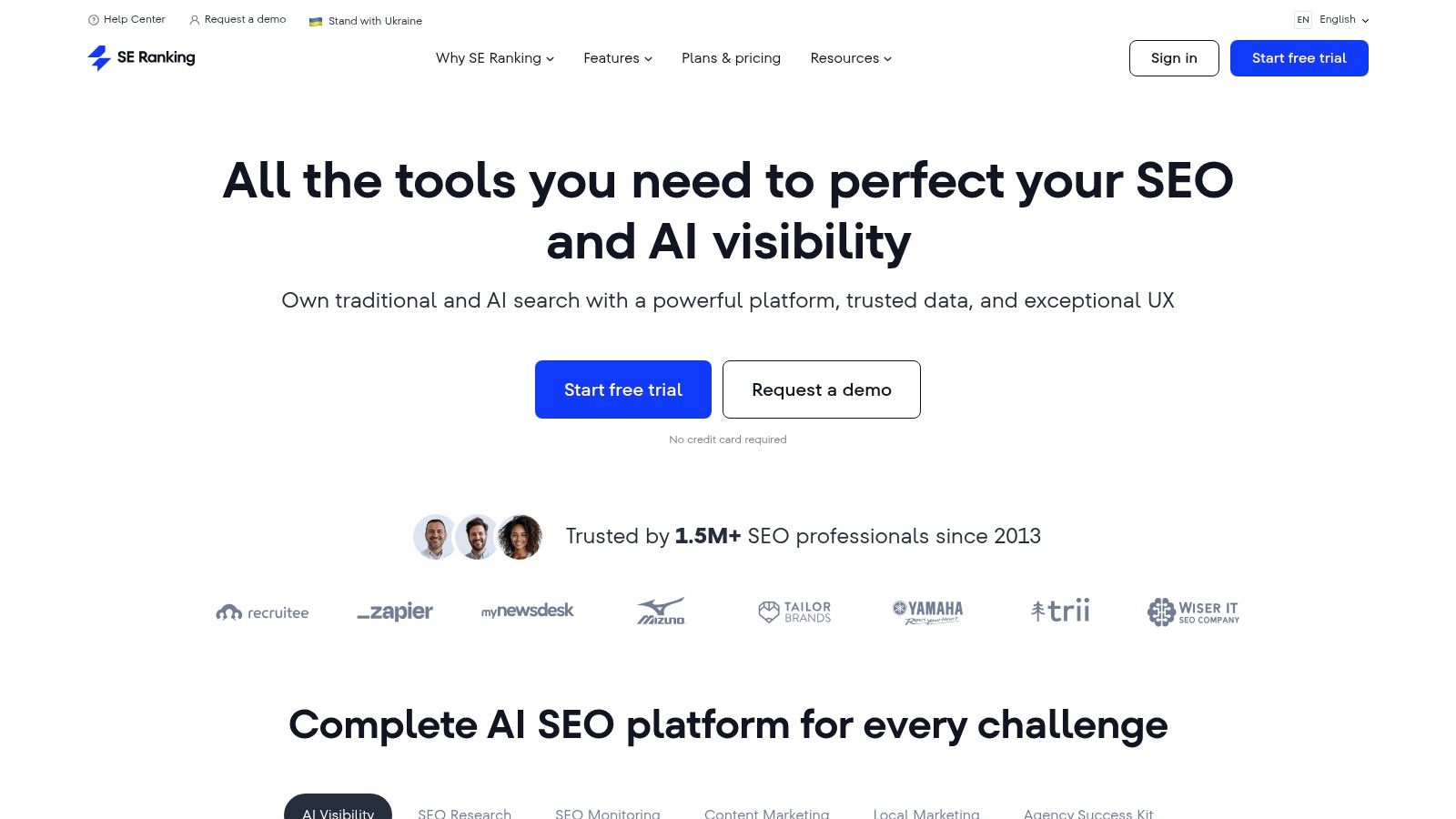
SE Ranking is an all-in-one SEO platform known for its competitive price-to-feature ratio, making it an accessible option for small to mid-size agencies. It provides a full suite of tools, including rank tracking, comprehensive site audits, and competitor analysis. The platform's strength lies in its balance of robust functionality and affordability, allowing agencies to manage multiple client projects without the steep costs associated with some enterprise-level tools. It's a practical choice for agencies that need a single, reliable system for their core SEO tasks and reporting.
Why It's a Top Choice for Agencies
The platform's white-label reporting capabilities are a key benefit for agencies. You can generate professional, brandable PDF reports or create shareable guest links for clients to view live dashboards. Integrations with Google Analytics 4, Google Search Console, and Looker Studio expand reporting possibilities, enabling the creation of detailed, custom performance summaries. The optional Agency Pack add-on further solidifies its value by providing lead generation tools and unlimited client seats, making it a scalable piece of SEO reporting software for agencies looking to grow their client base.
Practical Insights & Considerations
- Pros: The price-to-feature value is one of the best on the market for SMB and mid-size agencies. Its local SEO and collaboration features, available in higher-tier plans, are solid and well-integrated.
- Cons: The platform's plan names and limits were recently updated, so agencies familiar with older plans may need to re-evaluate their subscriptions. Some advanced connector and workflow needs might still require external tools.
- Pricing: Pricing is flexible and depends on rank tracking frequency and the number of keywords. Plans start around $44/month for daily tracking.
- Website: https://seranking.com
12. BrightLocal
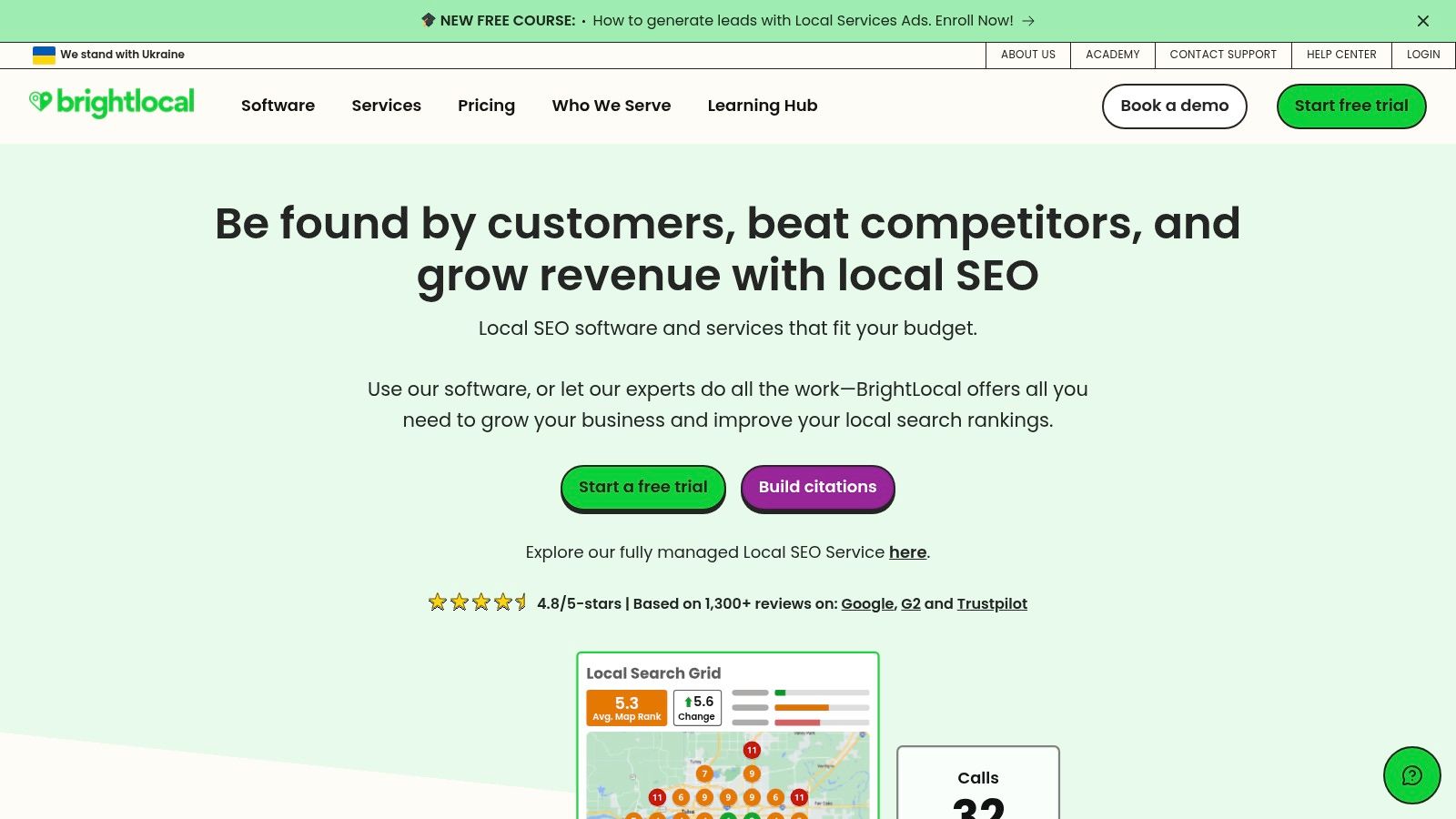
BrightLocal is a hyper-focused local SEO platform designed for agencies managing clients with physical locations, such as small businesses or multi-location franchises. It excels at reporting on the specific metrics that matter for local search performance, including citation accuracy, Google Business Profile (GBP) health, and local keyword rankings. The platform’s strength is its specialization, providing deep insights into the local search ecosystem that broader SEO tools often overlook.
Why It's a Top Choice for Agencies
This tool is purpose-built for the unique challenges of local SEO at scale. For an agency serving dozens of local businesses, BrightLocal offers a streamlined way to generate consistent, white-labeled dashboards and PDF reports for each location. Its geo-grid rank tracker visualizes how a business ranks in different parts of a city, providing tangible proof of performance to clients. The combination of GBP audits, citation building services, and reputation management makes it a comprehensive solution for any agency focused on the local market. This makes it a powerful piece of seo reporting software for agencies that need to demonstrate local search dominance.
Practical Insights & Considerations
- Pros: Its feature set is perfectly aligned with local SEO agency workflows, from reporting to fulfillment. The white-label setup is quick and applies uniformly across all client accounts, ensuring brand consistency.
- Cons: The platform is not an all-in-one SEO or cross-channel tool; its focus is strictly local. The costs for add-on services, like citation building campaigns, are separate from the subscription and can accumulate quickly.
- Pricing: Plans start around $39/month for managing up to three locations, with higher-tier plans supporting more locations and offering deeper features.
- Website: https://www.brightlocal.com
Choosing the Right Tool to Scale Your Agency's Reporting
Navigating the crowded market of SEO reporting software for agencies can feel overwhelming, but the right choice boils down to a clear understanding of your agency's unique needs. We've explored a dozen powerful platforms, from all-in-one client management suites like AgencyAnalytics to specialized local SEO dashboards like BrightLocal. The key is to move beyond feature lists and focus on the specific reporting challenges you need to solve.
Ultimately, your decision should align with your agency’s operational model and growth trajectory. Are you a small, nimble agency focused on delivering visually stunning, high-impact reports to C-suite clients? A platform like Whatagraph or DashThis might be your best fit. Conversely, if your agency serves a high volume of clients and needs deep, scalable data integration and automation, enterprise-level solutions like NinjaCat or the versatile power of Google Looker Studio could be the answer.
Actionable Steps for Selecting Your Software
Instead of getting caught in analysis paralysis, take a structured approach to your decision. Start by defining what "better reporting" actually means for your agency.
- Identify Your Primary Bottleneck: Is it the hours spent manually pulling data? The lack of white-label options? Or the inability to show clients a clear, consolidated view of their success? Pinpoint your biggest pain point and prioritize tools that directly address it.
- Segment Your Client Needs: Not all clients require the same level of detail. Some want a one-page summary, while others expect granular data. Look for a tool that offers flexibility, allowing you to create simple dashboards for some clients and in-depth analytical reports for others without needing two different systems.
- Conduct a Team-Wide Audit: Involve your account managers and SEO specialists in the decision-making process. They are on the front lines and understand the day-to-day friction points. Ask them what would make their reporting process faster and more effective. Their insights are invaluable.
- Plan for Implementation and Training: The best software is ineffective if your team doesn’t know how to use it. When budgeting for a new tool, factor in the time and resources required for setup, connecting data sources, building report templates, and training your staff. A smooth rollout is just as important as the tool itself.
Remember, the goal is not simply to generate reports. The objective is to communicate value, demonstrate progress, and build stronger, more transparent client relationships. The right SEO reporting software for agencies acts as a bridge between your hard work and your client's perception of its impact. It transforms raw data into compelling narratives of success, solidifying your role as an indispensable partner. By investing in the platform that best fits your workflow, you’re not just buying software; you’re investing in your agency's scalability, efficiency, and reputation.
Finding the right clients is the first step to sending great reports. Earlybird AI helps agencies and freelancers dominate Upwork by using intelligent automation to find and apply for the best-fit jobs before the competition. Stop manually searching and start winning more high-value projects with Earlybird AI.




