
← Back To Blog
10 Best Marketing Agency Management Software (2026)

If you're running an agency, you probably know the pattern. New work comes in through one channel, delivery runs in another, reporting lives somewhere else, and billing gets cleaned up at the end of the month when everyone is already tired. That setup works for a while. Then you add more clients, more freelancers, more retainers, and more revision loops, and the cracks start showing.
That’s where marketing agency management software earns its keep. The best tools pull projects, time, budgets, reporting, and client communication into a system your team will use. The worst ones look thorough in a demo but create more admin than they remove.
This category is also getting bigger fast. The global agency management software market was valued at USD 7.8 billion in 2026 and is projected to reach USD 17 billion by 2035 at a 9% CAGR. That growth makes sense. Agencies need better operational control, especially when delivery is distributed across internal staff, contractors, and channel specialists.
One gap most roundups miss is lead generation. Internal operations matter, but agencies also need a repeatable way to win new business. If your pipeline depends on Upwork, referrals, or fast-response outbound, your stack needs to cover acquisition as well as delivery. That’s why this list includes both full-suite platforms and specialized tools that solve a specific operational choke point.
1. Earlybird AI
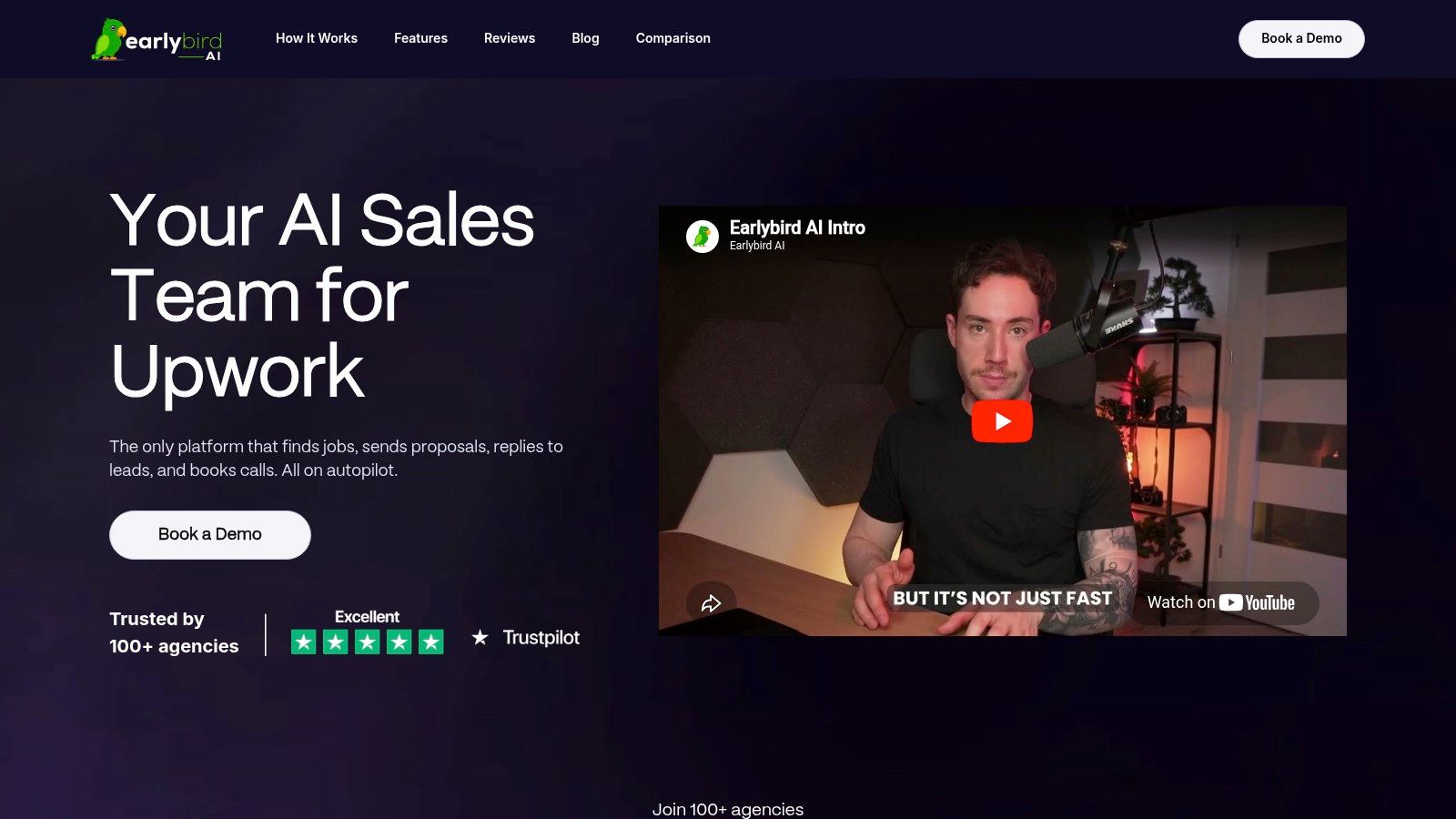
Most marketing agency management software starts after you’ve won the client. Earlybird AI starts earlier. It handles the front end of agency growth on Upwork by automating job discovery, proposal writing, replies, follow-ups, and call booking from your account.
That distinction matters. A lot of tools can help you organize delivery. Very few help you consistently get in front of the buyer first, keep the conversation moving, and do it without turning an account manager into a full-time bidder.
Best for agencies that sell through Upwork
Earlybird AI acts like an always-on sales layer for freelancers and agencies. You connect your Upwork account, train the system with simple thumbs-up and thumbs-down feedback, and a Success Agent helps tune it toward the right jobs and messaging style. It then searches for matches, sends personalized proposals, replies to inbound messages, follows up automatically, and shares your calendar to help book calls.
The practical value is speed. The company says proposals are typically submitted within about 10 minutes of a posting and replies land in under 5 minutes. For Upwork, that timing can decide whether you get seen at all.
Practical rule: If Upwork is a core channel, don't judge the tool only on proposal generation. Judge it on whether it handles the full sales cycle without creating cleanup work for your team.
Earlybird also covers profile optimization, analytics, and multi-user workflows, which makes it more useful for agencies managing multiple bidders or account owners. If you want a fuller picture of how this kind of workflow fits an agency stack, their guide to advertising agency software is worth reading.
Where it wins and where it doesn't
The strongest case for Earlybird AI is simple. It solves a workflow most agency platforms ignore. That makes it a specialized tool, not a replacement for project delivery, invoicing, or resource planning.
What works well:
- Full-cycle automation: It doesn’t stop at applying. It continues through replies, follow-ups, and booked meetings.
- Agency support: Multi-user workflows and coaching make it usable beyond a solo freelancer setup.
- Safety posture: The company emphasizes human-like behavior, clean regional IPs, and that it never stores passwords.
What doesn’t disappear just because you automate:
- Setup still matters: You need a clear niche, a credible profile, and feedback during onboarding.
- No public pricing: You’ll need a demo to understand fit and cost.
- Closing still needs humans: Automation gets the conversation moving. Your team still needs to run discovery and close well.
For agencies that rely on Upwork, this is the most distinctive tool on the list because it addresses revenue generation directly, not just internal coordination. That’s a real operational gap in this category.
2. Productive
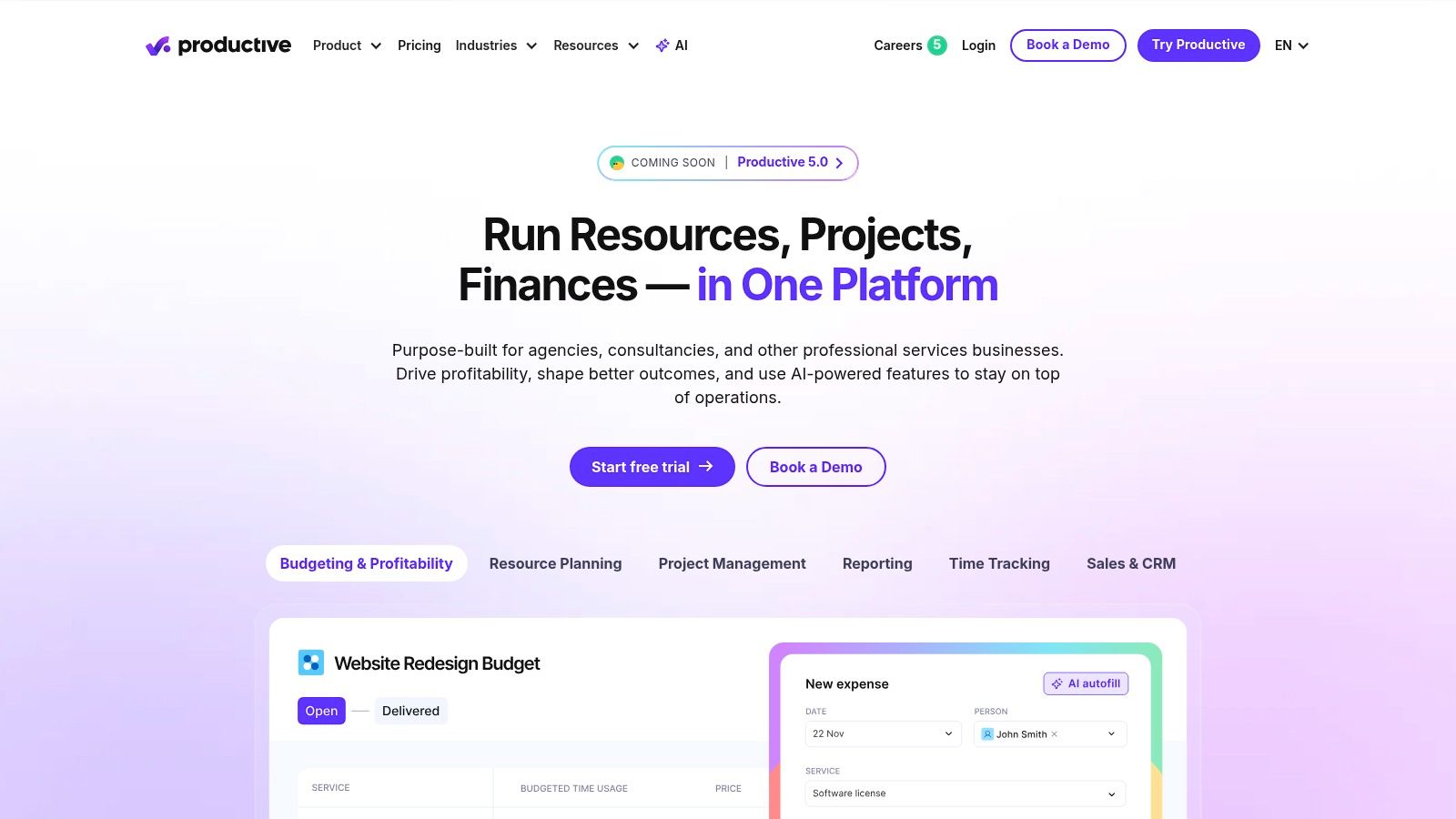
A common agency pattern looks like this. New work comes in through the CRM, delivery lives in a PM tool, budgets sit in spreadsheets, and finance discovers margin problems after the work is already done. Productive is built to close that gap.
It is one of the better all-in-one platforms for agencies that need project delivery and financial control to live in the same system. Projects, time tracking, resourcing, budgets, billing, and reporting are connected in a way that fits agency operations better than generic task software.
The practical value is visibility into profit before month-end. You can see performance by client, project, and service line, which matters if your agency is winning work, staying busy, and still feeling pressure on margins.
Best for agencies that want finance and delivery in one system
Productive fits agencies that have outgrown the stack of project management software, spreadsheet budgeting, and manual invoicing workarounds. Quote-to-project handoff, retainers, rate cards, time entry, invoicing, and revenue tracking all sit in one operating system.
That consolidation matters in real use. Fewer disconnected tools usually means fewer handoff errors, less manual reconciliation, and a much clearer answer to a basic operations question: which accounts are healthy?
For agency owners working through utilization problems, uneven scoping, or margin drift, Productive maps well to the realities of running a digital marketing agency. It gets even more useful when the sales side is structured too. A better CRM for agencies makes the transition from lead to scoped work much cleaner.
Productive works best when the real problem is account profitability, not task visibility.
Trade-offs in real use
Productive is a stronger fit than lightweight PM tools if finance needs to be part of daily operations instead of something reviewed after the fact. The trade-off is setup effort. Agencies with custom pricing models, blended rates, approval layers, or messy legacy data need to configure it carefully or they will end up with reports no one trusts.
It also helps to be honest about team behavior. If account managers skip time entry, if scopes are vague, or if finance rules change from client to client, Productive will expose those issues fast. That is useful, but it can be uncomfortable.
A few practical takeaways:
- Choose it if: You want one platform for quoting, delivery, utilization, invoicing, and profitability tracking.
- Skip it if: Your team mainly needs simple task management and has no appetite for tighter operational discipline.
- Plan for: A real implementation process. Rate structures, service templates, permissions, and billing logic need to match how your agency sells and delivers work.
For agencies comparing all-in-one suites against specialized tools, Productive is a strong back-office and delivery hub. It does not replace specialist lead generation tools, especially if Upwork is part of your new business motion. It works best as the system that takes over after the lead is qualified and the work needs to be scoped, staffed, tracked, and billed.
3. Scoro
Scoro sits in the same broad camp as Productive, but it feels slightly more operations-heavy and slightly more executive-friendly. If you manage multiple retainers, project types, and billing structures at once, Scoro gives leadership a cleaner view of quoted work, actual work, and revenue movement.
That’s the reason some agencies stick with it. It isn't the lightest tool to onboard, but it can become a serious control center once the structure is in place.
Why agencies choose it
Scoro combines CRM, projects, quotes, budgets, retainers, billing, dashboards, and resource planning in one platform. For agencies with a mix of campaign work, ongoing retainers, and consulting engagements, that breadth is useful. You can track work from lead to invoice without stitching together four tools and hoping the handoffs stay clean.
The permissioning and audit depth also make it more suitable for agencies with more roles involved in delivery and oversight. Account managers, operations leads, finance, and leadership can all work from the same system without seeing the same view.
If your agency is also reassessing the sales side of the stack, it’s worth pairing this kind of delivery platform with a sharper front-end process. Their operational value goes up when they connect to a better CRM for agencies, even if that CRM sits outside the PSA.
What to watch before committing
Scoro is extensive, and that’s both its advantage and its friction point.
- It works well for: Agencies that need projects, CRM, quoting, and billing tightly linked.
- It gets heavy for: Small teams that just want visibility and basic time tracking.
- It requires: A real onboarding plan. If you half-configure Scoro, people will revert to side spreadsheets fast.
Scoro tends to reward agencies that already know their process. It’s less forgiving if you're still changing your operating model every quarter.
If your agency has outgrown lightweight PM tools and now needs tighter control over revenue, retainers, and forecasting, Scoro deserves a serious look.
4. Workamajig
Workamajig has been around long enough to reflect a different philosophy. Instead of trying to be a sleek collaboration layer first, it tries to be a system of record for agency operations. That includes project management, traffic, proofing, CRM, forecasting, and built-in accounting.
For some creative agencies, that’s exactly the point. They want fewer moving parts, stronger financial control, and less dependence on external accounting tools.
Best when you want accounting inside the platform
Native accounting is still unusual in marketing agency management software. Most tools stop at budgets, time, and invoice triggers. Workamajig goes deeper with GL and AP/AR capabilities, which can appeal to agencies that want project and finance data tightly connected.
That setup can be especially helpful in agencies with many approvals, vendors, and recurring client billing patterns. Instead of asking finance to reconcile data from separate systems, the same platform holds more of the operational truth.
There’s also a practical fit for creative review workflows. Proofing, traffic control, and resource scheduling matter more in design-heavy teams than they do in agencies running simple recurring services.
The real trade-off
Workamajig is not the tool people choose because it looks modern. They choose it because they want operational depth. The interface and workflows can feel heavier than newer PM tools, and the full value usually shows up after guided onboarding.
A few candid points:
- Strong fit: Mid-size to larger creative agencies that want one operational backbone.
- Weak fit: Agencies that prioritize speed of adoption over process rigor.
- Big advantage: Accounting built in, not bolted on later.
If your team complains about tool sprawl more than interface polish, Workamajig is worth considering. If your team already struggles with process adoption, the learning curve may be too much.
5. Function Point
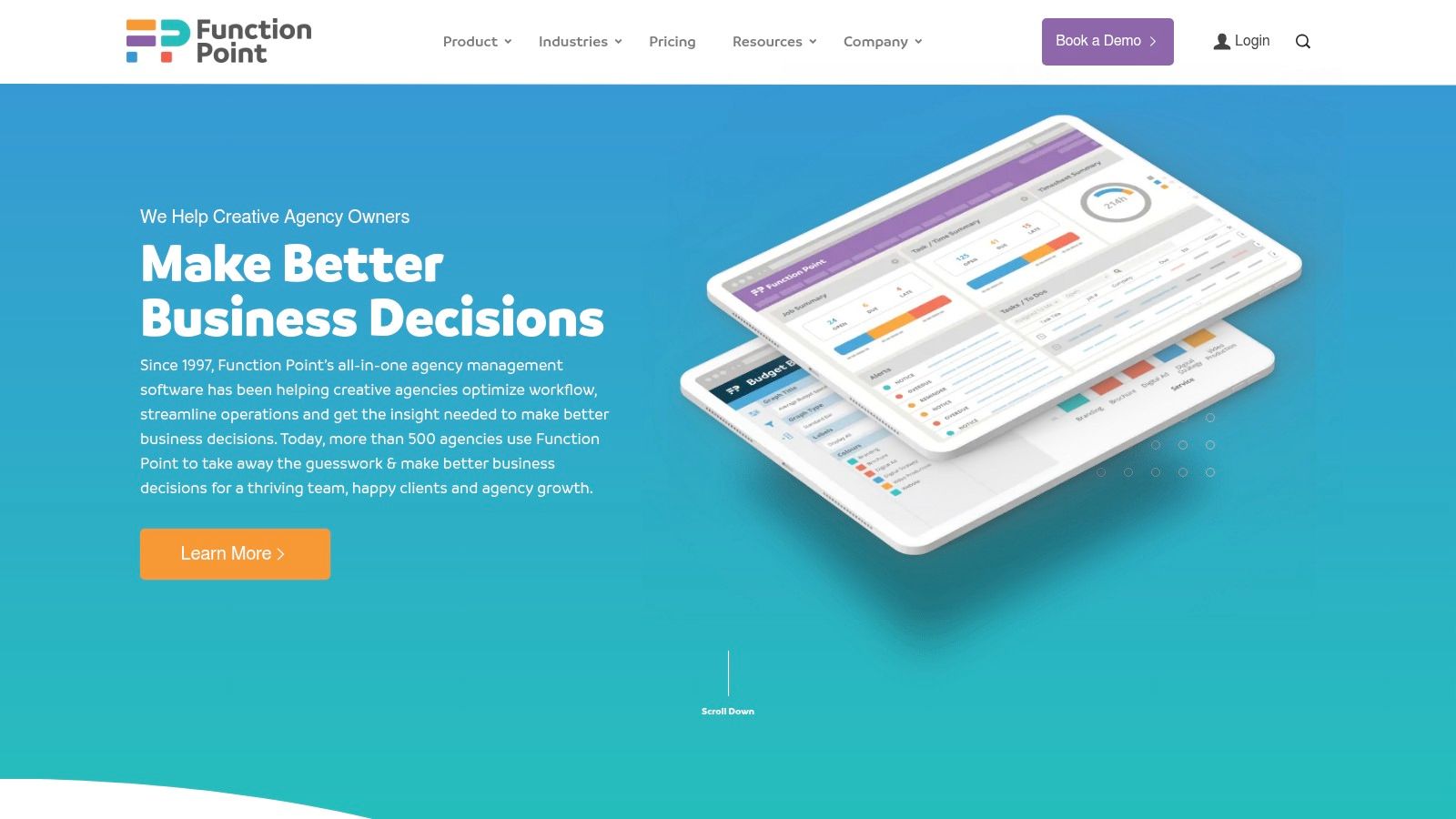
Function Point has a straightforward agency-ops feel to it. It covers CRM, estimating, job creation, resource management, time, budgets, invoicing, and reporting without trying to masquerade as a trendy collaboration suite.
That makes it a practical option for agencies that want standardization. If you’re tired of every PM running work differently, Function Point helps enforce a more consistent operating rhythm.
Where it fits best
This tool is especially useful for agencies that care about estimate-to-job discipline. You can turn estimates into live jobs, manage change orders, track time against budgets, and connect financial data back to actual delivery. That’s not flashy, but it’s the kind of process rigor that protects margin.
Its reporting layer is another plus. Function Point puts business reporting front and center, which helps leaders answer better questions about client profitability and service line performance.
Agencies often outgrow general project tools when they need to explain why revenue looks healthy but delivery margins don't. Function Point is built for that phase.
What agencies should know
Function Point feels more operational than collaborative. That’s not a criticism. It’s just the personality of the product.
Consider it if these trade-offs sound right:
- Good match: Agencies that want stronger estimating, job costing, and process consistency.
- Less ideal: Teams that want modern collaboration features to carry most of the user experience.
- Important note: Onboarding is part of the investment, and some reporting depth sits higher in the product stack.
For agencies moving from ad hoc project tracking to a more disciplined agency system, Function Point can be a solid middle path. It’s not trying to be everything. It’s trying to make agency operations more accountable.
6. Accelo
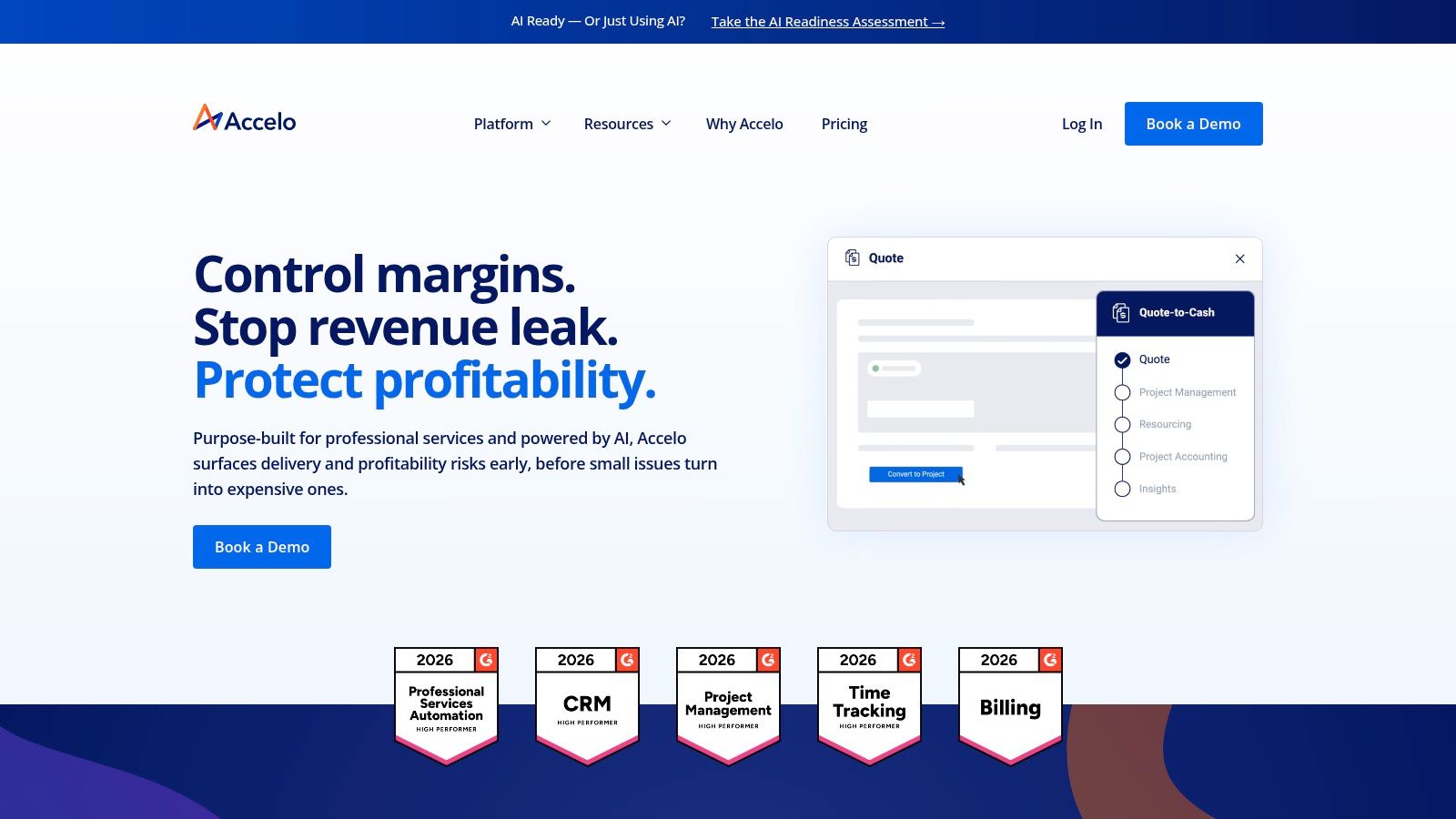
Accelo is one of the better picks for agencies with recurring work. If your business runs on retainers, support scopes, recurring deliverables, or SLA-style service commitments, its retainer automation is the standout feature.
That focus makes it different from lighter PM tools that can track work but don't manage the commercial structure around it very well.
Best for recurring revenue operations
Accelo combines CRM, projects, retainers, tickets, time tracking, billing, and reporting. The useful part is how those pieces connect. Sales data can flow into delivery, retainers can track usage, and billing can reflect actual service periods without as much manual intervention.
For agencies with a lot of recurring work, that can remove a surprising amount of admin. Instead of rebuilding retainer logic every month, the platform keeps the operating pattern consistent.
The quote-based pricing means you need to evaluate total fit carefully. Accelo can make sense when recurring work is central to the business. It’s less compelling if most of your engagements are one-off project builds with simple invoicing.
Where teams get stuck
Accelo feels PSA-first. If your team wants a lightweight workspace with optional financials, it may feel too structured. If your agency has already felt the pain of recurring-work admin, that structure can be a benefit.
Keep these points in mind:
- Use it when: Retainers and recurring work are driving complexity.
- Be cautious when: Your team strongly prefers flexible, low-process task management.
- Expect: A more formal setup than project tools built mainly for collaboration.
Accelo is strongest when the operational challenge is repeatability, not creativity. For agencies serving ongoing client relationships, that can be exactly the right design choice.
7. Kantata
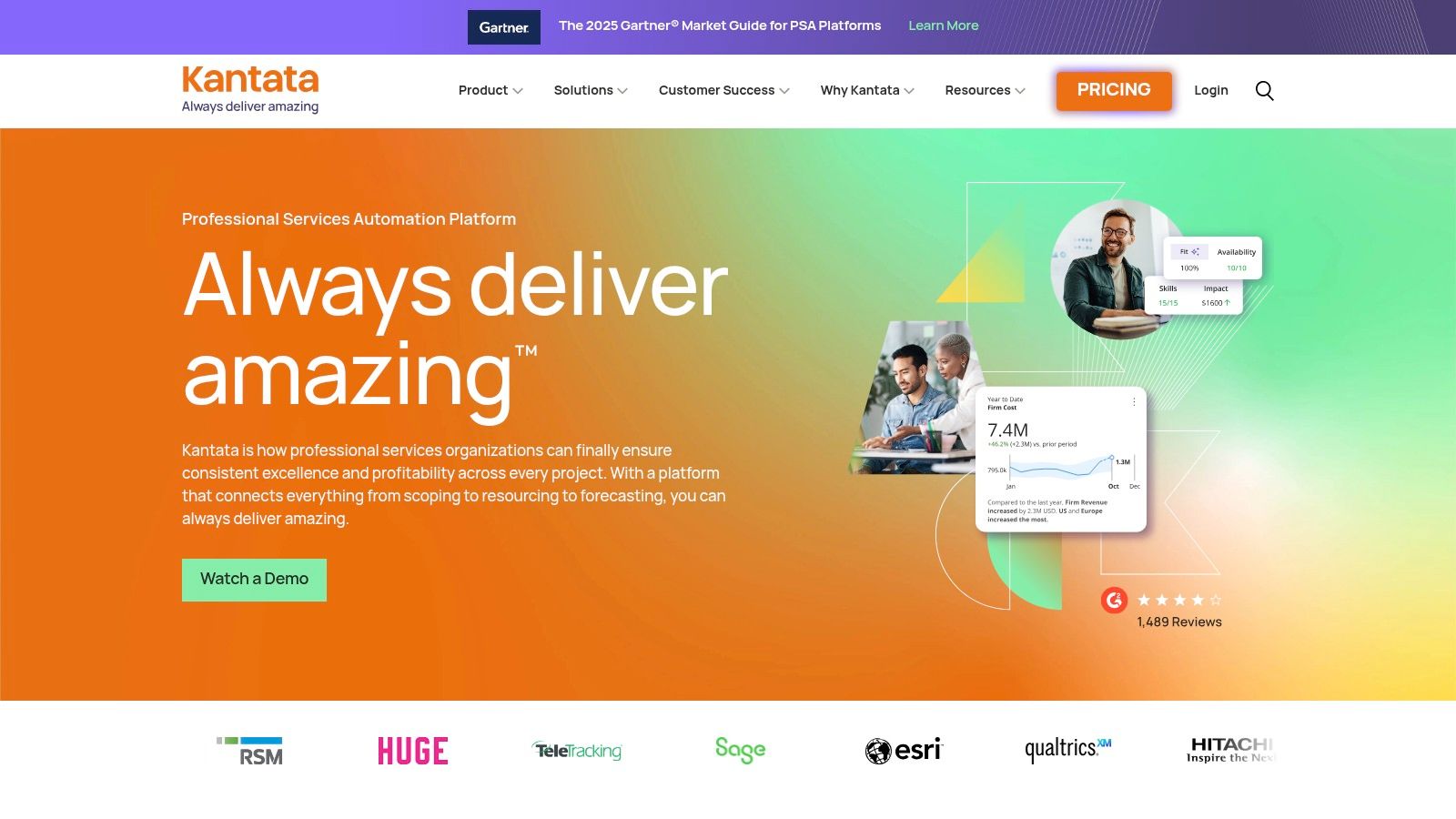
Kantata is for agencies that have moved past simple project tracking and now need portfolio-level planning, deeper forecasting, and more mature resource management. It’s closer to enterprise PSA than classic agency PM.
That means it won’t be the best fit for every shop. But for larger agencies or complex service organizations, it can bring serious operational control.
Strongest in resource and portfolio planning
Kantata’s appeal is its ability to plan around people, skills, capacity, margins, and mixed engagement models. If your agency runs fixed-fee, time-and-materials, and retainer work at the same time, resource planning gets messy quickly. Kantata is built for that kind of complexity.
Its integration depth is another practical advantage. When an agency already has established systems for CRM, finance, or BI, Kantata is more likely to fit into the stack than force a complete rebuild.
This matters in a broader market sense too. According to Fortune Business Insights, cloud-based solutions hold 75% deployment share in the marketing automation software market, and software platforms hold 72% share. That reflects what many agencies want from tools at this level. Flexible deployment, strong software layers, and room to integrate rather than operate in isolation.
The honest downside
Kantata is powerful, but it’s not casual software. Implementation effort is higher, pricing is quote-based, and smaller agencies may never use enough of the platform to justify the overhead.
- Best fit: Mid-market and enterprise agencies with complex staffing and forecasting needs.
- Poor fit: Small teams looking for simple client-work coordination.
- Core value: Resource-first planning tied to profit and delivery health.
If your agency runs on utilization planning and portfolio forecasting, Kantata belongs on the shortlist. If your main problem is overdue tasks, it’s probably too much platform for the problem.
8. Teamwork.com
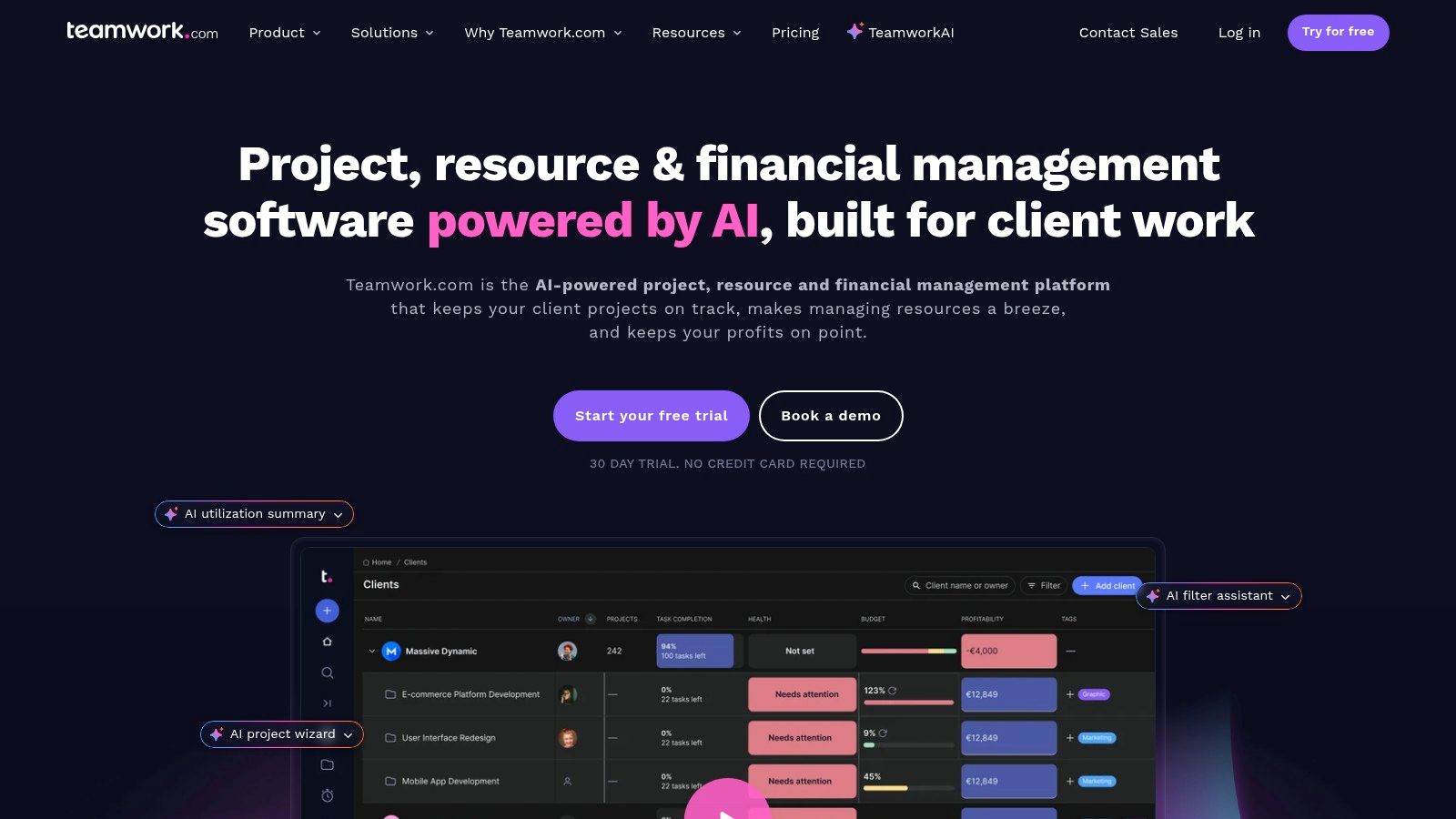
Teamwork.com lands in a practical middle tier. It’s more agency-aware than generic task tools, but it’s lighter than a full PSA. That makes it attractive for agencies that want client work management, time tracking, budgets, and retainers without committing to a heavier financial system.
A lot of agencies end up here because it balances usability and agency-specific features fairly well.
Why it works for many small and midsize agencies
Teamwork.com supports project templates, time tracking, retainer budgeting, profitability views, proofing, and client collaboration. One detail agencies appreciate is client users at no extra cost, which makes external collaboration easier to justify operationally.
That setup is often enough for service businesses that need better visibility but aren’t ready for enterprise-grade PSA complexity. You can organize client work, track budget burn, and keep communication closer to the work itself.
For many teams, that’s the sweet spot. Too much structure hurts adoption. Too little structure hurts margin. Teamwork often lands between those extremes.
Where it stops short
Teamwork.com is not a deep finance platform. If your agency needs revenue recognition, detailed forecasting, or advanced billing logic, you’ll likely add other systems later.
A practical perspective:
- Choose Teamwork when: You need agency-specific project operations with decent financial awareness.
- Move past Teamwork when: Finance and forecasting become central operating needs.
- Watch for: Add-ons increasing total cost over time if you expand into help desk or more advanced support setups.
Teamwork.com is often the tool agencies should buy one stage before they think they need a PSA.
It’s a good fit for agencies that want better control now without overbuilding the stack too early.
9. Wrike for Marketing and Agencies
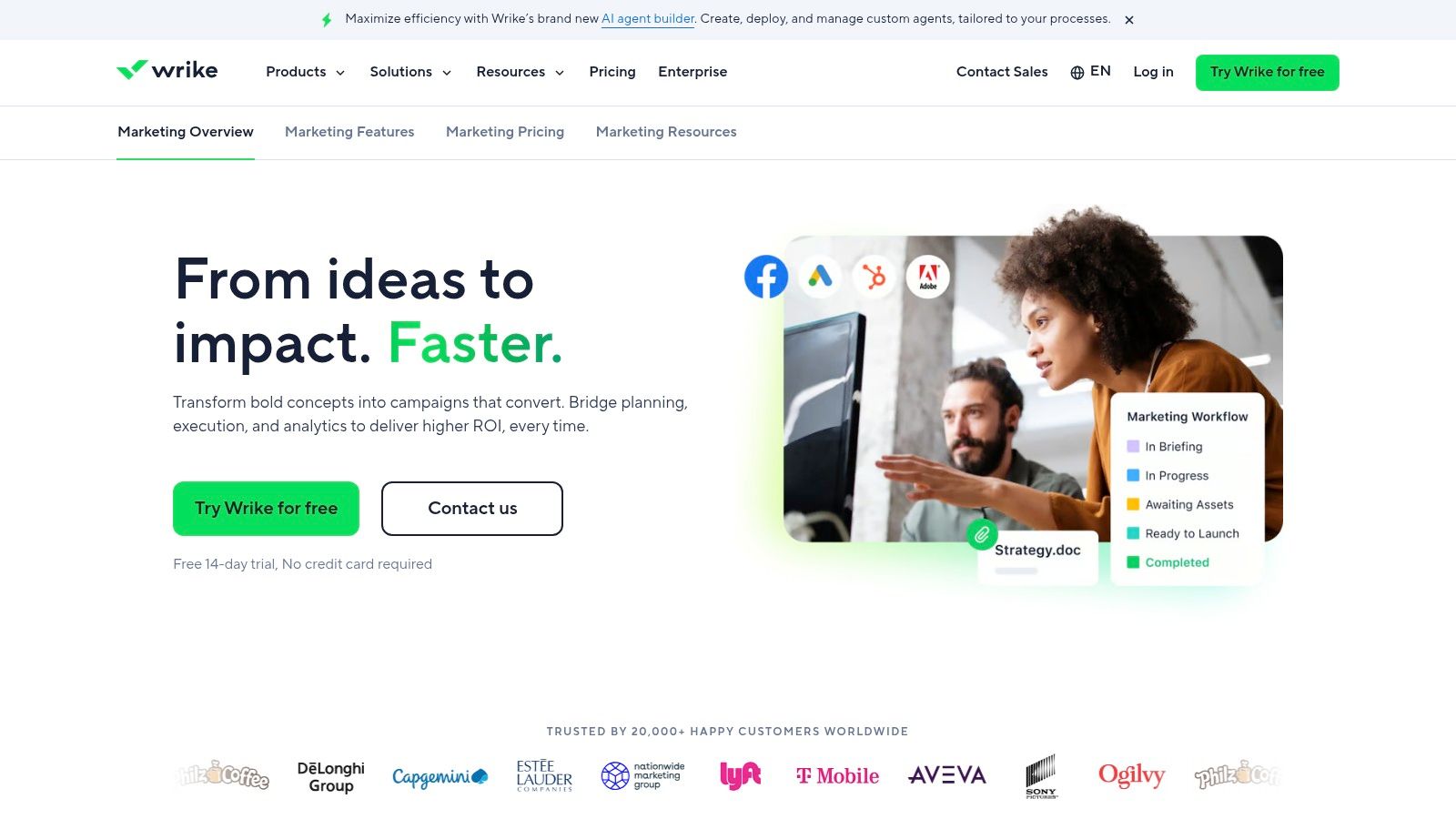
Wrike is a strong choice when the work itself is complicated. Campaign intake, approvals, timelines, asset reviews, and cross-functional execution are where it tends to shine. It’s less agency-finance-native than some PSA tools, but often better for creative workflow control.
If your biggest bottleneck is coordinating marketing production across stakeholders, Wrike can feel more intuitive than finance-first systems.
Best for creative operations and structured intake
Request forms, proofing, approvals, campaign calendars, dashboards, and the Adobe Creative Cloud extension make Wrike particularly useful for agencies handling high volumes of creative work. It helps standardize intake and keep review cycles attached to the actual asset instead of scattered across email and chat.
That’s one reason Wrike keeps showing up in agency environments. It maps well to how campaigns move, especially when multiple departments and client approvers are involved.
The trade-off is that some advanced features live in higher tiers or add-ons, and packaging can get complicated as needs expand.
The workflow-first choice
Wrike is strongest when the agency’s operational pain is not “how do we invoice this?” but “how do we stop approvals, intake, and handoffs from breaking every campaign?”
Here’s the right fit:
- Great fit: Creative and marketing teams with heavy review and approval workflows.
- Less ideal: Agencies looking for native PSA-level finance depth.
- Worth checking carefully: Feature packaging for proofing, approvals, and advanced resource functions.
As an agency management platform, Wrike works best when workflow discipline is the priority and financial complexity is manageable elsewhere.
10. ClickUp
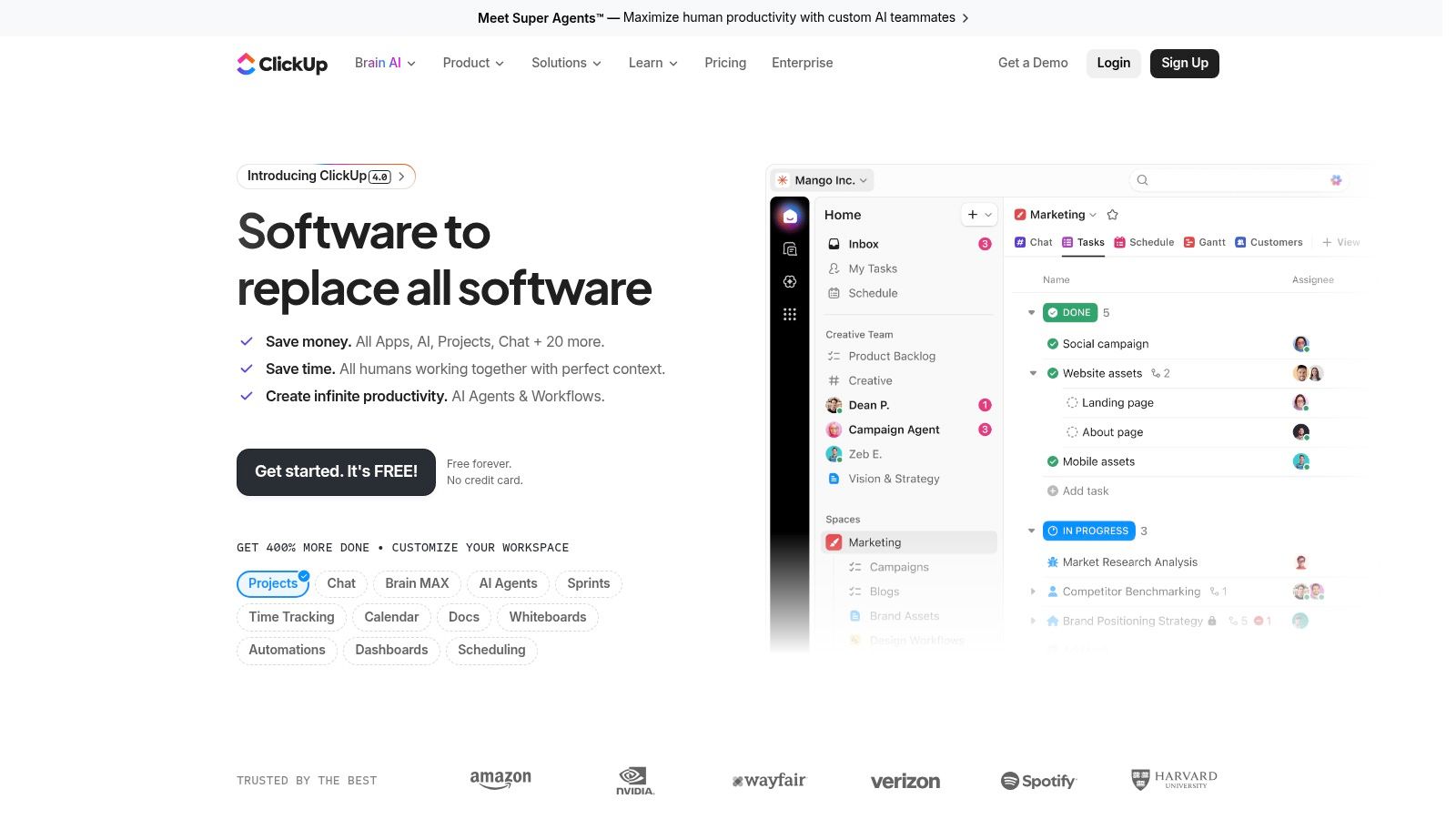
ClickUp is what many agencies choose when they want a lot of flexibility for a relatively low cost per seat. It covers tasks, docs, dashboards, time tracking, multiple views, permissions, and templates well enough to become the default workspace for client delivery.
That value is real. But so is the trade-off. ClickUp is not deep PSA software, and agencies sometimes mistake configurability for completeness.
Best for cost-conscious agencies that can build their own system
ClickUp works well when an ops lead is willing to shape the environment. Campaign templates, onboarding workflows, service delivery boards, SOP docs, and dashboard views can all live in one place. For many small teams, that’s enough to create order fast.
Its template ecosystem helps too. Agencies can stand up workable client systems quickly instead of building every workflow from scratch.
Where it breaks down
The challenge comes when agencies expect ClickUp to provide strong financial management, detailed profitability tracking, or robust agency-specific billing logic. It can support some of that with custom setups and outside tools, but it doesn’t natively behave like a real PSA.
A few grounded takeaways:
- Strong fit: Small agencies that need flexible project and task management first.
- Weak fit: Agencies that need built-in financial discipline across many accounts.
- Common issue: Pricing and guest-limit confusion can show up as the account grows.
ClickUp is a solid platform if you know what you’re buying. It’s a work management system with agency potential, not a full agency operating system.
Final Thoughts
A common agency scenario looks like this. The team delivers solid work, but account managers are chasing approvals in one tool, finance is rebuilding margins in a spreadsheet, and new business still depends on someone checking Upwork at the right moment. In that setup, software choice is less about feature count and more about where the bottleneck sits.
If delivery is the mess, start with a platform that makes execution easier. Teamwork, Wrike, and ClickUp usually make sense when the day-to-day pain is missed deadlines, unclear ownership, slow approvals, and too many status updates spread across email and chat. They improve operating rhythm without forcing a full PSA rollout before the agency is ready.
If the pain shows up in pricing, utilization, retainers, billing, or margin reporting, the shortlist shifts. Productive, Scoro, Accelo, Function Point, Workamajig, and Kantata go further into PSA territory. That gives leadership better financial control, but it also asks the agency to work in a more structured way. Teams need cleaner time data, tighter process discipline, and more consistent project setup. Some agencies benefit from that immediately. Others feel slowed down if they implement it too early.
A lot of agencies still miss one workflow in these buying decisions. New business.
Most agency management platforms are built to run delivery after a client signs. They do far less for lead generation, outbound follow-up, marketplace response speed, or shared sales activity across multiple freelancers and account leads. Resource Guru’s agency software overview touches the broader stack question, but in practice many agencies still patch together manual bidding, inbox triage, and internal delivery systems that do not talk to each other.
AI is another area where the marketing sounds ahead of the operating model. The Digital Project Manager’s review of agency management systems covers a range of platforms with AI features, but the harder question is how an agency should use them. Automated summaries, forecasting help, proposal drafting, and workload suggestions can save time. They only help if the underlying workflow is already defined. Otherwise, AI adds noise to a messy process.
My advice is straightforward. Buy for the constraint you have now. If delivery keeps slipping, fix delivery. If finance cannot trust project profitability without exporting data from three systems, fix the system of record. If Upwork or similar freelance marketplaces drive meaningful pipeline and your team loses opportunities because replies go out late, fix acquisition before adding more reporting layers.
The strongest setup is usually not a single suite doing everything adequately. It is one dependable operational core, plus one or two specialized tools for the workflows that generic platforms still handle poorly. For many agencies, that means pairing project and finance software with a dedicated client acquisition tool instead of asking the PSA to cover a job it was never designed to do.
If Upwork is a serious growth channel for your agency, Earlybird AI is worth a closer look. It automates the part most agency software ignores: finding relevant jobs, sending personalized proposals quickly, replying to clients, following up, and booking calls so the team spends less time on manual bidding and more time closing and delivering work.




