
← Back To Blog
10 Best Sales Pipeline Management Tools for Agencies (2026)

Your agency probably knows this feeling. You land a solid client, then realize three other good leads stalled because nobody followed up, nobody updated the spreadsheet, or the handoff from sales to delivery got messy. Meanwhile, your best freelancer is buried in admin instead of sending proposals, taking calls, or closing work.
That's what a leaky pipeline looks like in agency life. It isn't just missed leads. It's late replies on Upwork, scattered inboxes, vague deal stages, and post-sale work that lives in a completely different tool from pre-sale conversations. Most agencies don't need more software. They need a system that makes the next action obvious and keeps opportunities moving.
That's why sales pipeline management tools have become a core part of modern revenue operations. Salesforce's guidance puts the focus where it should be: tracking stage-by-stage conversion, forecast accuracy, deal volume, and bottlenecks so teams can see where opportunities stall and improve the process with real benchmarks (Salesforce pipeline management guidance).
For agencies and freelancers, the fit matters more than the feature count. A tool can look impressive in a demo and still fail if it doesn't handle how you sell. Maybe your pipeline starts on Upwork. Maybe proposals move into email and Slack. Maybe delivery starts before contracts are fully wrapped. The right tool needs to support that reality.
1. Earlybird AI
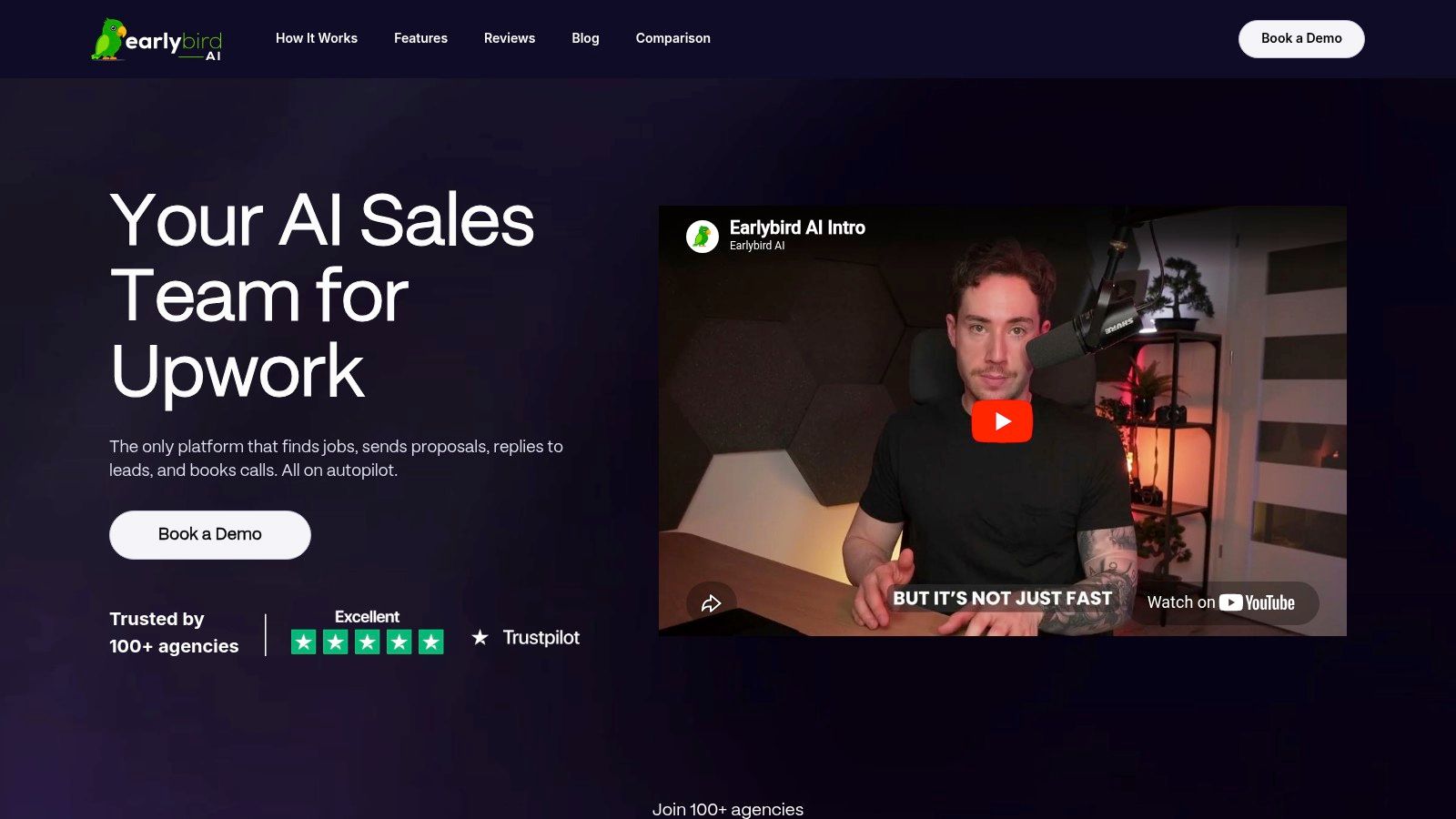
Earlybird AI is the most agency-specific option on this list because it doesn't start from a generic CRM assumption. It starts where many agencies win business now: Upwork. If that's a meaningful acquisition channel for you, Earlybird solves a problem that most traditional sales pipeline management tools don't touch well enough.
It automates the full outreach workflow inside Upwork. That includes finding relevant jobs, drafting personalized proposals, replying to client messages, following up, and pushing toward booked calls. That's a different category of value than a standard drag-and-drop CRM board. A CRM records pipeline activity. Earlybird helps create and move that activity in the first place.
Why agencies get real leverage from it
For freelancers and small agencies, the hardest part usually isn't looking at a pipeline. It's feeding the pipeline consistently. Earlybird does that by operating as an always-on Upwork sales layer that learns from simple thumbs-up and thumbs-down feedback. Over time, it gets sharper about which opportunities match your offer.
The speed matters too. Earlybird says proposals are typically submitted within about 10 minutes of a job posting, and replies land in under 5 minutes. On Upwork, that can change who gets seen first and who gets ignored. First response advantage is very real in marketplace selling, even when the rest of your process is strong.
Practical rule: If Upwork is where you source business, a generic CRM won't fix a weak first-response system. You need something that improves speed before the lead goes cold.
There are also agency-specific touches that matter more than flashy AI copy. Multi-user workflows help teams with multiple bidders or account operators. Profile optimization tools support the quality of the storefront, not just the message. Safety design matters as well. Earlybird says it uses clean regional IPs, mimics human behavior, and doesn't store passwords.
What works, and what to watch
What I like here is the scope. This isn't a bidding bot that stops after sending proposals. It covers search, apply, message, follow-up, and booking. That makes it much closer to a pipeline execution tool than a simple automation add-on. Agencies replacing manual SDR work on Upwork will immediately understand the appeal.
The trade-off is that you still need good inputs. If your profile is weak, your positioning is fuzzy, or you give sloppy feedback during setup, the automation won't magically create fit. Pricing also isn't public, so you need a demo to understand whether the economics make sense for your volume and deal size.
A smart way to think about it is this: Earlybird can serve as the top-of-funnel engine, while your CRM handles later-stage qualification, forecasting, and handoff. If you want more context on outbound workflow design, their piece on AI for sales prospecting is worth reading.
You can see the platform at Earlybird AI.
2. Pipedrive
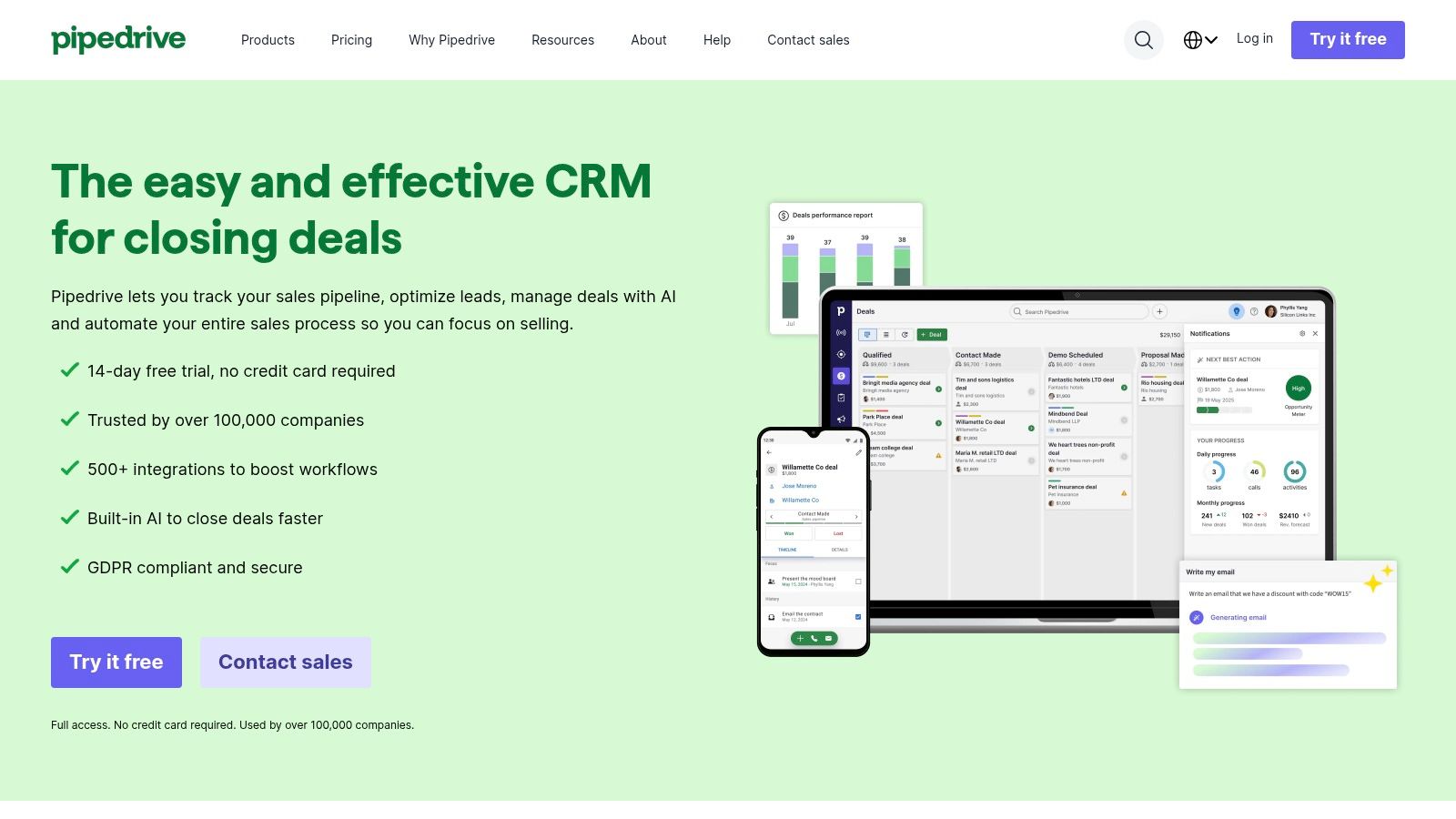
A common agency problem looks like this. Leads come in from referrals, your site, LinkedIn, and sometimes Upwork. One person tracks them in a spreadsheet, another keeps notes in email, and nobody has a clean view of what is closeable this month. Pipedrive fixes that faster than a lot of heavier CRMs because the pipeline is the product, not a side panel buried under setup screens.
That matters for small agencies and freelancers who need adoption more than feature depth on day one. If a founder, sales rep, and account lead can all open the same board and understand deal status in a minute, the CRM starts earning its keep quickly.
Best fit for lean teams
Pipedrive works well for agencies that need a clear pre-sale system without forcing client delivery, ticketing, and marketing ops into the same tool. You can build separate pipelines for referrals, outbound, and freelance-platform leads, then track stages that match how agency deals move: inquiry, discovery booked, scope drafted, proposal sent, verbal yes, closed won.
That flexibility is useful if your sales process starts on Upwork or another marketplace and finishes off-platform with calls, proposals, and contract review. Pipedrive will not replace a specialized bidding tool like Earlybird AI at the top of that workflow, but it does give you a better place to manage qualification, next steps, value, and handoff once a lead becomes a real opportunity.
The setup is also practical. Custom fields, email sync, meeting scheduling, and activity tracking cover most of what a lean agency needs. If you want a plain-English overview of what sales automation actually includes, that framing helps when deciding which tasks belong in Pipedrive and which should stay in proposal, outreach, or project tools.
Where it falls short
Pipedrive starts to strain when the agency wants one system for everything. If you need advanced marketing automation, complicated quoting approvals, or deeper post-sale workflows tied to onboarding and service, you will feel the edges. You can connect extra tools, but each add-on creates another process to maintain.
I also would not treat it as a full agency operating system. It is strongest before the deal closes. After that, many teams still need ClickUp, Asana, monday, or a client portal to run delivery properly.
Still, that trade-off is often worth it. A clean, well-used Pipedrive account beats an overbuilt CRM that your team avoids updating.
For a quick primer on the basics, see what sales pipeline management means in practice. The product site is Pipedrive.
3. HubSpot Sales Hub
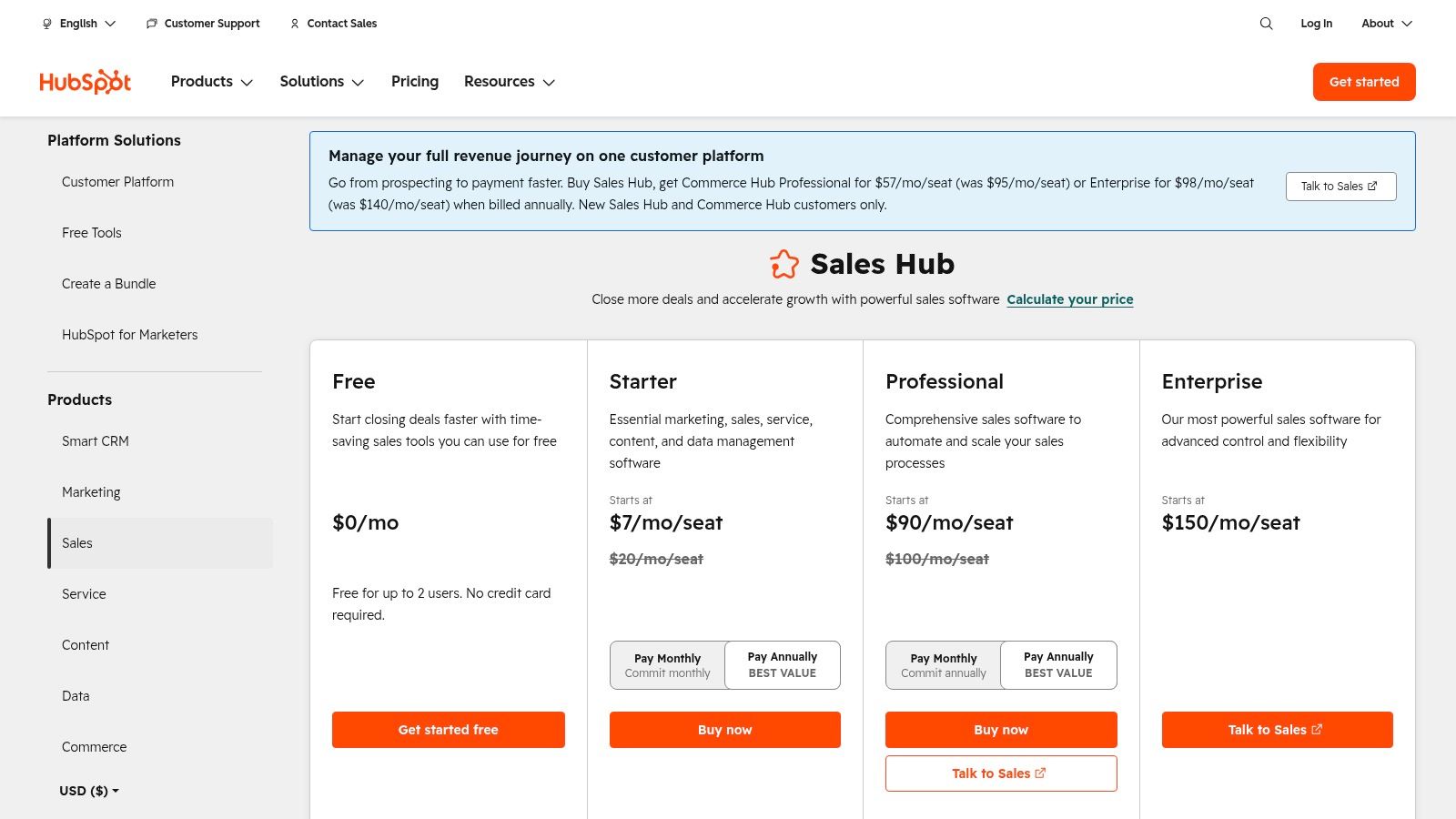
HubSpot Sales Hub is the easiest answer when an agency wants one system tying together sales, marketing, and service. If your leads come from forms, content, referrals, outbound, and marketplace channels, HubSpot gives you a place to manage the full customer journey without stitching together too many separate tools.
That broad coverage is the point. Agencies often outgrow lightweight CRMs not because the pipeline board is bad, but because contact history, quotes, nurture, handoff, and reporting all live in different apps. HubSpot is strongest when you want fewer seams.
Where it earns its keep
The core experience is polished. Deal pipelines, meeting links, sequences, reporting, and automation are all easy for non-technical teams to pick up. If your account managers, founders, and operators all need visibility into the same client history, HubSpot usually reduces friction fast.
It also fits agencies with mixed pre-sale and post-sale workflows. A lead can come in through one source, move into a deal record, then continue into onboarding and support with shared context. That's where broader platforms beat pipeline-only tools.
The hidden win with HubSpot isn't the pipeline board. It's that sales, marketing, and client context stay in one record when the agency grows.
The catch is cost creep. HubSpot often starts comfortably, then gets expensive once you add seats, hubs, and advanced features. That doesn't make it a bad choice. It means you should buy it for actual cross-functional value, not because the free entry point looked attractive.
If your team needs a simple CRM, HubSpot can be more platform than necessary. If your team is juggling disconnected sales and client systems, it can be a relief.
For teams thinking beyond manual follow-up, their broader use case pairs well with sales automation workflows for agencies. The product page is HubSpot Sales Hub.
4. Salesforce Sales Cloud
A 12-person agency can usually run sales from a lighter CRM. A 70-person agency with outbound, referrals, inbound forms, partner leads, Upwork conversations, and handoffs into onboarding usually cannot. Salesforce Sales Cloud fits the second case.
It earns its place when your pipeline is tied to real operational complexity. Different service lines need different stages. Sales managers want tighter permissions. Leadership wants forecast discipline by team, market, or offer. Client success needs clean handoff data after the deal closes. Salesforce handles that kind of structure well, which is why larger agencies still put up with the heavier setup.
Where it fits for agencies
Salesforce is strongest when the CRM has to reflect how the agency works, not force everyone into a generic deal board. You can build separate pipelines for retainers, project work, and white-label partnerships. You can track source data from places like Upwork, referrals, and outbound, then report on which channels produce deals that survive onboarding and turn into profitable accounts.
That last part matters more than many firms expect.
Agencies do not just need pre-sale visibility. They need clean transitions into signed scope, kickoff, delivery, renewals, and expansion. Salesforce can support that full arc if you have the ops maturity to define it properly.
The trade-off
Salesforce gives you a lot of control, but it asks for discipline in return. Someone has to own the data model, stage definitions, permissions, automations, and reports. If nobody on your team can do that, you either accept a messy instance or pay for outside help.
I have seen agencies buy Salesforce too early and spend months configuring fields while reps still update deals in spreadsheets. That is the failure mode. The software was not the problem. The team was not ready for the operational overhead.
For smaller shops, that overhead is often hard to justify. Pipedrive, Close, or even HubSpot usually gets you live faster. Salesforce starts to make sense when the cost of bad process is already higher than the cost of administration.
My honest take
Choose Salesforce because your workflow is complex, not because it feels like the grown-up option. If your sales process changes every week and nobody agrees on what qualifies a deal, Salesforce will mirror that confusion at scale.
If your agency already has defined stages, clear ownership, and a need to connect pre-sale and post-sale reporting in one system, Salesforce can become the operating backbone. You can explore the product at Salesforce Sales Cloud.
5. Zoho CRM
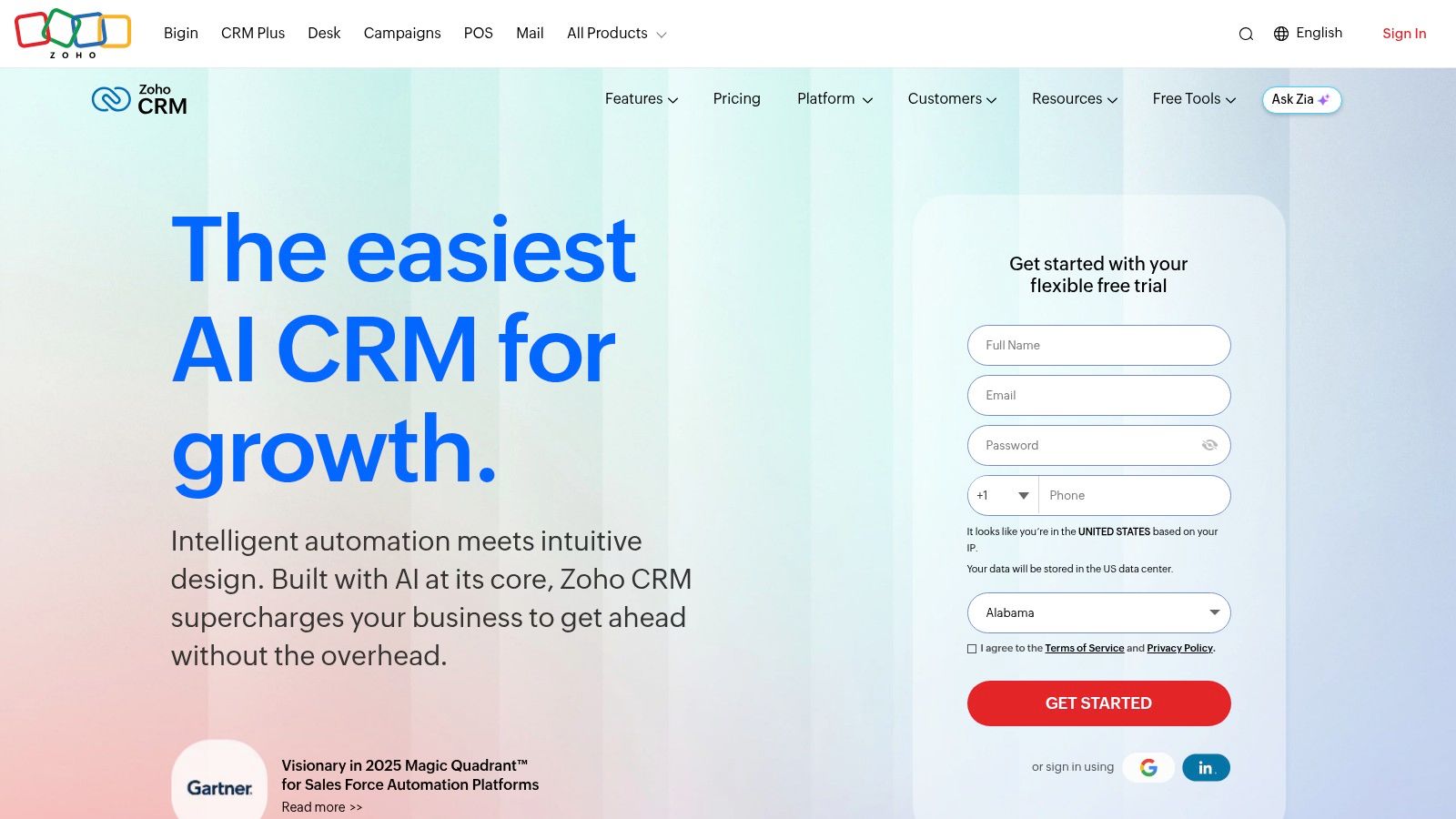
Zoho CRM fits agencies that have outgrown a simple deal board but are not ready for Salesforce-level admin work or pricing. It gives you multiple pipelines, workflow automation, forecasting, and a long list of adjacent apps if you want sales, invoicing, support, and email campaigns connected in one system.
For agencies, that matters more than it does for a standard sales team. A lead might start on Upwork, move into a discovery call, turn into a scoped proposal, then continue into onboarding, billing, and retention work. Zoho handles that handoff better than many low-cost CRMs because the rest of the Zoho stack is already there if you need it.
Good fit for agencies building process in stages
Zoho works well for owners who want to tighten operations without buying an expensive enterprise setup on day one. You can set up one pipeline for outbound leads, another for referral deals, and another for freelance marketplace opportunities if those behave differently. That is useful in agency sales, where an Upwork lead usually needs a different qualification path than a warm intro or inbound form fill.
Blueprints are one of the more practical features here. They let you define what has to happen before a deal moves forward, which helps when proposals, approvals, and kickoff steps keep getting skipped. If your agency sells both retainers and one-off projects, that kind of structure prevents a lot of messy handoffs.
Zoho also makes sense if you care about what happens after the contract is signed. You can keep client records, invoice status, support history, and campaign activity closer together instead of scattering them across disconnected tools.
Trade-offs worth knowing
The downside is clarity. Zoho can feel crowded, especially during setup. New users often see too many menus, too many modules, and too many configuration choices before they see a clean pipeline.
That has a real cost. If nobody on your team owns the setup, reps will work around the CRM instead of inside it.
I would choose Zoho for an agency with an ops-minded founder, a sales lead who will maintain the pipeline, or a team that already knows it needs more structure. I would skip it for a two-person shop that just wants to track deals quickly and send follow-ups without much configuration. In that case, Pipedrive or Copper is usually easier to keep clean.
Choose Zoho when you want broad functionality at a reasonable price and you are willing to spend time shaping the system around your workflow.
The website is Zoho CRM.
6. monday sales CRM
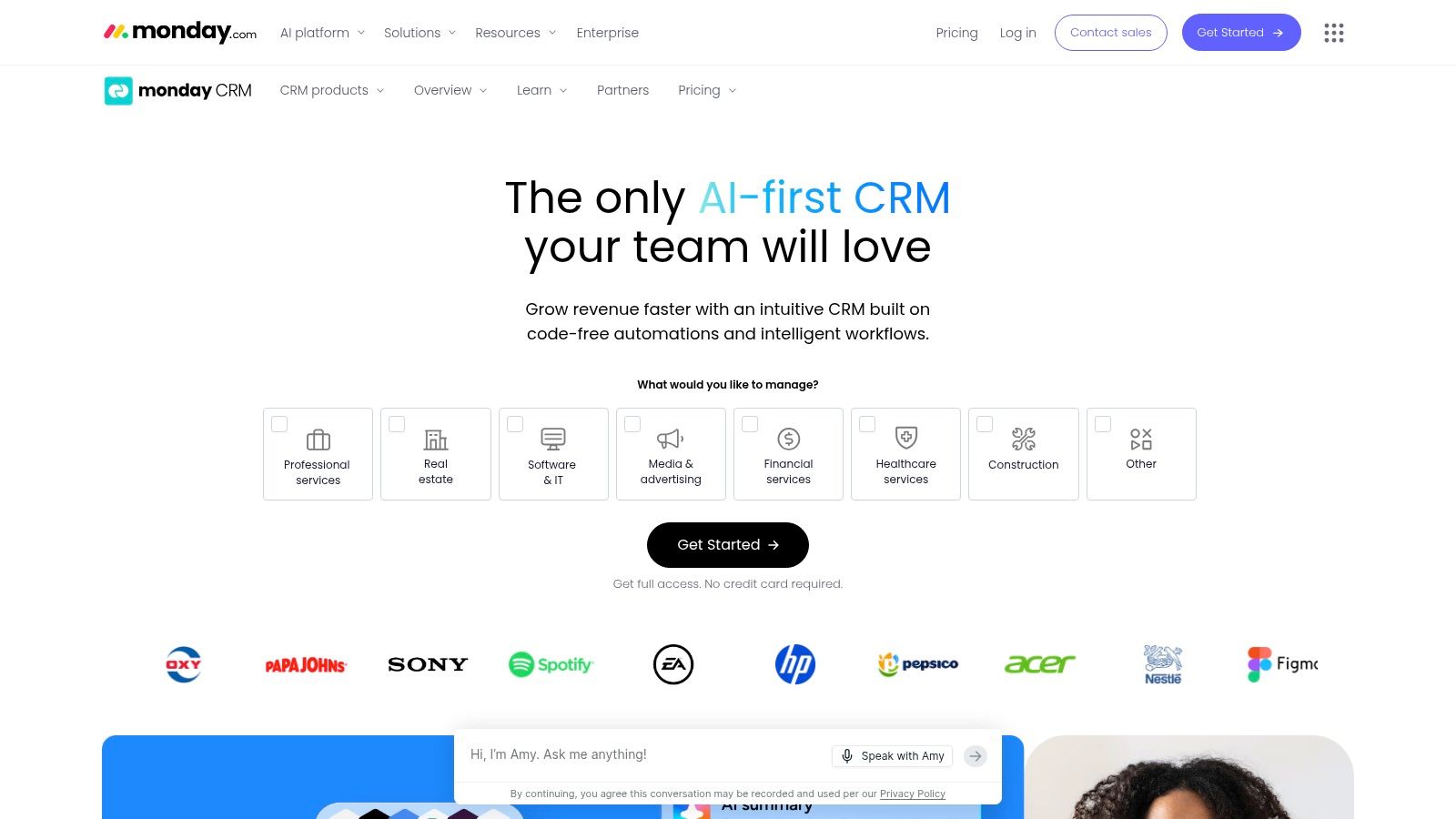
monday sales CRM is one of the better choices when your agency hates the split between sales software and delivery software. If your team wins work, then immediately has to recreate everything in project tools, monday can reduce that duplication because both sides can live on the same operational backbone.
That matters more in agencies than in many other businesses. Sales doesn't stop at “won.” There's onboarding, staffing, kickoff, milestone tracking, revisions, and account expansion. monday handles that crossover better than many sales-first CRMs.
Where it fits best
The platform is flexible enough to mirror unusual agency workflows. You can build boards for deal stages, scope approval, onboarding checklists, and active delivery, then tie them together with automations and dashboards. That makes it a practical choice for hybrid teams where account managers, project leads, and founders all touch the same client journey.
This flexibility also helps if your process starts in one channel and finishes elsewhere. A lead from Upwork can move into a board, become a scoped project, and then continue into fulfillment without changing systems.
The trade-off is that monday isn't always as deep in sales-specific functionality as dedicated CRMs. If your process depends heavily on forecasting nuance, advanced quote management, or detailed sales governance, you may feel the edges faster.
What agencies usually like
Teams often adopt monday faster than expected because it feels familiar. The low-code setup means someone inside the agency can usually shape the workflow without waiting on an outside admin. That's valuable if your process changes often.
It's less ideal if you want a CRM that tells you the “right” sales workflow out of the box. monday gives you flexibility. It doesn't always give you guidance.
The product site is monday sales CRM.
7. Freshsales
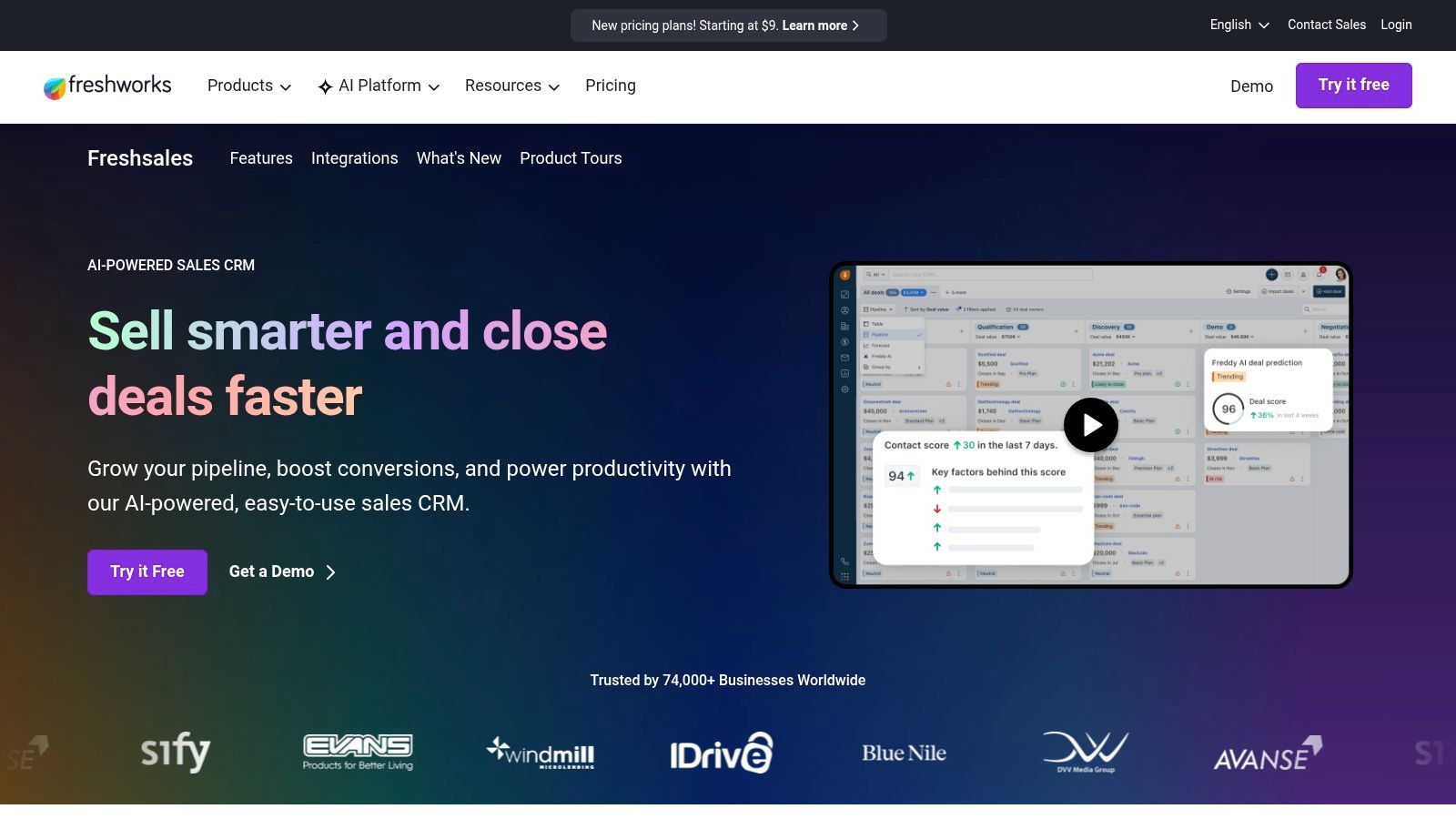
Freshsales is a practical choice for agencies that want communication tools built into the CRM instead of bolted on later. Calling, chat, email, sequences, and pipeline tracking sit in the same environment, which cuts down on tab switching and incomplete activity logs.
That's useful for service businesses with fast-moving lead response. If inquiries come from forms, referrals, or outbound, your team can work those conversations without jumping between several systems.
Why budget-conscious teams keep considering it
Freshsales tends to land in the sweet spot between affordability and usefulness. You get visual pipelines, lifecycle stages, AI-assisted features, and native multichannel communication without stepping into a heavyweight enterprise setup. For a small agency sales desk, that can be enough.
It also suits founder-led sales teams. If the person closing deals is also involved in delivery, they usually don't want complexity. They want context, reminders, and an easy way to keep conversations moving.
One thing I like about Freshsales is that it covers enough of the sales workflow natively to reduce the need for workaround tools. That's not glamorous, but it matters. Fewer disconnected systems often means cleaner records.
The limitations are predictable
Customization depth and ecosystem breadth don't match larger platforms. If your agency expects deep object modeling, extensive partner tooling, or advanced governance, you'll eventually hit a ceiling. Some AI and automation capabilities also depend on plan tier.
Still, for many small agencies, Freshsales is the sensible option that gets used. That counts for a lot.
You can check it out at Freshsales.
8. Close
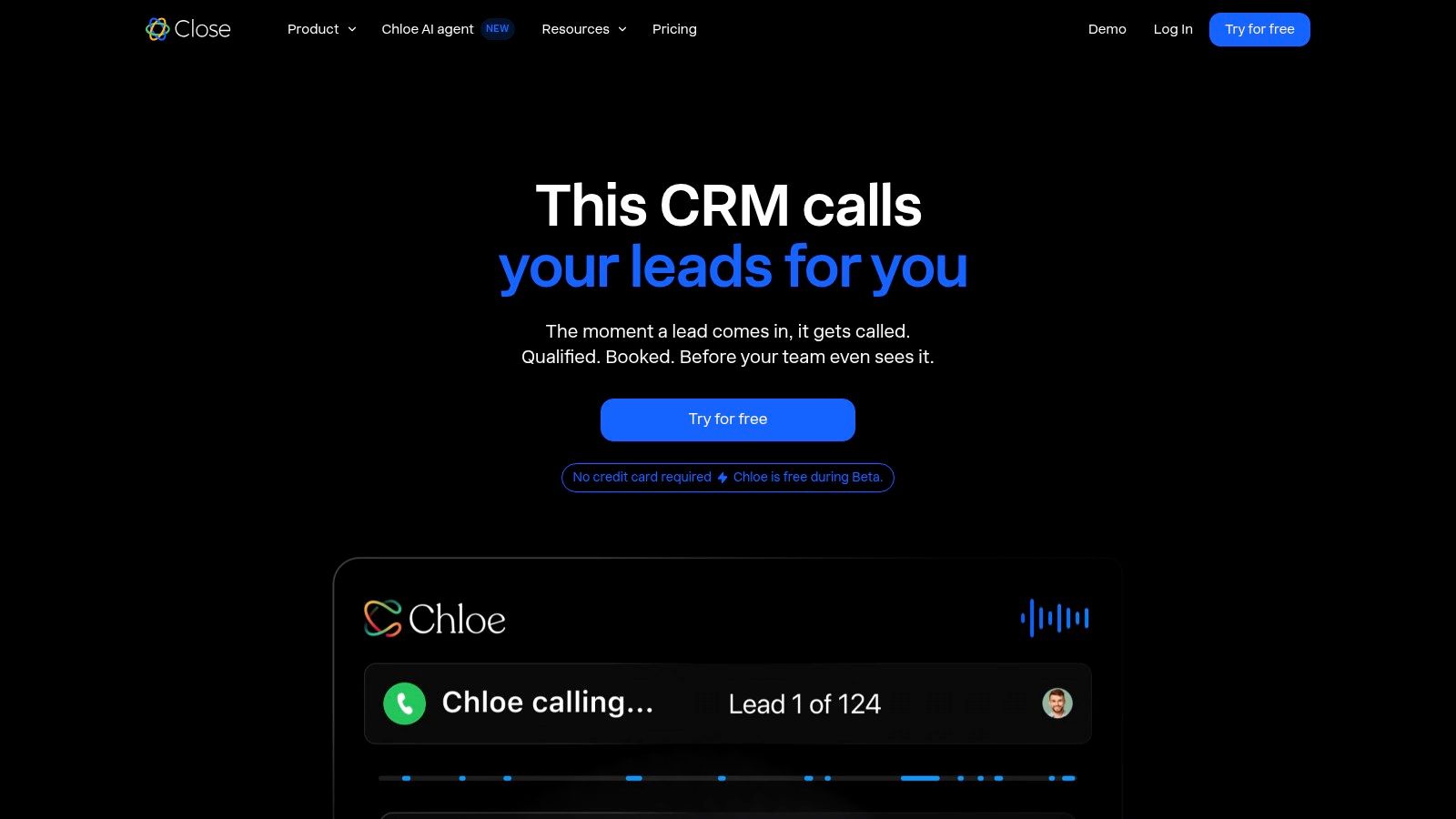
A common agency bottleneck looks like this. Leads come in from Upwork, outbound, referrals, and contact forms, but follow-up lives across inboxes, phone logs, and sticky notes. Close works well for teams that win business through fast contact and repeatable outreach, because the calling, emailing, texting, and pipeline management happen in one place.
That makes it a practical fit for appointment-setting agencies, lead-gen shops, and small sales teams running high daily activity. The built-in dialer gets the attention, but its primary benefit is execution speed. Reps can open a lead, make the call, send the follow-up, log the outcome, and set the next task without bouncing between tools.
Best for agencies with an actual outbound process
Close is strongest when your sales motion depends on volume and consistency. Smart views, call history, email sequences, and task queues help teams keep momentum instead of letting leads stall after first contact.
I would not put Close at the top of the list for a relationship-heavy consultancy or a freelancer closing a handful of warm deals each month. In those cases, the communication stack can feel heavier than necessary. But if your agency has SDR-style habits, or you are trying to build them, Close gives structure without pushing you into enterprise CRM complexity.
It also fits agencies that separate pre-sale from post-sale in different systems. Close can handle the front end well, then hand won deals off to your project management or client delivery setup after the contract is signed. That division is not elegant for every team, but plenty of agencies prefer it because it keeps the sales workspace focused.
What to watch before you commit
Close is not built to run your entire agency. It is built to help reps sell. If you need advanced marketing automation, complex quoting, account hierarchies, or detailed post-sale workflow management in the same platform, you will start adding other tools pretty quickly.
That trade-off is the whole story with Close. For teams that care most about fast outreach and rep productivity, its narrow focus is an advantage. For teams that want one system to cover prospecting, proposals, onboarding, delivery, and expansion, it will feel incomplete.
The website is Close.
9. Copper

A common agency problem looks like this: leads arrive through Gmail, meeting notes sit in Calendar invites, proposals live in Drive, and nobody updates the CRM until Friday. Copper works well because it sits inside the tools many freelancers and small agencies already use all day.
That matters more than feature depth for a lot of service businesses. If your sales process starts with referrals, inbound inquiries, Upwork conversations moved into email, or warm reactivation of past clients, adoption usually matters more than advanced configuration. Copper keeps contact management, follow-ups, and pipeline updates close to the inbox, which makes it easier to maintain a usable pipeline during busy client weeks.
Why freelancers and small agencies stick with it
Copper is a practical fit for solo consultants, boutique agencies, and account leads who sell while also delivering work. You do not need to train the team on a heavy interface before they can log a deal, set a reminder, or see what is stalled. That lower admin burden is often the difference between a CRM your team uses and one they neglect.
It also fits agencies with a simple handoff between pre-sale and post-sale. Track the opportunity in Copper, store proposal files in Drive, close the deal, then move delivery into your project system. That setup is not elegant for every agency, but it works well for teams that do not want sales and fulfillment forced into one platform too early.
Copper is less compelling if your pipeline depends on aggressive outbound motion, deep automation, or layered reporting across multiple sales roles. It is built for relationship-driven selling inside Google Workspace, not for turning your agency into a highly customized sales operation.
Where it stops being enough
The trade-off is straightforward. Copper stays easy by limiting how much complexity you can pile into it.
If your agency grows into multiple closers, strict stage governance, territory rules, detailed forecasting, or more involved post-sale workflows, you may start feeling those limits. Agencies that need tighter integration with quoting, onboarding, and account expansion often outgrow Copper faster than they expected.
For a Google-native freelancer or small agency, though, Copper still makes a lot of sense. It removes friction, keeps the pipeline visible, and supports the kind of sales process many agencies employ.
The product site is Copper.
10. Salesflare
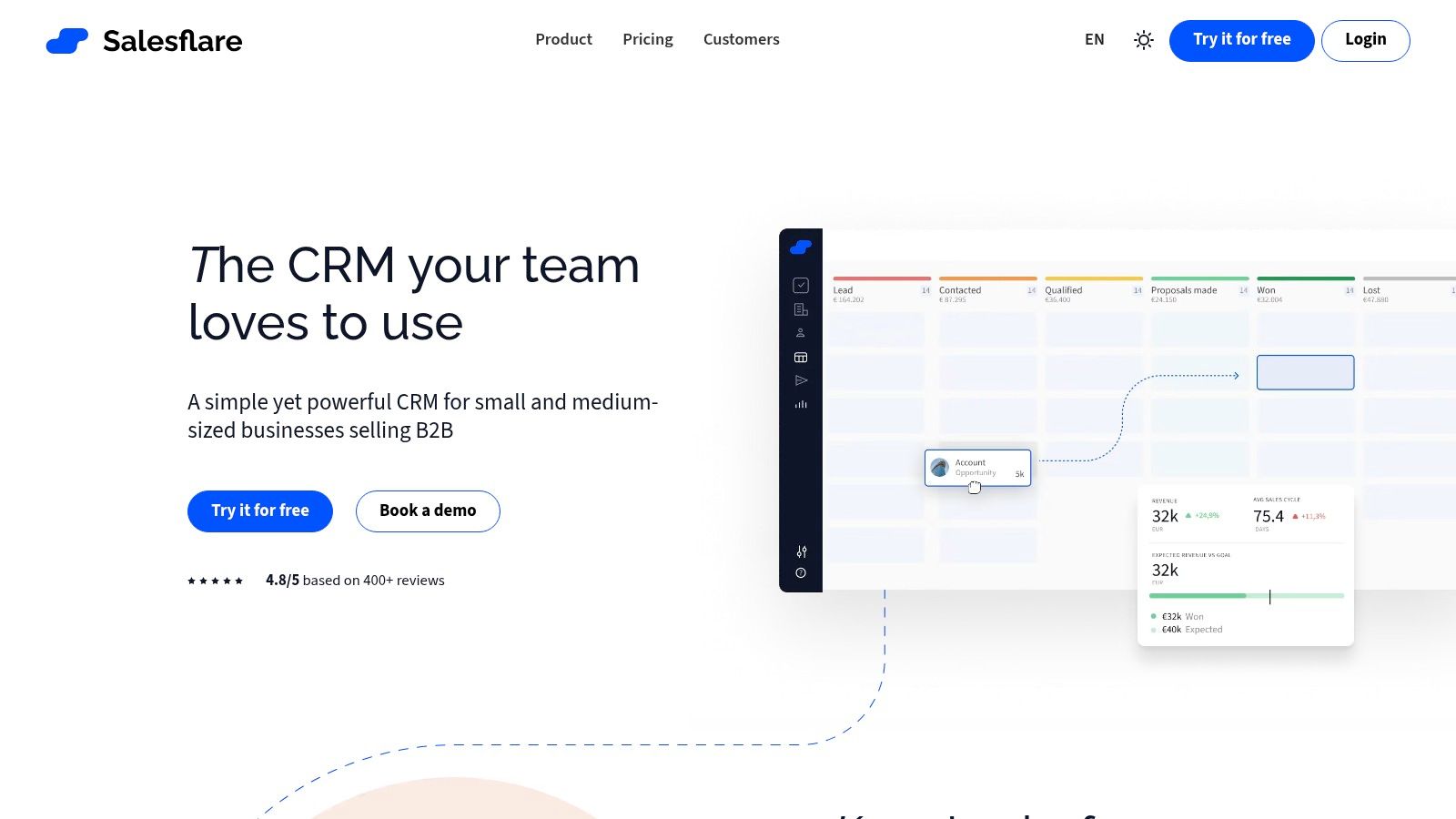
Salesflare is for agencies that know they need CRM discipline but hate manual CRM work. It pulls activity from email, calendars, and LinkedIn, enriches records automatically, and keeps the pipeline usable without asking reps to become data-entry clerks.
That's a real advantage in small teams. Agency founders and freelancers usually don't ignore pipeline hygiene because they're careless. They ignore it because client work and prospecting always feel more urgent than updating another system.
Strong option for low-admin workflows
Salesflare keeps the maintenance burden low, and that usually improves compliance. If your team won't consistently log calls, update fields, or create follow-up tasks manually, automation is what keeps the system alive. Salesflare understands that.
It's also a sensible match for agencies with modest sales complexity. You still get pipelines, dashboards, email tracking, and sequences, but without the weight of a giant platform. That makes it easier to start using quickly and harder to overengineer.
A lightweight CRM that stays current beats a powerful CRM full of stale deals.
That point matters because most pipeline failures aren't caused by missing features. They're caused by weak process discipline and dirty data. Guidance across Zendesk and Maximizer makes the same point from different angles: pipeline management only works when teams track opportunities end to end, define stages clearly, and review where deals stall (Maximizer on pipeline management discipline).
The trade-off
Salesflare isn't the ecosystem heavyweight on this list. If you need deep enterprise security, broad marketplace integrations, or large-team controls, others are stronger. But if your problem is “nobody keeps the CRM updated,” Salesflare addresses the actual issue better than many bigger tools.
You can explore it at Salesflare.
Your Action Plan for Choosing the Right Tool
A freelance lead comes in from Upwork at 9:10 a.m. By noon, you have sent a proposal, answered two follow-up questions, booked a call, and opened a project workspace. Or the lead sits in your inbox, nobody logs it, and the opportunity dies in a thread. That gap is what this decision is really about.
Agencies usually pick the wrong tool for one of two reasons. They buy for a future sales process they do not have yet, or they buy a generic CRM without checking how client work moves from first reply to signed scope to delivery handoff. For agencies and freelancers, that second part matters just as much as lead tracking.
Start with your real workflow. If you run solo or with one assistant, low admin beats feature depth. Copper and Salesflare fit well when you live in Gmail and need a system people will keep updated. If two to five people touch sales, proposals, and onboarding, Pipedrive, HubSpot, and Freshsales usually give enough structure without turning setup into its own project. If you have a larger team, multiple service lines, or stricter reporting needs, Salesforce, Zoho, and monday sales CRM make more sense, but only if someone owns configuration and process hygiene.
Channel fit matters too. Agency sales rarely come from one clean source. You may have referrals, outbound, contact forms, Upwork, and partnership leads all entering different places. If Upwork is a meaningful source, the weak point often is not pipeline reporting. It is finding the right jobs fast, sending customized proposals, replying before the buyer moves on, and keeping follow-up consistent. Earlybird AI covers that front-end workflow. Your CRM can then handle qualification, deal stages, onboarding, and post-sale follow-through.
Audit the stack before you buy. Check Google Workspace or Outlook, Slack, proposal software, e-signature tools, invoicing, project management, and any freelance platform workflow your team depends on. A CRM that looks strong in isolation can still create more work if handoff into delivery is messy. Agencies feel this quickly because the same team often sells, scopes, and manages the first phase of the client relationship.
Cost needs a harder look than sticker price. Seat cost is the obvious line item. The hidden ones are setup time, admin burden, paid add-ons, and the revenue you lose when the team stops using the system after the first month. I have seen cheaper tools become expensive because nobody trusted the data, and I have seen higher-priced tools pay for themselves because they made follow-up and handoff consistent.
Choose based on the behavior you need the tool to enforce. Clear next steps. Fast follow-up. Accurate deal stages. Clean handoff into onboarding or project delivery. As noted earlier, even modest improvements in stage conversion have an outsized effect on agency revenue, especially when lead volume is inconsistent. The right sales pipeline management tool helps your team do the boring but profitable work the same way every time.
If Upwork is a major growth channel for your agency, Earlybird AI is worth a serious look. It helps generate pipeline before a lead ever reaches your CRM by finding jobs, drafting personalized proposals, handling quick replies, and keeping follow-ups on track. For agencies trying to replace manual bidding with a repeatable system, that is a practical addition, not a replacement for a CRM.




