
← Back To Blog
How to Make a Video Covering Letter That Gets You Hired
A video covering letter is exactly what it sounds like: a short, personalized video you create to introduce yourself to a potential client or employer. Forget the wall of text. This is your chance to build an immediate connection and show off your personality in a way a static document never could.
Why a Video Covering Letter Is Your Secret Weapon
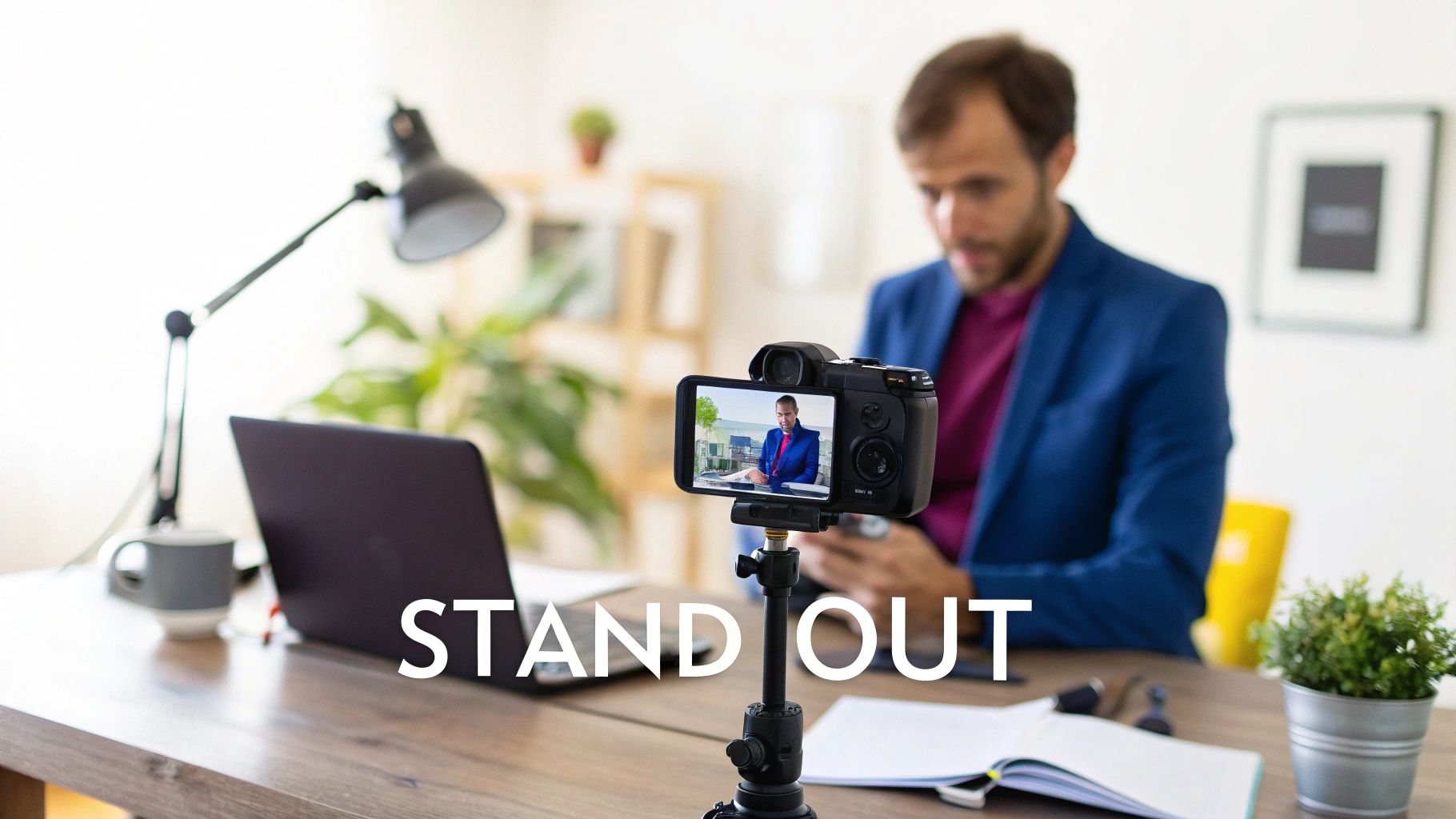
Think about the client’s inbox. It’s flooded with text-based proposals and nearly identical resumes. A video instantly cuts through that noise. Your application transforms from just another flat document into a memorable, human interaction.
This isn’t about being flashy; it’s a strategic play. It lets you demonstrate your confidence, clearly explain your value, and forge a personal bond before you’ve even booked a call. For freelancers on platforms like Upwork or agencies pitching new clients, that first impression is everything.
The Power of a Personal Connection
A traditional cover letter tells a hiring manager what you can do. A video shows them who you are. This is a game-changer, especially in roles where communication and personality are key.
- Creative Fields: Designers, writers, and marketers can actually show their passion and creative spark.
- Client-Facing Roles: Salespeople and account managers can immediately prove they can build rapport and communicate persuasively.
- Leadership Positions: A video is the perfect medium to project confidence and a commanding presence.
By getting on camera, you give the viewer a real sense of your professionalism and genuine enthusiasm. It just breaks down that formal, impersonal barrier of the typical application process.
Stand Out in a Competitive Market
Video applications are definitely on the rise. A 2025 analysis pointed out that career experts from sites like Indeed and ZipRecruiter have seen more and more unprompted video submissions, especially from younger job seekers who grew up with TikTok and YouTube. This is a clear signal that the old way of doing things is changing. You can read more about how video is shaking up job applications over at Business Insider.
A well-executed video covering letter does more than just get you noticed—it makes you memorable. When a client has waded through dozens of text proposals, the person who took the time to create a personalized video is the one who sticks in their mind.
This simple act shows you have initiative, you're comfortable with modern tools, and you have a genuine interest in the opportunity. It tells them you’re someone who goes the extra mile.
Planning and Scripting Your Winning Message

A killer video covering letter is all about the prep work. You don't just hit 'record' and hope for the best. The secret is to have a solid plan—not a rigid, word-for-word script that makes you sound like a robot, but a clear structure for your key points. This way, you come across as confident, authentic, and completely in control.
Start by digging into the job description or project brief. Your mission is to find the client's real pain point. What's the problem they're really trying to solve? Maybe it’s a leaky sales funnel, a clunky user interface, or a buggy app. Whatever it is, your entire pitch needs to position you as the direct solution to that specific headache.
The 60-Second Story Structure
Think of your video as a super-short story. It needs a beginning, a middle, and an end to keep your viewer hooked. This simple "Three-Act" framework is perfect for keeping things tight, compelling, and easy to follow.
The Hook (First 15 seconds): You have to start strong. Greet them personally by name, mention the exact role you're applying for, and immediately drop your core value proposition. This is your one-shot to grab their attention and convince them to keep watching. No long intros, just get straight to the point.
The Proof (Next 30 seconds): This is where you connect the dots between your skills and their problem. Don't just list what you do. Instead, share a quick, concrete story about how you solved a similar problem for someone else. Use numbers and results whenever you can—it adds a ton of credibility.
The Ask (Final 15 seconds): End with a clear, confident call to action. Never leave them wondering what to do next. Tell them you’re excited to talk more and suggest a specific next step, like hopping on a quick call to discuss the project details.
This structure works because it’s fast and respects the client’s time. You establish relevance instantly, back it up with proof, and make it incredibly easy for them to say "yes."
Your video's job is to answer the client's unspoken question: "Why you?" Every single second should be laser-focused on answering that question with confidence.
From Structure to Talking Points
Once you've got the framework down, sketch out a few bullet points for each section. Remember, these are just talking points, not a full-blown script. This is the key to sounding natural and not like you're reading off a teleprompter. A great video cover letter should feel like you're having a real conversation.
For freelancers, this approach is gold, especially on platforms like Upwork where personalized, relevant proposals cut through the noise.
To give you a head start, here’s a simple outline you can adapt.
Video Covering Letter Script Outline
This table breaks down the key parts of your script, helping you structure your message for the biggest impact.
Remember, your script is where you turn your past wins into a compelling story for a potential employer. It's about showing, not just telling. Industry pros know this—top resume coaches, for instance, always advise highlighting quantifiable achievements like boosting engagement or watch time, because those numbers prove you can deliver real business value.
Before you film, run through your talking points out loud a few times. This isn't about memorization; it's about finding your rhythm and smoothing out any awkward phrasing. When you finally hit record, you'll be able to forget the words and just focus on connecting with the person watching.
Creating a Professional Setup on a Budget
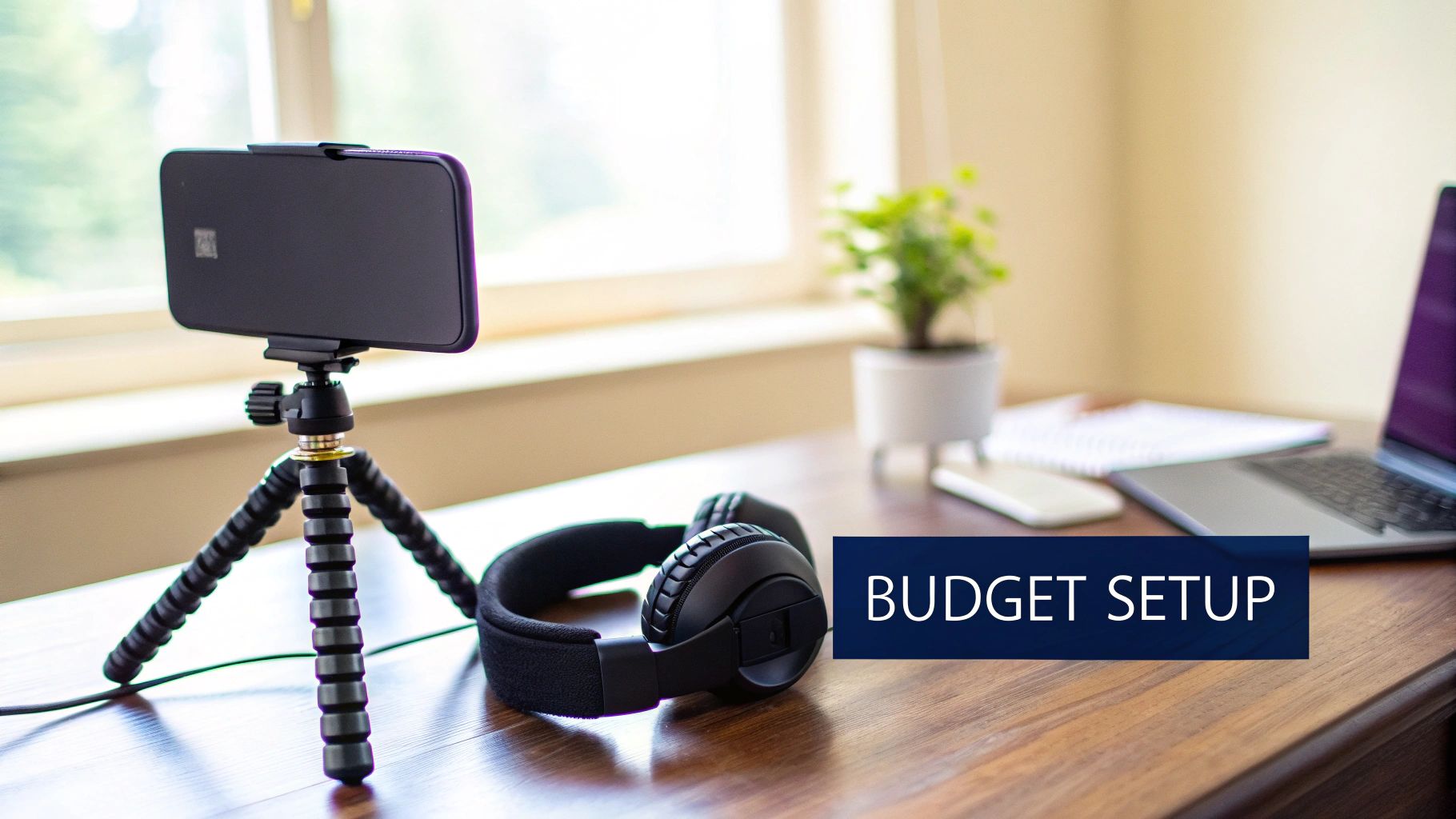
A lot of people get hung up on the tech, thinking they need a fancy DSLR and a full-blown studio to record a video covering letter. That’s just not true. You can get a polished, high-quality result with the gear you probably have in your pocket right now.
We're not aiming for a Hollywood blockbuster here. The real goal is to present a clear, confident, and distraction-free version of yourself, and your smartphone is more than capable of handling the video part. The magic really happens with lighting.
Mastering Your Lighting and Background
Forget about spending money on ring lights or softboxes, at least for now. Your best friend is a window.
Position yourself so you’re facing the window, letting that natural light hit your face. It's the oldest trick in the book because it works—it gets rid of harsh shadows and gives you a soft, flattering light that beats any ceiling light. Whatever you do, don't sit with the window behind you. You’ll just end up as a dark silhouette.
Now, take a look at what’s behind you. A messy room or a chaotic background is an instant turn-off. It just screams unprofessional. Find a simple, clean spot, like a plain wall, a well-organized bookshelf, or even a corner with a single plant. The focus needs to be on you, not the laundry basket you forgot to move.
Framing and Audio Essentials
Camera placement is another small thing that makes a huge difference. You want the camera lens to be right at eye level. Looking down at it can come off as arrogant, and looking up at it can make you seem timid. A stack of books or a cheap phone tripod is all you need to get that perfect, direct-to-camera shot that helps build a real connection.
Here’s a pro tip: your audio is actually more important than your video. If they can’t hear you clearly, they’ll click away in seconds.
- Use Your Headset: That little microphone on your wired smartphone headset? It's surprisingly good. It isolates your voice and cuts down way more background noise and echo than you'd think.
- Do a Quick Sound Check: Before you hit record, just listen. Is the AC running? Is the TV on in the other room? Turn off anything that could create a distracting hum.
Remember, the technical setup is there to support your message, not overshadow it. A clean shot, good lighting, and clear audio show respect for the viewer's time and attention.
Finally, let's talk about how you look on camera. Dress like you would for an actual interview. Solid colors usually look better than busy patterns, which can be distracting. Sit up straight, look directly into the camera lens (not at yourself on the screen!), and use natural hand gestures. These details are what sell your confidence and professionalism, helping your video covering letter make the exact first impression you want.
Recording and Editing for Maximum Impact
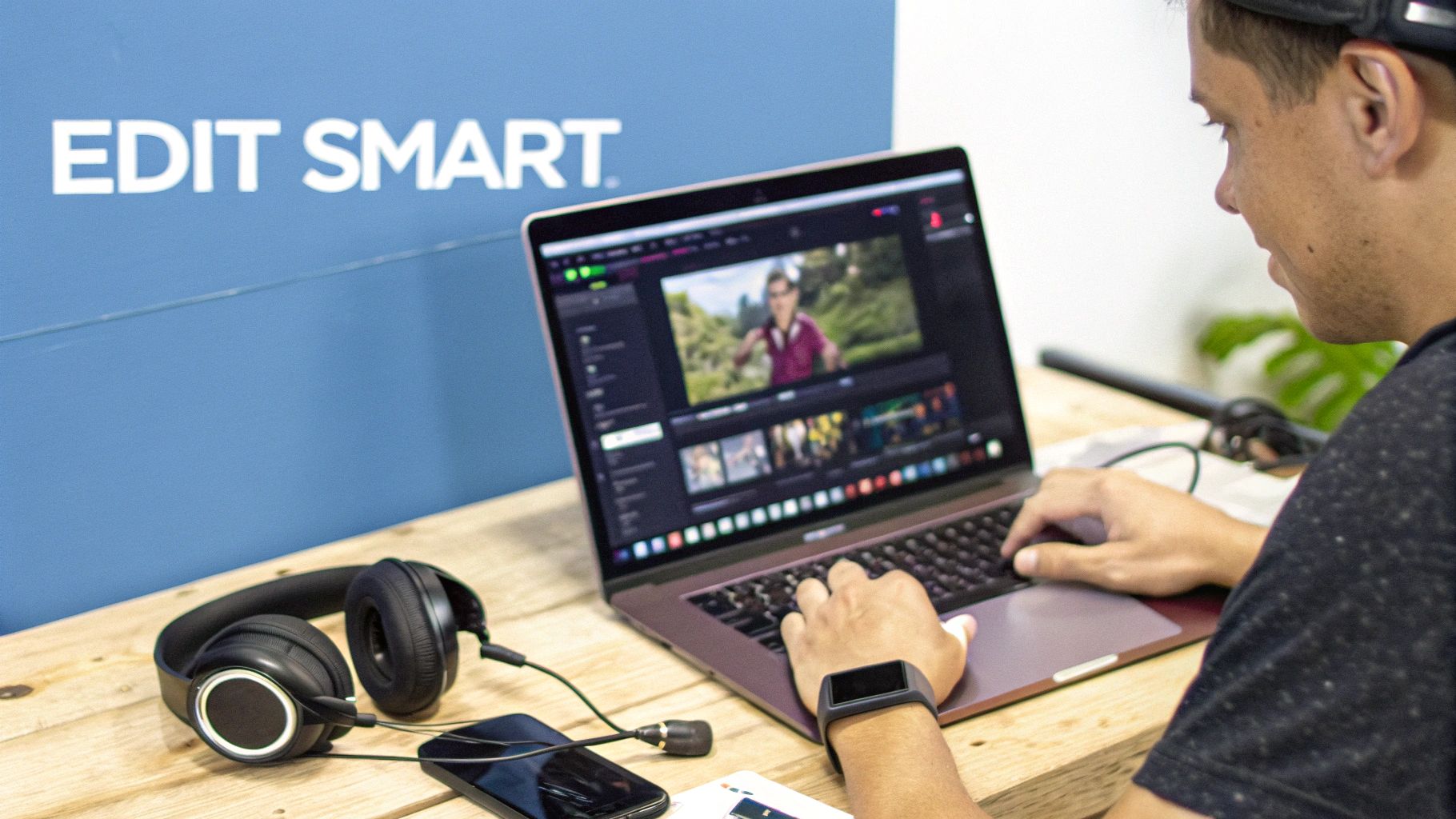
Okay, your setup is dialed in and you have your talking points. It’s time to hit record. The real trick here is to find that perfect balance between being prepared and sounding conversational. If you try to memorize every single word, you'll come across as robotic. Trust me, it happens.
Instead, just run through your key points a few times. Get comfortable with the message. You want to internalize it, not just memorize it. This way, you can deliver it with genuine energy. And don't forget the basics: smile and look right into the camera lens. That's how you connect with the person on the other side of the screen.
Nailing the Performance
Here’s a dose of reality: your first take will probably be garbage. That's completely normal. Don't let it throw you off.
Plan on recording at least three to five takes. This isn’t about chasing some mythical "perfect" version. It’s about warming up. Usually, by the third take, the nerves have settled, and you'll find a natural rhythm. The goal is to let your actual personality shine through, not to deliver a flawless, over-rehearsed monologue. Pick the take where you sound the most like you.
The latest trend reports for 2024–2025 back this up, showing that how you behave on camera is just as important as your technical setup. For example, creative industry guides are all pointing to the one-minute mark as the sweet spot for video length. It shows busy recruiters you're concise and respect their time. If you want to dive deeper, you can explore more about making the perfect video cover letter to see these ideas in action.
Simple Edits for a Professional Finish
Once you have a take you’re genuinely happy with, it's time to clean it up. We’re not aiming for Hollywood-level special effects here. The goal is a clean, polished video that’s easy to watch. You absolutely do not need expensive software; free tools like CapCut or the powerful DaVinci Resolve are more than enough.
Here’s a quick editing checklist:
- Trim the Bookends: Snip off the awkward few seconds at the beginning and end where you're fumbling to start or stop the recording. The video should jump right into your intro and end cleanly after your final point.
- Cut Out Dead Air: If you have any long, awkward pauses where you lost your train of thought, just cut them out. A few simple jump cuts can actually make your delivery feel more dynamic and keep the energy high.
- Add a Simple Text Overlay: This is a small touch that makes a big difference. At the end, add a clean, professional text graphic with your name, email, and a link to your portfolio or LinkedIn.
Editing isn't about hiding mistakes; it's about enhancing clarity. A tight, well-paced video shows respect for the viewer's time and makes your message shine.
One last pro-tip: consider adding a subtle, royalty-free instrumental track underneath your voice. The key is to keep the volume very low—it should be barely noticeable, just enough to fill the space. This tiny addition can elevate the entire video, making it feel more professional and leaving a much stronger impression.
How to Share Your Video to Get More Replies
So, you’ve put in the work and have a polished video cover letter ready to go. Great! But now comes the moment that actually matters: getting it in front of the right person. How you deliver your video is just as important as the content itself; it can be the difference between landing a new client and getting lost in their inbox.
Right off the bat, let's get one thing straight: never, ever send your video as a file attachment. Big files are a red flag for spam filters and can easily get blocked by company email servers. All your hard work could end up in a digital black hole, and you’d never even know it. It’s a rookie mistake, and thankfully, it's an easy one to sidestep.
The Gold Standard for Hosting Your Video
The best way to share your video is by uploading it to a platform like YouTube or Vimeo and setting the privacy to Unlisted. This is the secret sauce. An unlisted video won't pop up in public searches, but anyone you send the direct link to can watch it instantly. This gives you a clean, simple URL to share without any of the headaches of file sizes or email deliverability.
There’s another subtle win here, too. Most platforms give you basic analytics, meaning you can often see if your video has been viewed. It's not a guarantee, but that little bit of feedback can tell you if your proposal is actually getting noticed.
By hosting your video as 'unlisted,' you make it effortless for the hiring manager to watch. One click, no downloads, no hassle. This simple step removes friction and shows you understand professional communication.
Crafting the Perfect Introductory Message
With your link ready, you need a message that actually makes someone want to click it. Whether you're firing off a proposal on Upwork or sending a cold email, your introduction needs to be short and spark some curiosity. The goal isn't to spill all the details of your video—it's to get them intrigued enough to press play.
Here are a couple of real-world examples that get results:
For a Freelance Proposal on Upwork
"Hi [Client Name], I've reviewed the details for your project and am confident I can help you [achieve specific goal]. To give you a better sense of my approach and enthusiasm for this role, I created a brief 60-second video just for you: [Your Unlisted Video Link]"
For a Direct Email Application
"Subject: Application for [Job Title] - [Your Name]
Dear [Hiring Manager Name],
I am writing to express my strong interest in the [Job Title] position I saw advertised on [Platform]. In addition to my attached resume, I’ve put together a short video to personally introduce myself and explain why I’m so excited about this opportunity at [Company Name]. You can view it here: [Your Unlisted Video Link]"
Notice how both examples are direct, personalized, and frame the video as something created exclusively for them. That "just for you" touch can be a powerful hook. This kind of targeted outreach is a key part of modern sales; you can dive deeper into these strategies by understanding what is sales automation.
Navigating the ATS
Finally, a quick word on Applicant Tracking Systems (ATS). If you’re applying for a corporate gig, chances are your application will be scanned by a bot before it ever reaches human eyes. To make sure your video link survives the scan, embed it directly into your resume.
I recommend placing a clear, hyperlinked call-to-action right at the top, just below your name and contact info. Something like "View My Video Introduction" or "Personalized Video Cover Letter" works perfectly. This makes it impossible for a human reviewer to miss and ensures the ATS can parse the text without any problems. It's a simple, two-pronged approach that covers all your bases.
Answering Your Top Video Covering Letter Questions
Alright, so the idea of a video cover letter sounds great, but stepping in front of the camera can feel a little intimidating. That's completely normal. You probably have a few questions floating around, from the nitty-gritty tech details to simple professional etiquette.
Let's clear up those lingering doubts. I've put together answers to the most common questions, so you can hit record with confidence.
How Long Should It Be?
Think short, sweet, and to the point. The magic number here is between 60 and 90 seconds. This gives you just enough time to make a solid introduction, show off your personality, and connect your skills to the job without overstaying your welcome.
Remember, recruiters and potential clients are juggling a dozen other things. A concise video proves you respect their time and can get your point across efficiently—a skill every single employer values. Go much longer, and you risk them clicking away before you even get to the good stuff.
What If They Didn't Ask For One?
This is where you can really stand out. Sending a video when it wasn't requested is a power move, if you do it right. It shows initiative and confidence, especially if you're going for roles in creative fields, marketing, sales, or any position where your personality is part of the package.
The key is how you frame it. You're not replacing their required application materials; you're adding a little something extra. A simple, confident note in your proposal or email is all it takes:
"To give you a better sense of my enthusiasm for this role, I also created a brief video to introduce myself personally."
This positions your video as a helpful bonus, not a sign that you couldn't follow directions. It's a smart, proactive touch.
What are the Biggest Mistakes to Avoid?
The most common blunders are almost always technical, and they can completely torpedo your first impression. If you get these three things right, you're already ahead of the game.
- Bad Audio: This is the absolute worst offender. If you sound like you're in a wind tunnel or an echo chamber, people will tune out instantly. A simple headset mic will make you sound crisp and professional.
- A Messy Background: Your cluttered bedroom or a chaotic kitchen in the background sends the wrong message. Find a simple, clean spot that keeps the focus where it belongs: on you.
- Reading Off a Script: We can all spot it a mile away. When you read word-for-word, you sound robotic and lose all sense of genuine connection. Jot down some bullet points, practice a couple of times, and just talk to the camera like you're having a conversation.
Another huge mistake is sending out a generic, one-size-fits-all video. Personalization is everything. Every single video should be tailored to the specific role, mentioning the client or company by name and touching on their specific needs. This is especially true on platforms like Upwork, where that personal connection is what gets you hired. If you're new to the platform, you might find our guide exploring whether Upwork is legit helpful.
How Should I Host and Share My Video?
This one is non-negotiable. Upload your final video to a platform like YouTube or Vimeo and set the privacy to 'Unlisted'.
An 'Unlisted' link is private—it won't show up in search results or on your public profile. Only people with the direct link can view it, which is exactly what you want.
Whatever you do, don't send the video file as an email attachment. Big files get blocked by email servers or flagged as spam all the time. The last thing you want is for your hard work to end up in a junk folder. A simple, clean, unlisted link makes it effortless for them to watch.
Ready to stop spending hours on proposals and start booking more calls? Earlybird AI connects to your Upwork account, learns your ideal projects, and automatically sends personalized bids within minutes of a job being posted. Let our AI-powered sales team put you first in the client's inbox so you can focus on what you do best. Get started today at https://myearlybird.ai.




