
← Back To Blog
10 Best AI Tools for Freelancers in 2026
You finish a client project, then lose an hour to work that does not get billed. You scan job boards, rewrite a proposal from scratch, answer a familiar client question, clean up meeting notes, and update three different tools just to stay organized. That is the part of freelancing AI can improve.
Good AI tools remove repeat work across the full client cycle: finding leads, writing proposals, tightening communication, organizing delivery, and handling admin. Bad ones add another tab to monitor. Choose tools that save time in a specific part of your workflow and fit cleanly with the way you already work.
That matters because freelancers do not all need the same stack. A writer might pair Jasper, Grammarly, and Notion AI to speed up drafting and edits. A designer may get more value from Canva, Descript, and Otter.ai for client presentations and content production. A developer may care more about lead flow, notes, and automation, which makes tools like Earlybird AI, Notion AI, and Zapier more useful than another writing assistant.
I have found the strongest setups are usually small and practical. One tool to win work. One or two to deliver faster. One to keep operations from slipping.
The tools below follow that logic. Some help with full-cycle Upwork automation, especially Earlybird AI for freelancers who depend on marketplace pipeline. Others help you write, design, document, invoice, or connect the whole stack so work moves with less manual effort.
1. Earlybird AI
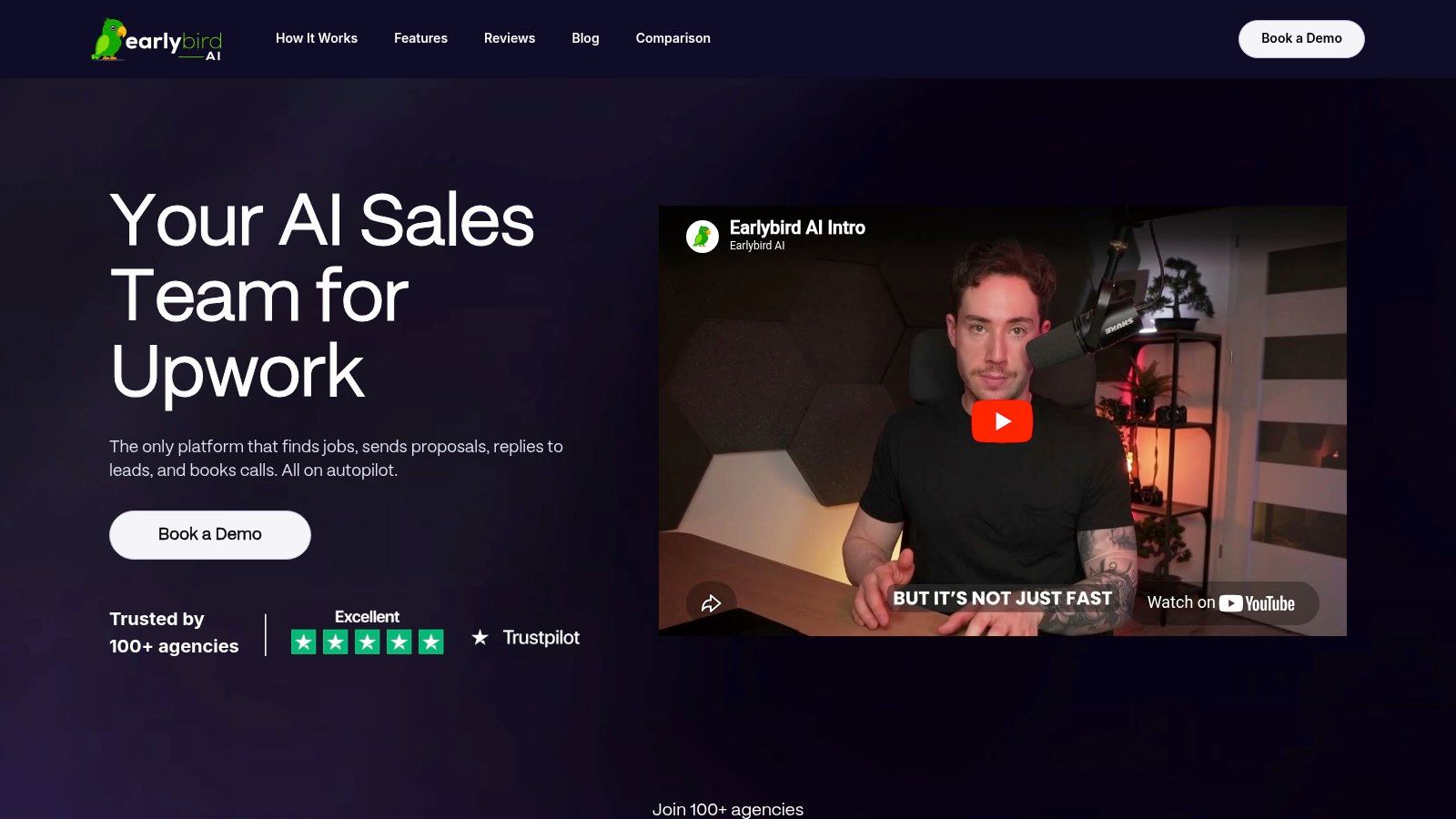
If your business depends on Upwork, Earlybird AI is the most complete sales automation tool in this list. It doesn’t stop at helping you write faster. It handles the entire top and middle of the client acquisition workflow: finding jobs, learning what you want, generating customized proposals, replying to inbound messages, following up, and helping move conversations toward booked calls.
That difference matters. Most freelancer AI tools help you produce assets. Earlybird helps you create pipeline.
Why it stands out on Upwork
The setup is simple in concept. You connect your Upwork account, review real job posts with thumbs-up and thumbs-down feedback, and the system starts learning your target work. From there, it can search for matching opportunities and act for you without requiring constant manual input.
For freelancers and agencies, speed is a huge edge on marketplaces. Earlybird says proposals are routinely submitted within about 10 minutes of a posting, and replies land in under 5 minutes, which is exactly the kind of operational advantage that’s hard to maintain by hand once your calendar gets full. It also includes profile optimization, analytics, and multi-user workflows, which makes it more useful for agency owners than the usual solo-freelancer bidding helpers.
Practical rule: If you’re losing jobs because you reply late, a writing assistant won’t fix the problem. A workflow tool that acts fast will.
What works well and what to watch
What works well is the coverage. You’re not patching together one tool for proposals, another for follow-ups, and another for analytics. Earlybird is built around full-cycle Upwork automation, so the system makes more sense the more client acquisition work you want off your plate.
The support angle is also stronger than most software products in this category. The company includes a dedicated Success Agent for onboarding, tuning, and coaching, which is useful because automation quality depends heavily on setup quality. If your targeting is sloppy, you’ll automate the wrong behavior faster.
A few trade-offs are real:
- Best for serious Upwork users: If Upwork is only a side channel for you, this may be more platform-specific than you need.
- Pricing isn’t public: You need to book an Earlybird AI demo to see fit and get a quote.
- Automation still needs oversight: Even with safety-first design, you should review targeting, proposal tone, and message handling regularly.
Earlybird says it’s built with account safety in mind, uses clean regional IPs, mimics human behavior, and never stores your password. That’s the right design philosophy for a marketplace automation tool. I’d still treat any account-connected automation seriously and monitor quality closely, especially in the first weeks.
For freelancers and agencies trying to replace repetitive Upwork prospecting with a system, this is the strongest specialist tool in the list.
2. Instantly.ai
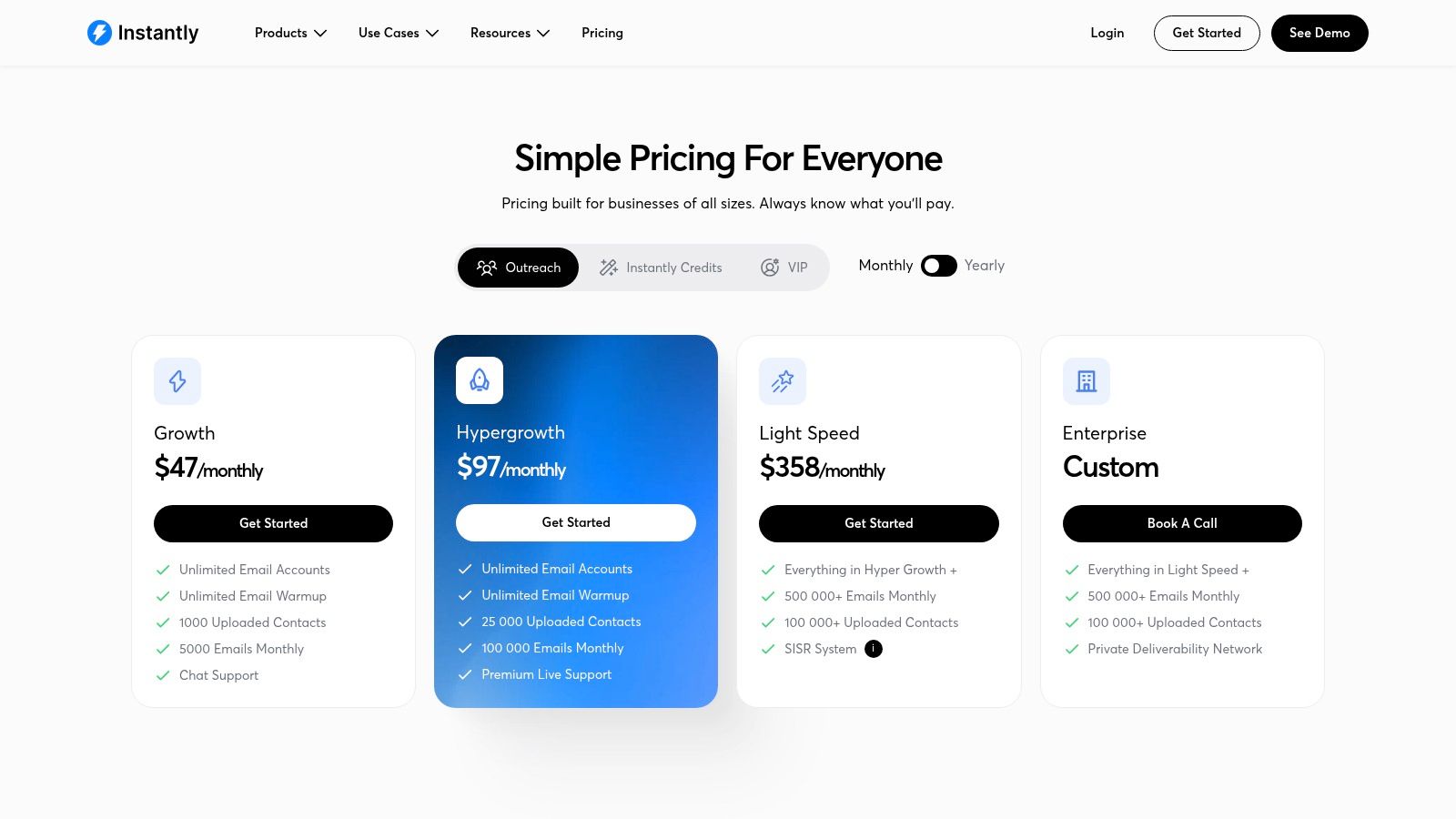
Instantly.ai makes sense when you don’t want to rely only on marketplaces. If you sell design, development, lead gen, SEO, or content services and you’re building outbound as a second acquisition channel, Instantly gives you the mechanics: inbox management, warmup, sequences, lead data, and AI assistance for writing and replies.
It’s not subtle software. It’s built for volume and speed.
Where it fits in a freelancer workflow
For solo freelancers, Instantly can feel like overkill if you only send a handful of emails each week. For agencies, though, flat-fee inbox economics can be attractive because you can manage multiple domains and campaigns without turning your stack into a pricing maze.
The interface is straightforward enough that you can launch quickly. That matters because cold outreach dies when setup takes longer than your motivation lasts. Its AI writer and reply agent help you move from blank page to live sequence faster, especially if you’re adapting community templates to your niche.
If you’re building a multi-channel pipeline, it pairs well with Upwork outreach. This is the broader outbound complement to marketplace automation, and it’s useful context if you’re thinking about AI for sales prospecting.
The catch with cold email
Cold email tools always promise scale. The part that trips freelancers up is deliverability. You can’t treat outreach like a numbers game if your domains are poorly warmed, your targeting is loose, or your offer is generic.
- Good fit: Agencies and freelancers running repeatable outbound campaigns.
- Less ideal: People who want a “set it and forget it” lead machine.
- Main trade-off: Lead credits add variable cost, so the bill isn’t always as simple as the headline plan.
Bad targeting ruins outreach faster than bad copy. The tool can help you send more. It can’t make a weak offer relevant.
If you’re disciplined about list quality, domain health, and segmentation, Instantly is one of the better outbound engines available. If you aren’t, it will just help you send mediocre emails faster.
Use it when you’ve already clarified who you serve and why they should care.
3. Jasper
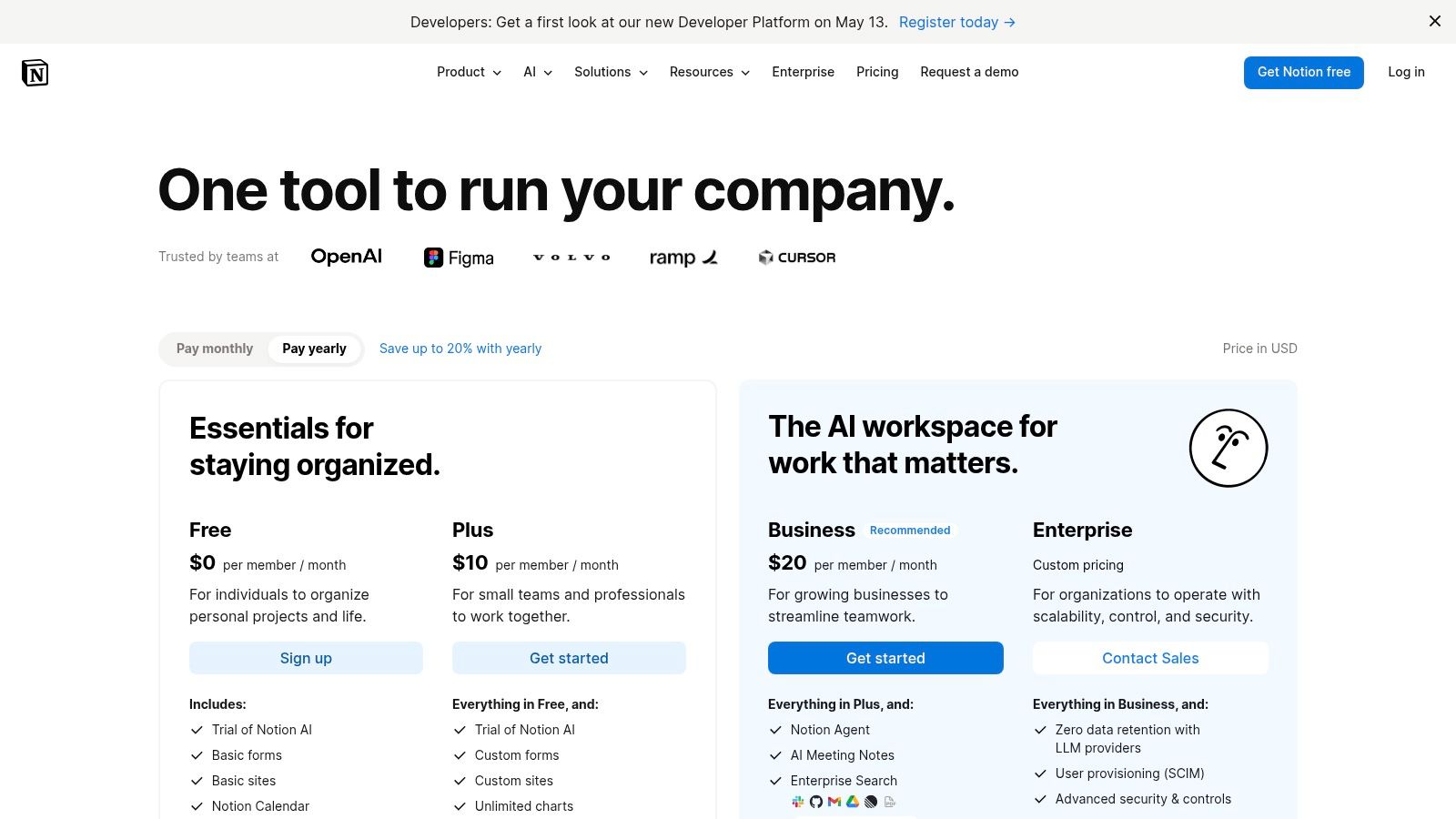
A freelancer running three client brands in the same week usually hits the same problem. The draft is fast. Getting the tone right for each client is slower. Jasper is useful because it reduces that second part.
I’d put it in the category of writing tools built for repeatable client work, not casual prompting. Generic chat apps can produce decent copy. Jasper tends to do better when the job requires brand consistency across landing pages, email sequences, social posts, ad copy, and internal approval rounds.
That matters most for freelancers who sell packaged content, retainers, or campaign support.
Best use case for freelancers
Jasper earns its keep when you manage multiple voices and need outputs that stay close to approved messaging. You can feed it brand examples, product details, positioning notes, and style rules, then reuse that setup across assignments instead of re-explaining the client on every prompt.
For copywriters, content marketers, and ghostwriters, that saves real time. For small agencies, it also cuts down revision churn.
It fits especially well inside a writer-focused stack: Jasper for first drafts, Grammarly for cleanup, Notion AI for research notes and briefs, and Zapier if you want to route approved copy into your delivery system. If your workflow includes pitching and client acquisition, it also helps to pair your writing stack with better sales assets. This guide on best AI tools for proposal writing is a practical next read.
Where Jasper is worth the money
Jasper is strongest when output volume and voice control matter at the same time. A freelancer writing a few ad hoc emails each week can probably get by with a cheaper tool. A freelancer producing weekly content calendars, nurture emails, product pages, and campaign variations for several clients will feel the difference faster.
A simple rule helps here. If you regularly reuse brand rules, offers, and messaging frameworks, Jasper can justify the cost. If every project is one-off and loosely defined, the advantage shrinks.
- Use Jasper for: brand-specific copy, campaign variations, email sequences, social caption sets, landing page drafts, and proposal sections that need a polished sales tone.
- Less ideal for: technical documentation, highly research-heavy writing, or projects where accuracy depends on subject matter depth more than voice consistency.
- Main trade-off: the subscription can feel expensive if you have inconsistent client volume or you have not built a repeatable content process yet.
One practical use case stands out for Upwork-heavy freelancers. Build one messaging framework for your niche, then use Jasper to adapt it into proposal intros, follow-up messages, portfolio case study summaries, and onboarding emails. That gives you a cleaner full-cycle system instead of treating AI as a one-prompt writing shortcut.
Jasper is not the cheapest option. It is one of the clearer choices when clients expect their copy to sound like their brand, not like a generic AI draft.
4. Grammarly
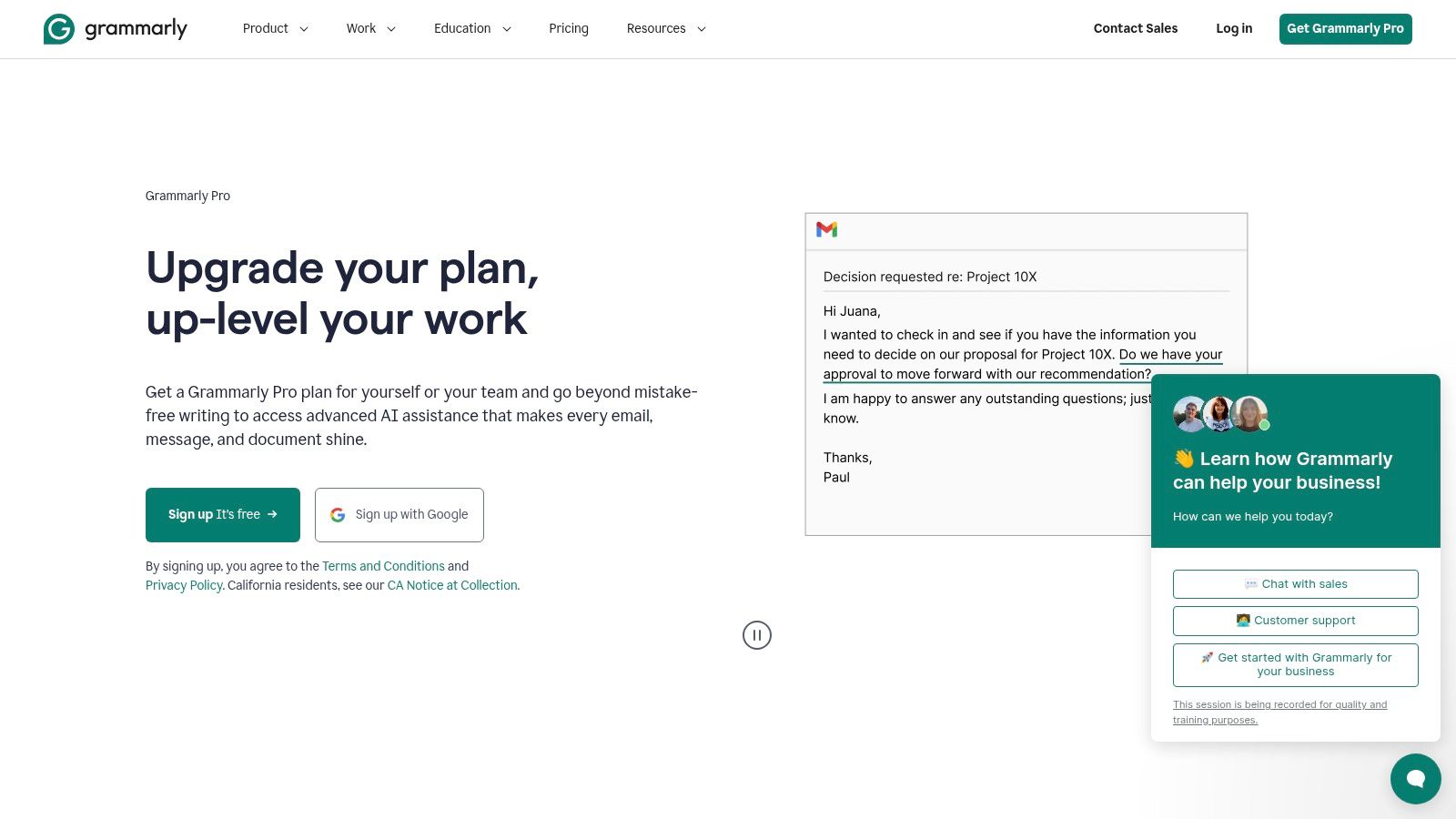
Grammarly isn’t flashy, but it’s one of the easiest tools to justify because it improves work you’re already sending every day. Proposals, client updates, outreach emails, scope documents, onboarding notes, handoff docs. All of that benefits from tighter grammar, better tone, and clearer phrasing.
I’d rank it as one of the best “quiet ROI” tools for freelancers.
Why freelancers keep it installed
A lot of AI tools ask you to change your workflow. Grammarly doesn’t. It follows you into the apps you already use, which is why adoption tends to stick. It works inside browsers, email, docs, and messaging, so you don’t need a dedicated writing session to get value from it.
That makes it especially strong for freelancers who win work through written communication. You don’t need every message to sound brilliant. You need every message to sound credible, clear, and easy to trust.
What Grammarly does better than broader AI tools
Grammarly is not a full content strategy tool and it’s not trying to be. It’s a layer for cleanup, polish, and tone control. That narrower job is part of its strength.
- Best at: polishing rough drafts, fixing tone drift, and reducing small mistakes before clients see them.
- Not best at: creating deep long-form content strategy or maintaining a complex brand voice across multiple channels.
- Strong habit to build: run every proposal and important client message through Grammarly before sending.
A lot of freelancers underestimate how many deals are lost through sloppy writing rather than poor skill. Clients often decide whether you seem organized before they ever evaluate the actual service you provide.
Clean writing doesn’t make you look smarter. It makes you look easier to work with.
If you’re comparing AI tools by glamour, Grammarly won’t win. If you’re comparing them by how often they save you from avoidable friction, it’s near the top.
5. Canva
If you sell creative services, market your own freelance business, or just need client-facing visuals that don’t look improvised, Canva is still one of the most practical AI-enhanced tools available. Its Magic Studio and Canva AI features speed up concepting, layout, draft visuals, social assets, pitch decks, and quick mockups without requiring a full Adobe-style workflow.
That matters even if you’re not a designer by trade. Most freelancers need decent visuals more often than they admit.
Fast output beats perfect tooling
Canva is at its best when speed matters more than precision. Need a proposal cover, client report graphic, simple portfolio refresh, social promo, webinar deck, or thumbnail set? Canva gets you from blank canvas to usable asset fast.
That speed matters because AI-assisted design is often less about making museum-quality work and more about avoiding bottlenecks. A lot of freelancers just need polished, on-brand assets they can ship today.
When Canva is enough and when it isn’t
Canva is enough for many freelancers, especially writers, consultants, marketers, virtual assistants, and solo founders. It can also support designers during early concepting or template production. But it still has limits.
- Great for: proposal visuals, social content, pitch decks, branded templates, quick client edits.
- Less ideal for: highly custom identity work, complex motion design, and advanced production workflows.
- Useful habit: create one brand kit for your own business and one per recurring client to cut formatting time.
According to the freelancer AI adoption data cited earlier, tools like ChatGPT and Canva Pro are among the tools leading daily freelancer use, which makes sense because Canva solves a common bottleneck without much training.
Canva’s biggest strength is that it lowers the skill threshold for presentable work. Its biggest weakness is that it can tempt people to stop at “good enough” when a project requires deeper design thinking.
6. Descript
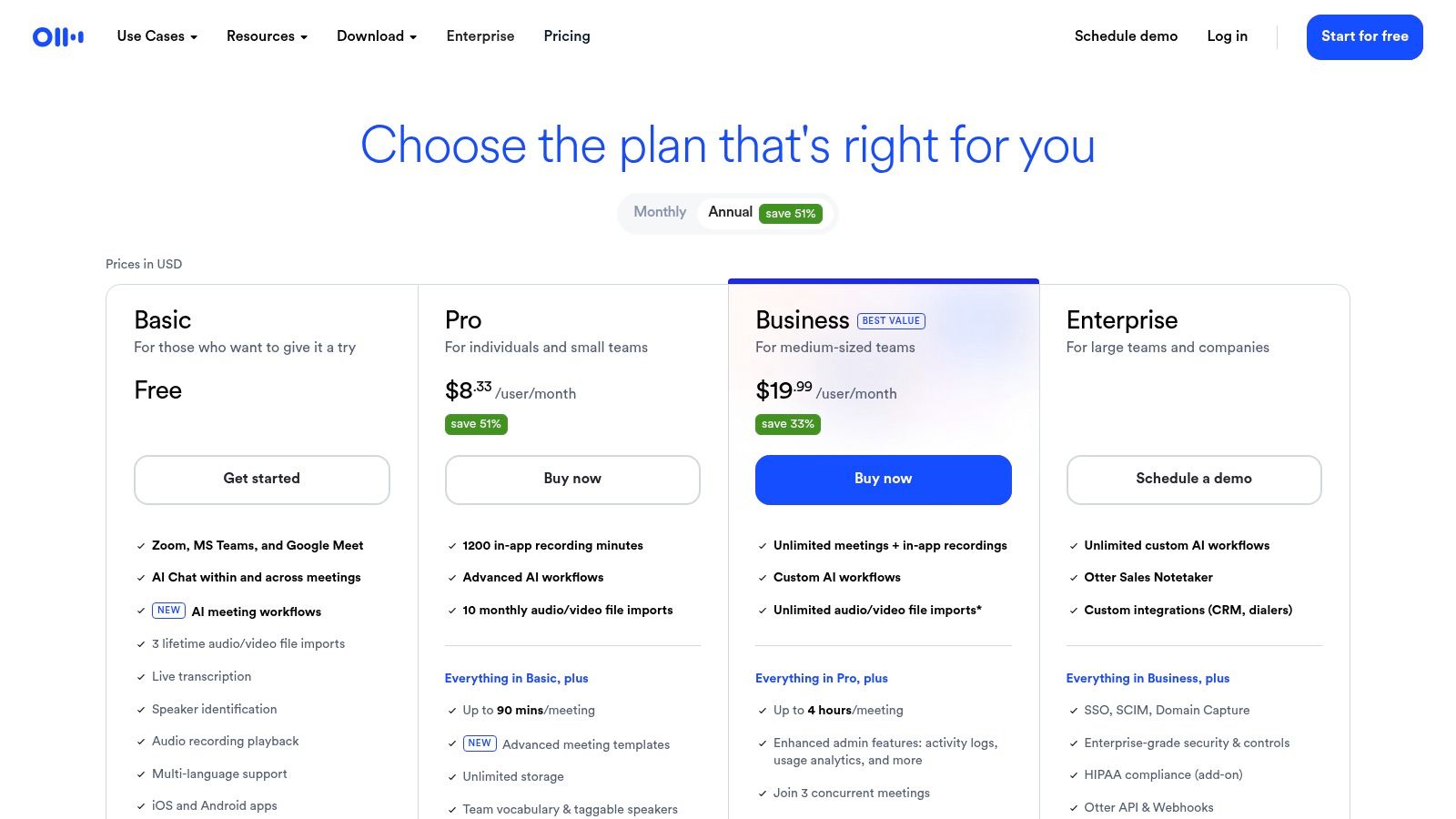
Descript is one of those tools that feels almost unfair the first time it clicks. If you work with podcasts, tutorials, product demos, training content, client updates, UGC-style assets, or portfolio reels, editing media by editing text is dramatically easier than a traditional timeline-first workflow for many freelance use cases.
It’s built for speed, revisions, and solo production.
Why Descript works for freelancers
Most freelancers who create audio or video don’t need a broadcast studio. They need a fast way to cut mistakes, tighten pacing, clean up sound, and export something client-ready without bouncing between five apps.
Descript handles transcription, text-based editing, filler-word removal, screen recording, and sound cleanup in one environment. That’s especially helpful if your business includes discovery call recaps, internal client walkthroughs, course material, or social clips from longer recordings.
What to expect in practice
Descript saves the most time when your bottleneck is editing revisions, not initial recording. If clients ask for a sentence removal, a shorter intro, or a cleaner explanation, it’s far easier to revise with transcript-based editing than with a more traditional editor.
- Strong fit: creators, consultants, educators, agencies, and freelancers shipping repeatable video content.
- Weak fit: people who only touch video occasionally and don’t want to learn another interface.
- Good process tip: keep one Descript project template for recurring content types so editing stays standardized.
There is a learning curve, especially if you’re coming from simple trimming apps or from no editing background at all. But once your workflow includes ongoing revisions, the time savings become obvious.
Descript won’t replace a high-end editor for complex production. It does replace a lot of friction for freelancers who need solid media output without building a post-production department.
7. Notion AI
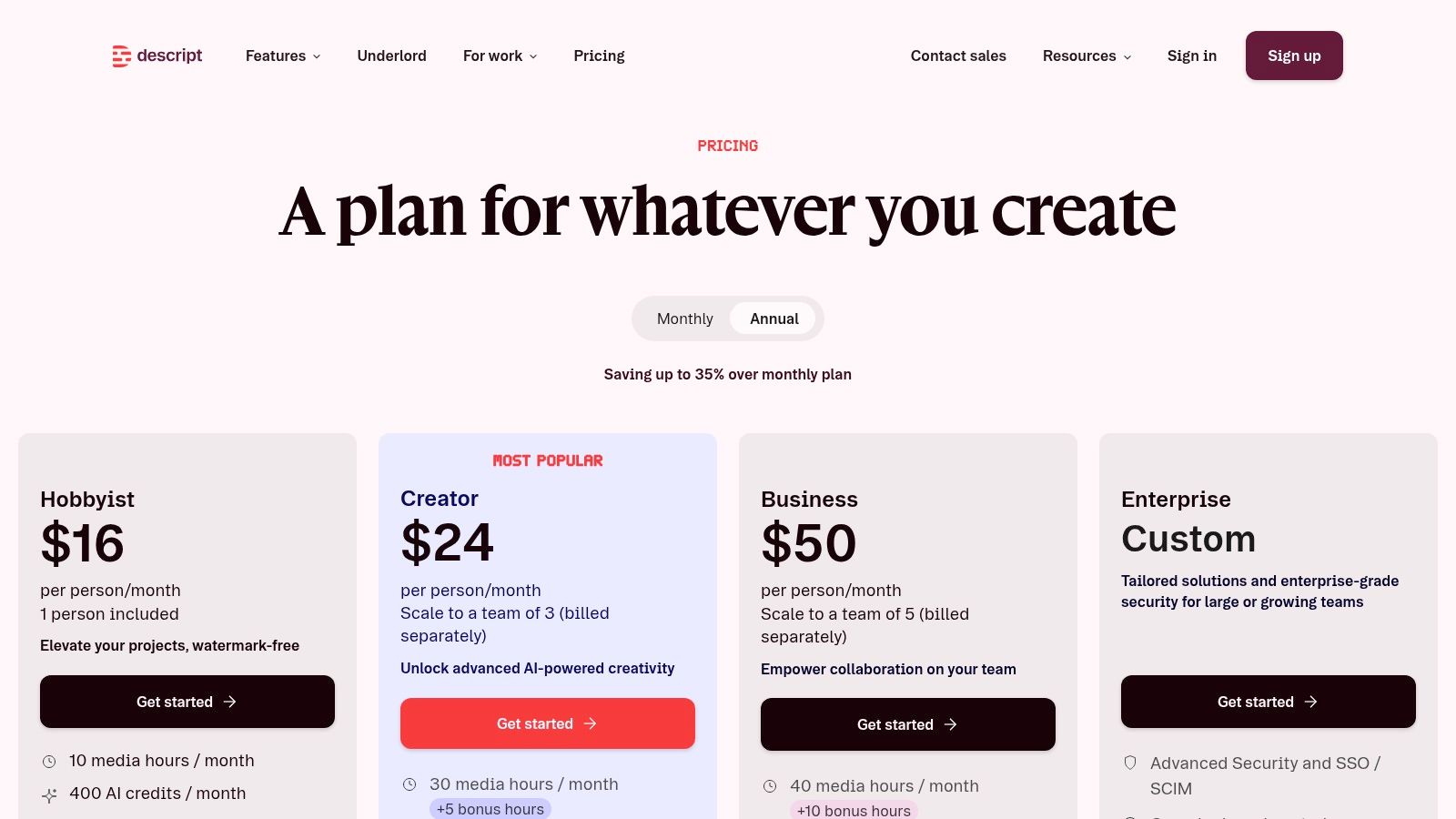
A lot of freelancers do solid client work inside a messy operating system. Notes sit in one app, briefs in another, client feedback in email, and next steps in a Slack thread you forget to check. Notion AI helps fix that problem by giving you one place to store the work and one layer to clean it up fast.
I use it less as a writing tool and more as a control center.
That distinction matters. Notion AI is strongest when the job is turning rough inputs into usable project assets. A call transcript becomes action items. Scattered research becomes a brief. A client update becomes a reusable SOP. If you already have repeatable services, that saves real admin time.
Where it fits best
Notion AI works well for freelancers who manage ongoing projects, not just one-off gigs. Writers can build an editorial stack with content briefs, interview notes, draft checklists, and client status boards in one workspace. Developers can keep specs, bug logs, code notes, and handoff docs tied to the same project record. Designers can run moodboards, revision logs, creative briefs, and asset trackers without switching systems all day.
It also fits the broader stack angle in this guide. If you use Earlybird AI for Upwork lead flow, Notion can hold your prospect pipeline, proposal templates, niche-specific samples, and follow-up notes. That makes full-cycle Upwork automation more practical because lead capture, qualification, and delivery docs stop living in separate places.
How to use it without overbuilding
The mistake is building an elaborate workspace before you have a stable process. Start with three databases. Clients, projects, and reusable assets. Then add AI prompts inside templates for the repetitive parts, such as summarizing kickoff calls, drafting scope outlines, or converting meeting notes into next actions.
- Best for: freelancers with multiple clients, recurring deliverables, and a need for cleaner handoffs.
- Less useful for: people who hate maintaining systems or only need a simple notes app.
- Good setup tip: create one template per service type so the AI is working from the same structure every time.
Notion’s AI features are useful, but the product still rewards discipline. If your workspace is cluttered, AI will help you produce clutter faster. Keep the structure lean, use AI for summarizing and first-draft admin work, and Notion becomes one of the more practical AI tools for freelancers who need a reliable operating system.
8. Bonsai
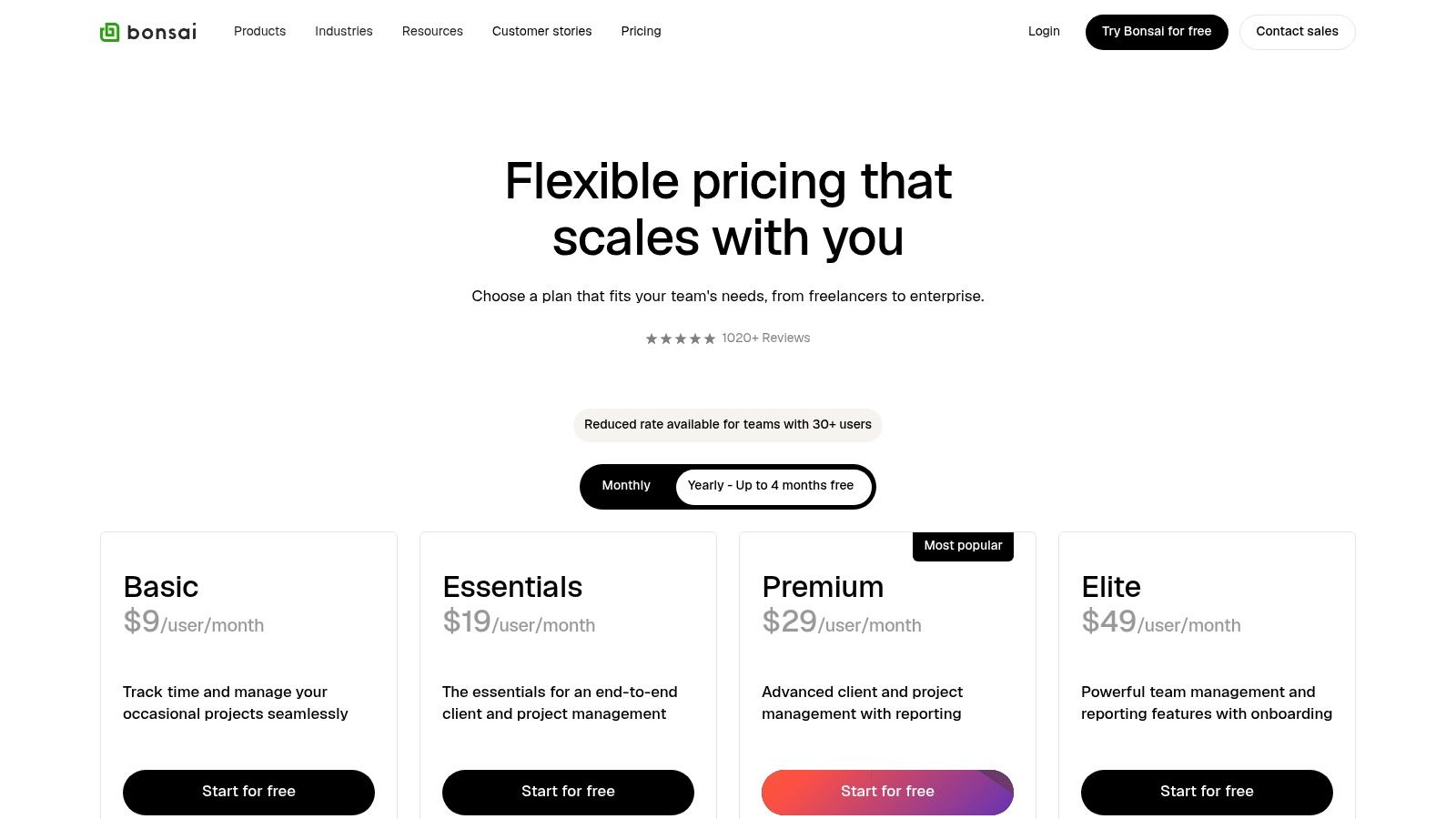
Bonsai solves a problem that a lot of freelancers postpone for too long. Winning work is only half the battle. You still need proposals, contracts, scheduling, invoicing, expense tracking, and some kind of client-facing process that doesn’t look duct-taped together.
That’s where Bonsai earns its keep. It’s a back-office tool first.
Why Bonsai works better than separate admin apps
You can absolutely piece together contracts in one tool, invoices in another, scheduling in another, and CRM notes somewhere else. Many freelancers do. The problem appears later when work volume grows and every handoff becomes manual.
Bonsai is useful because it connects those administrative steps in one system. A proposal can become a contract. A signed contract can feed the project. A project can feed invoicing. That continuity reduces dropped details.
Who should use it
Bonsai fits solo professionals and small studios that want fewer systems, cleaner paperwork, and faster client onboarding. It’s particularly useful for consultants, marketers, designers, and agencies that handle repeatable service packages.
- Best for: service businesses with clear proposals, scopes, and billing cycles.
- Not ideal for: freelancers with extremely simple one-off engagements and almost no process overhead.
- Main watch-out: some features sit on higher tiers, and payment processing fees still matter.
A polished contract and invoice flow won’t win bad clients. It will make good clients trust you faster.
Bonsai isn’t the most exciting tool in this roundup. It is one of the tools that helps a freelance business feel like a business instead of a collection of files and follow-up reminders.
If your admin stack is fragmented, this is one of the cleanest ways to fix it.
9. Otter.ai
Otter.ai is one of the easiest AI tools to recommend because the benefit is immediate. You join a client call, interview, kickoff, or discovery session, and instead of splitting your attention between listening and note-taking, you get a live transcript, searchable record, summary help, and action items.
That’s useful for nearly every freelance category.
Why meeting capture matters more than people think
Requirements get lost in conversation all the time. Small phrasing details affect scope, deadlines, and revisions. When freelancers rely on memory alone, they create avoidable back-and-forth later.
Otter gives you a reference point you can search after the call. That alone improves proposal drafting, SOW writing, onboarding documentation, and handoff quality.
Real value in a client workflow
Upwork’s roundup of AI tools for freelancers notes that freelancers using Otter.ai for interview transcription save 1 to 2 hours per session through features like real-time highlighting and AI-powered topic search (Upwork AI tools for freelancers). That’s one of the clearest practical time-savers in this entire category because it maps directly to meetings you’re already having.
A few good ways to use it:
- After discovery calls: pull exact client language into proposals and scopes.
- During interviews: search key moments later instead of scrubbing recordings manually.
- For team handoffs: share summaries so collaborators don’t need the full meeting replay.
Long meetings can burn through plan limits, so you do need to watch usage. Higher-end workflows also sit on more expensive tiers. But for freelancers who spend significant time on calls, Otter often pays back in reduced note chaos alone.
Use it if your projects start in conversation. That’s most freelance work.
10. Zapier
Zapier is the glue tool. It’s not usually the first AI app freelancers get excited about, but it’s often the one that turns isolated tools into an actual system. If you want leads to trigger tasks, forms to create projects, call notes to populate a CRM, or proposal wins to kick off client onboarding automatically, Zapier is where that starts.
Its value grows as your stack grows.
What freelancers actually automate with it
The most practical Zapier automations are boring on paper and valuable in real life. New lead form submission creates a task in Notion. Signed contract creates a client record. Otter summary gets sent to your workspace. Won project triggers project setup and invoice draft.
That’s the kind of automation that removes handoffs, not just clicks. If you’re building those kinds of workflows, this guide on how to automate repetitive tasks is a useful starting point.
Best use cases and biggest trade-off
Zapier is excellent for connecting the rest of the tools in this list. It also gives you AI-flavored features through Copilot, Agents, Tables, and chatbots, but its main advantage for freelancers is still orchestration.
- Great for: lead routing, onboarding flows, document movement, and multi-app automation.
- Less great for: people who want immediate value without spending any time designing a process.
- Main trade-off: as task volume rises, cost rises too, so messy automations get expensive fast.
A disciplined workflow matters here. Build one automation that removes a real bottleneck, then expand. Don’t create ten partial automations that nobody trusts enough to rely on.
Zapier is one of the best ai tools for freelancers who are past the experimentation phase and ready to connect their operations end to end.
Your Next Move Integrating AI Into Your Freelance Workflow
Monday starts with three open loops. New leads need replies. An active client is waiting on a draft or scope. Two invoices are still sitting there because admin slipped to the bottom of the list again. That is the point where AI either helps or becomes another app you have to manage.
The useful shift is simple. Build a small system that covers how you win work, deliver work, and keep the business side moving.
Building your freelancer AI stack
For writers and marketers, a practical stack is Earlybird AI, Jasper, and Grammarly. Earlybird covers the Upwork side, finding relevant jobs and speeding up proposal work. Jasper is useful for rough drafts, content variations, and proposal support, but it still needs a strong brief and a real edit. Grammarly handles the final cleanup before copy, pitches, and client messages go out.
For developers, I’d start with Earlybird AI, Notion AI, and Otter.ai. Earlybird helps keep the pipeline active on Upwork without constant manual searching. Otter records discovery calls and gives you something concrete to review when requirements start getting fuzzy. Notion AI works well as the operating layer for specs, meeting notes, reusable snippets, and project documentation.
For designers or small creative teams, Canva, Descript, and Bonsai make a solid base. Canva is fast for pitch decks, social assets, and presentation cleanup. Descript is useful if client work includes walkthroughs, async updates, or light video editing. Bonsai keeps proposals, contracts, invoices, and scheduling in one place, which matters more than people think once client volume goes up.
For an agency selling through Upwork, Earlybird AI, Bonsai, and Zapier fit together well. Earlybird supports the sales side. Bonsai handles the back office. Zapier connects intake, onboarding, and follow-up steps so won work moves into production faster.
Build stacks around the job that needs to get done. One tool should help you win work. One should help you deliver. One should reduce admin.
Quick-start moves that pay off fast
If Upwork drives a meaningful share of your pipeline, start there. The fastest return usually comes from reducing repetitive sales work, especially job filtering, proposal prep, follow-ups, and reply handling.
My advice is to automate one narrow step first. Set up an Upwork-focused tool, feed it examples of jobs you want, and review the matches for a few days. That gives you a clean test. You can see whether it saves time without handing over too much control too early.
If lead generation is not the bottleneck, pick one delivery task instead.
Use Otter on your next client call and turn the transcript into a scope or recap. Use Notion AI to draft a proposal template from past work. Use Grammarly for one week on every client-facing message and see whether revision time drops. Those are small tests, but they show value fast.
What works and what usually doesn’t
Focused adoption works. A good tool should remove a bottleneck you already feel, not create a new workflow you now have to maintain.
Blind trust does not work. AI can draft proposals, summarize meetings, and clean up copy, but freelancers still need to review tone, accuracy, and client context. That last pass is where a generic output becomes something a client will trust.
The other mistake is solving for novelty instead of throughput. A writer may get more from Jasper plus Grammarly than from five overlapping writing tools. A developer may get more from Otter plus Notion AI than from a complex project stack they never fully use. A designer may get more from Canva templates and a clean Bonsai workflow than from adding another generation tool they only touch twice a month.
Start with one acquisition tool, one delivery or documentation tool, and one admin tool. Run that setup for a week. Keep the parts that save time or improve response quality. Cut the rest.
If Upwork is a serious growth channel for your freelance business, Earlybird AI is worth a close look. It covers more than proposal drafting. It supports the full Upwork sales cycle, including job discovery, personalized proposals, client replies, follow-ups, and booked calls. If your current process still depends on too much manual bidding, a demo will tell you quickly whether it fits your workflow.




