
← Back To Blog
10 Best Professional Proposal Templates for 2026

That blinking cursor is a tax on every freelancer and agency owner. You know how to do the work. The hard part is packaging that value fast enough, clearly enough, and professionally enough that a busy buyer says yes.
Professional proposal templates solve more than formatting. They remove friction. One sales-proposal study cited by GetAccept reports that proposals under 5 pages have a 50% close rate, and it says those shorter proposals are rated 32% more credible and 28% more persuasive than longer documents in the same study (GetAccept on proposal structure and close rates). That tracks with what transpires in real sales cycles. Most clients skim, jump to pricing, then decide whether the rest is worth reading.
The best setup depends on how you sell. If you're bidding on Upwork, speed and follow-up matter more than visual polish alone. If you run an agency, governance matters because one rogue edit can wreck pricing, scope, or brand consistency. If you're a solo consultant, you probably need something lighter that gets a proposal out the door without adding admin.
Below are the best professional proposal templates and tools I'd consider in 2026, organized by practical use case. I've included where each one fits, where it falls short, and a few proposal snippets you can steal for subject lines, pricing language, and follow-ups.
1. Earlybird AI
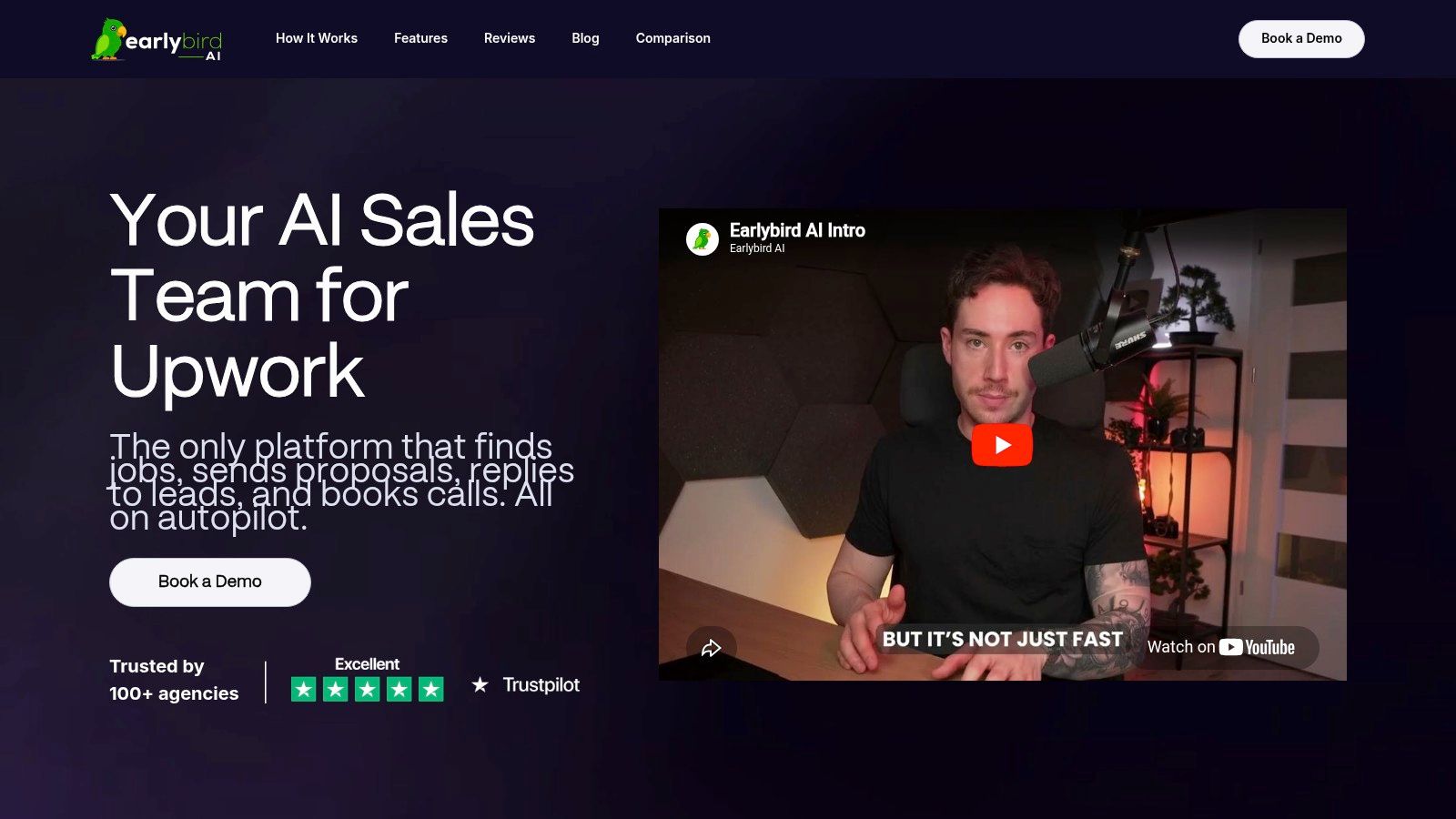
If your proposal workflow starts on Upwork, Earlybird AI is the most different tool on this list because it doesn't just give you a template. It handles the front end of sales. You connect your account, train it with simple feedback, and it starts finding jobs, drafting customized proposals, replying to messages, and following up until a call gets booked.
That matters because on marketplaces, timing often decides whether your proposal gets read at all. A polished PDF won't help if your message lands after the client has already shortlisted three people. Earlybird is built for that first-response race, but it also pushes beyond bidding with analytics, profile optimization, and multi-user workflows that make sense for agencies running several bidder accounts.
For teams trying to replace repetitive manual outreach, this is closer to an always-on sales layer than a document editor. Earlybird also says it's built with account safety in mind and is independent of Upwork, which is worth paying attention to if you're cautious about automation on marketplaces.
Why it works for Upwork-heavy sellers
One thing I like here is that the workflow matches how deals happen in practice on freelance platforms. The proposal is only step one. Fast replies, follow-ups, and booking momentum matter just as much.
Practical rule: If a tool only helps you write the first message, you still have a pipeline problem.
Earlybird is best for:
- Freelancers on Upwork: You need faster, customized outreach without writing every proposal from scratch.
- Small to midsize agencies: You want multiple users, shared workflows, and better consistency across bidders.
- Owners replacing SDR effort: You'd rather automate repetitive prospecting than hire someone to monitor job boards all day.
It also helps that Earlybird includes a drag-and-drop proposal editor and reusable content library as part of the broader workflow. If you want more context on proposal software before committing, their guide to proposal writing software for client acquisition is a useful companion read.
Trade-offs to know
The biggest drawback is simple. Pricing isn't public, so you need a demo before you can judge fit. That can be fine for an agency, but solo freelancers may want clearer cost expectations upfront.
Performance also depends on your profile quality, niche, and the training signals you give the system. Automation can amplify a good offer, but it won't rescue weak positioning or a generic profile.
For a practical opener in this setup, I'd use something like:
- Subject line for a direct follow-up: Quick idea for your [project type]
- Opening line: I reviewed your post and can help with the specific bottleneck you mentioned, especially around [problem].
- Pricing line: I'd scope this in phases so you can approve the highest-value work first and avoid overcommitting early.
2. PandaDoc

PandaDoc is what I'd choose when proposals sit inside a broader sales process with quoting, approvals, signatures, and payment collection. Its template gallery is deep, and the platform is built for teams that don't want disconnected tools stitched together with workarounds.
Strength isn't the number of templates. It's content reuse. If your team sends variations of the same service proposal, statement of work, or renewal package, PandaDoc helps standardize the parts that shouldn't change while still letting reps tailor the client-facing details.
Best fit
PandaDoc is a strong option for:
- Sales teams with CRM workflows
- Agencies with recurring proposal formats
- Service businesses that need quote-to-signature flow in one place
Its drag-and-drop editor and pricing tables are especially useful when your proposal needs to double as a quote. That's much cleaner than sending one proposal document and one separate pricing sheet.
What doesn't work as well is speed for very small operators who only send occasional proposals. If you send a handful each month, PandaDoc can feel heavier than necessary at first.
A pricing snippet that fits PandaDoc well:
- Option A: Core deliverables for the immediate objective
- Option B: Core deliverables plus implementation support
- Option C: Full engagement with strategy, execution, and review
That structure gives buyers a decision to make instead of a yes-or-no reaction.
3. Proposify

Proposify is one of the better choices when your biggest proposal problem isn't design. It's control. Teams often think they need prettier templates when what they really need is to stop reps from changing approved sections, pricing logic, or terms.
That governance angle matters more now because AI-assisted editing inside mainstream tools makes it easier to create polished-looking but inconsistent proposals. Proposify explicitly notes that teams may need to lock sections to restrict sales reps' control, which speaks directly to a real operational need, not a design preference (Proposify template governance and locking).
Where Proposify earns its keep
If you manage a sales team, Proposify is particularly valuable for these reasons:
- Reusable sections: Good for service descriptions, testimonials, and standard terms.
- Roles and permissions: Useful when leadership wants control over brand, legal language, or scope boundaries.
- Recipient tracking: Helpful for seeing whether the buyer viewed the pricing section or stalled before it.
Buyers don't just evaluate your offer. They evaluate how controlled your process feels.
Proposify is a better fit for teams than for pure freelancers. Lower tiers can feel restrictive if you plan to build a large template library or standardize across departments. But if your problem is version chaos, it solves that quickly.
For freelancers who want stronger raw proposal messaging before worrying about governance, these job proposal examples that show what clients actually respond to are worth studying.
A follow-up line I'd pair with a Proposify send:
- Follow-up: Wanted to resurface this proposal in case you've only had time to skim. The pricing and rollout sections are the fastest place to evaluate fit.
4. Qwilr

Qwilr is for sellers who want proposals to feel more like polished microsites than downloadable documents. It creates web-native proposals, which gives it a different feel from Word-style or PDF-first tools.
For agencies selling creative, digital, or strategy work, that presentation can help. A link-based proposal with interactive quotes, embedded visuals, and a cleaner reading experience often feels more modern than a static attachment. It also removes some friction for clients who prefer opening a browser tab over downloading a file.
Where Qwilr shines
Qwilr is strongest when:
- Brand presentation matters a lot
- You want interactive pricing and a premium client experience
- Your sales process already happens online and remotely
The tool is less compelling if your buyers expect traditional documents they can annotate internally, print, or route through formal procurement. In those cases, a web page format may feel less familiar.
I also wouldn't pick Qwilr purely for small freelance jobs where speed matters more than presentation. It can absolutely work there, but its best use is when the proposal itself is part of the perceived value.
A practical subject line for a Qwilr-style send:
- Subject line: Your proposal is ready, with scope and pricing in one place
That line sets the expectation that the client can review everything quickly, which is exactly the strength of the format.
5. Better Proposals

Better Proposals sits in a sweet spot for freelancers and small agencies that want something cleaner than Word but lighter than a full sales-ops system. It's fast, modern, and easier to roll out without a lot of setup.
I usually recommend tools like this when the business is at the stage where consistency matters, but nobody wants to spend a week building an internal proposal machine. You can get branded documents out quickly, use interactive pricing tables, and automate some nudges without taking on enterprise complexity.
Good for speed, not heavy operations
The reason people like Better Proposals is simple. It lowers the friction between inquiry and send. That matters when you're trying to respond while the lead is still warm.
- Simple editor: Easier to customize quickly than more complex enterprise tools.
- Unlimited templates across plans: Good if you test different proposal versions by service or niche.
- Built-in nudges: Useful when clients open a proposal and then disappear.
Its limitations show up when you need deeper approvals, more complex operations, or stronger internal governance. That's when teams tend to outgrow it.
If you want sharper messaging to drop into a template like this, review these winning proposal writing patterns for freelancers and agencies. The strongest template still needs strong copy.
A weak proposal wrapped in good design still reads weak. The structure gets attention. The specificity gets the deal.
A pricing phrase I like in Better Proposals:
- Pricing copy: This fee covers the agreed scope, timeline, and revision window listed below, so you know exactly what's included before kickoff.
6. Bonsai
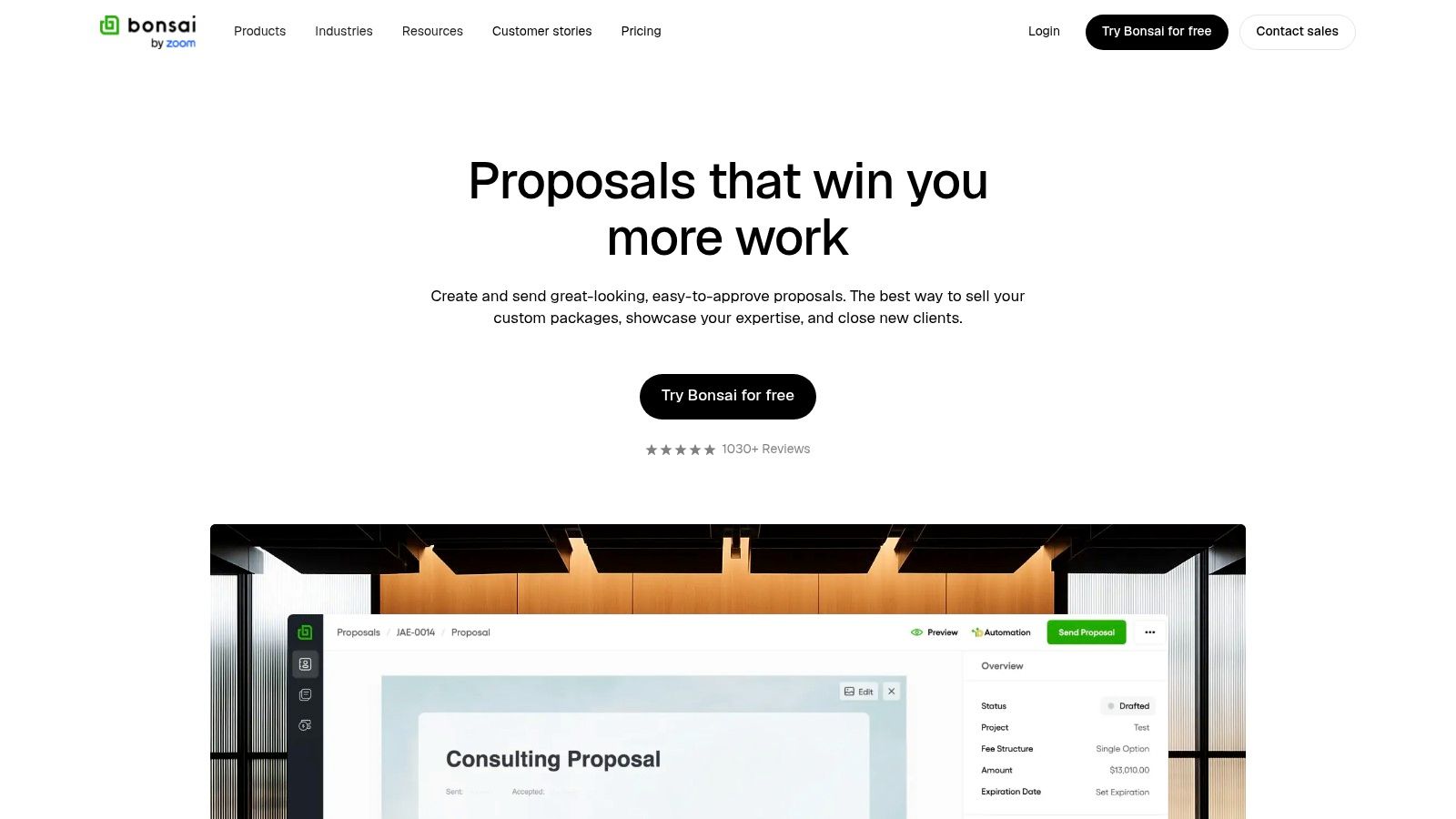
Bonsai makes sense when the proposal isn't a standalone sales asset. It's the first step in client onboarding. That's why it works well for solo freelancers, consultants, and lean agencies that want proposals tied directly to contracts, invoices, and payments.
The appeal is operational simplicity. A client accepts the proposal, and you're already much closer to signed paperwork and collected deposits. That handoff is where a lot of small businesses lose momentum when they use disconnected systems.
Best use case
Choose Bonsai if you want:
- Proposal to contract continuity
- Deposit collection built into the workflow
- A single place for onboarding and billing
This is not the tool I'd choose for complex sales teams or larger organizations with layered approvals. Bonsai is strongest when the seller is also the operator and wants fewer admin steps between verbal yes and paid kickoff.
A useful line in a Bonsai proposal:
- Acceptance copy: Once approved, I'll send the agreement and kickoff steps immediately so the project can start without delays.
That kind of wording works because it reinforces momentum. The client sees a clean path from decision to delivery.
7. Canva

Canva is the easiest recommendation for people who need professional proposal templates that look polished fast. If visual presentation is your weak spot, Canva fixes that quickly. You can create a one-pager, a multi-page proposal, or a branded deck without needing a designer.
This is especially useful for creatives, marketers, and consultants who want a proposal to reflect their brand immediately. Canva's strength is speed plus presentation, not sales workflow.
Where it helps and where it doesn't
Use Canva when:
- You need attractive proposals quickly
- Your brand matters and your current docs look dated
- You want an easy way to collaborate on visuals and copy
Skip it as a standalone proposal system if you need signatures, quote logic, approval routing, or CRM connections. Canva pairs well with other tools, but by itself it isn't a full proposal pipeline.
Historical guidance from major institutions also shows why templates matter here beyond appearance. Microsoft's business-proposal guidance emphasizes selecting a template, replacing placeholder text with business details, charts, and performance metrics, then exporting or sharing digitally (Microsoft Create business proposal guidance). That matches how many teams use Canva too. Start from structure, then customize the proof.
For Canva proposals, I'd keep the text short and visual:
- Opening line: I've outlined the project goals, deliverables, timeline, and pricing in a format your team can scan quickly.
8. Microsoft Word templates (Microsoft Create)
Word templates don't get much hype, but they still solve real problems. If your organization already runs on Microsoft 365, Word can be the most practical option for controlled documents, internal review, and repeatable formatting.
I've seen this work especially well in teams that care less about flashy delivery and more about version control, approvals, and compatibility with the rest of the business. Everyone already knows how to open, edit, comment on, and store a Word file.
Why Word still deserves a spot
Microsoft Create templates are useful because they fit into an environment companies already trust. You can co-author, store files in SharePoint, and support more formal review chains without forcing a new proposal platform on the team.
- Familiar editing experience: Low training overhead.
- Good for controlled docs: Easier to manage in existing Microsoft environments.
- Flexible for automation: Helpful if your business already uses Dynamics 365 or Power Automate.
The downside is obvious. Word doesn't give you native proposal analytics or built-in e-signature flow on its own. If those matter, you'll need add-ons or companion tools.
For compliance-heavy or procurement-heavy environments, though, Word still holds up because buyers often prefer familiar file formats.
9. Adobe Express

Adobe Express is a smart choice when brand polish matters more than sales automation. Its proposal templates look sharp, and the platform is useful for teams that want design quality without opening a full Adobe production workflow every time they need a client-facing document.
The big advantage here is brand control. Teams can maintain consistency across proposal assets while still letting staff customize approved areas. That makes it stronger than basic design tools for organizations that care about visual governance.
Best for branded proposal systems
Adobe Express works well for:
- Marketing and creative teams
- Organizations with established brand guidelines
- Businesses producing polished PDF proposals
It does not replace a dedicated proposal platform if you need recipient tracking, quoting logic, or built-in signatures. Think of it as a design layer with useful team controls, not a complete sales stack.
One detail that matters in 2025 and beyond is template governance. As AI editing becomes more common inside mainstream tools, teams need a way to keep brand, voice, and core sections consistent rather than letting every proposal drift.
A clean follow-up for an Adobe Express proposal:
- Follow-up: If helpful, I can send a simplified version for internal sharing, but this draft includes the full scope, timeline, and approval path.
10. Marq (formerly Lucidpress)
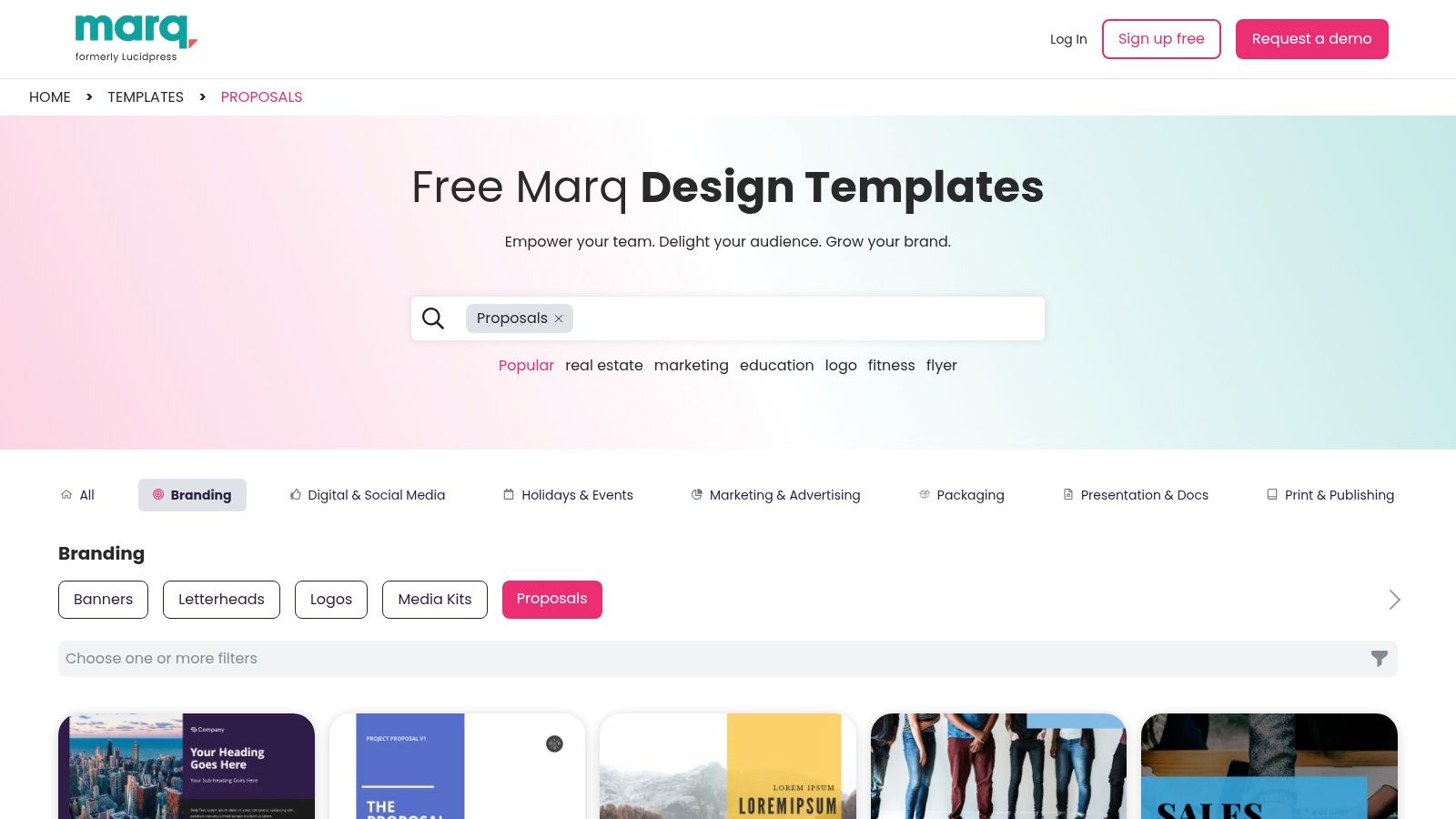
Marq is the most governance-focused option on this list. If your proposal problem is off-brand documents, inconsistent layouts, and too many people editing things they shouldn't, Marq is worth a serious look.
This isn't primarily a sales analytics platform. It's a brand templating system that happens to be very useful for repeatable proposal assets. That distinction matters. If you need proposal metrics, signatures, and CRM workflows, you'll likely pair it with other tools. But if you need locked templates at scale, Marq is built for that.
Why governance matters more now
This is one of the most underserved parts of the professional proposal templates conversation. Plenty of guides tell you to include an executive summary, pricing, timeline, and social proof. Far fewer address who gets to edit those sections and how you stop proposal drift across a team.
That gap matters because AI-assisted editing speeds up document creation but also raises the risk of inconsistent or off-brand proposals when no governance layer exists. It's also one reason the proposal management software market is projected to grow from USD 3.2 billion in 2025 to USD 9.0 billion by 2035, with an 11.1% CAGR, according to Future Market Insights (proposal management software market forecast).
Strong templates don't just save time. They protect the parts of your sales process that shouldn't be improvised.
Marq is best for larger teams, distributed organizations, franchises, and brand-conscious companies that need repeatable proposal quality across many contributors.
From Template to Signed Contract Your Next Steps
Picking the right tool is only half the job. True improvement comes when your template becomes part of a repeatable sales workflow. That means the same sections show up every time, the offer is easy to scan, the proof is relevant, and the next step is obvious.
The strongest professional proposal templates tend to include the same core building blocks: a cover page, executive summary, problem statement, proposed solution, pricing, timeline and deliverables, social proof, and clear next steps, as recommended in GetAccept's proposal guidance. That structure works because buyers don't want to hunt for the answers they care about. They want to know what you're solving, what it costs, how long it takes, and why they should trust you.
What usually fails isn't lack of effort. It's lack of clarity. Sellers overload proposals with background, generic claims, and too much boilerplate. In a more skeptical market, proof matters more. The harder question isn't whether to include evidence. It's which evidence effectively helps the buyer decide. Many proposal guides recommend case studies, testimonials, risk assessment, and explicit deliverables, but they rarely explain how to adapt proof to deal size, industry, or buyer skepticism (Visme on proposal writing samples and proof elements). That's why generic AI-generated proposals often feel polished but unconvincing.
A few practical rules make a bigger difference than many realize:
- Lead with the buyer's problem: If the first paragraph sounds like your company bio, rewrite it.
- Keep pricing simple: Buyers should understand the cost structure without asking for a translation.
- Define scope boundaries: Clear exclusions prevent bad-fit deals and messy kickoff calls.
- Use one proof element that precisely matches the job: Relevance beats volume.
- End with a single next step: Don't make the client choose between five possible actions.
There's also a structural lesson from institutional templates. Harvard Medical School's proposal template requires formal sample-size estimates, explicit biostatistical methods, concise page limits, and a dated project start point. In business terms, that reinforces something useful: standardized templates aren't just formatting aids. They force scope, timeline, and evidence into the document before it reaches a decision-maker. That's why they work.
If you're a freelancer who mainly wins through marketplaces, choose a system that improves response speed and follow-up. If you're an agency managing multiple sellers, prioritize governance, approvals, and reusable content. If you're a solo consultant, choose the tool you'll consistently use. The best proposal software isn't the one with the longest feature list. It's the one that helps you send strong proposals quickly, keep them consistent, and move the buyer toward a clear yes.
Start with one tool from this list. Build one core template. Tighten the executive summary, pricing section, and follow-up message first. That's usually where the biggest gains show up.
If Upwork is a major lead channel for your business, Earlybird AI is the most practical place to start. It doesn't just give you a proposal template. It helps find relevant jobs, draft customized proposals, reply to leads fast, and keep the conversation moving until a call is booked. For freelancers and agencies that want less manual prospecting and a more consistent proposal workflow, it's a strong upgrade from writing every bid from scratch.




