
← Back To Blog
Best Project Management Apps: Top 10 for 2026
Client work has a way of multiplying faster than your systems do. One designer is waiting on feedback, a strategist is chasing an approval, and three tasks are already slipping because the handoff lived in someone's inbox. Project management apps are supposed to fix that, but the wrong one just adds another layer of admin, another login, and another place for clients to get confused.
The question isn't which app has the longest feature list. It's which one helps you protect margin, keep delivery visible, and make client communication easier instead of louder. That matters more than ever, because project management software is still underused in a lot of organizations, even though it's central to high-performing work, and the market keeps expanding as teams standardize on better delivery systems (industry summary, Grand View Research market outlook, Persistence Market Research forecast).
A freelancer can survive with a lightweight board. An agency can't afford tool sprawl, vague ownership, or a PM app that makes reporting harder than the work itself. So the list below focuses on what matters in delivery, not just what looks good in a demo.
1. Asana
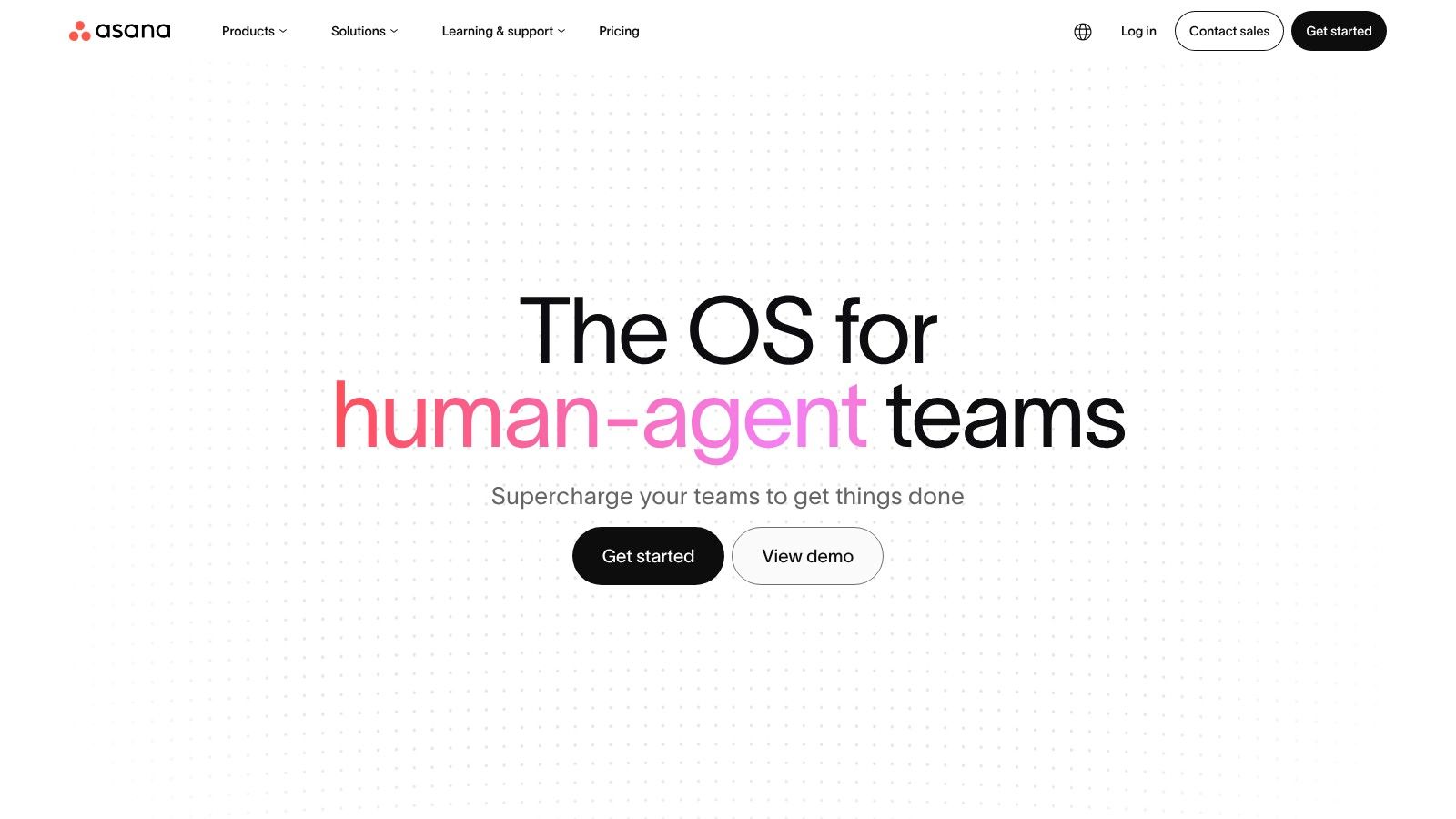
Asana works best when your work needs structure without turning into bureaucracy. Agencies use it well for campaign calendars, launch plans, and recurring delivery workflows because it keeps projects, tasks, timelines, and executive rollups in one place. Its Rules automation, Goals, and portfolios make it a strong fit when you need standardized process across multiple client accounts, not just a pretty task list.
Where Asana earns its keep
The practical upside is visibility. You can move from list view to board, calendar, timeline, and portfolio views without rebuilding the entire system, and that helps when a strategist wants detail while leadership wants a clean rollout view. The source material on modern PM apps also describes this category as a central hub for planning, tracking, collaboration, and reporting, which is exactly where Asana sits best in agency work (modern PM apps overview).
A few things make it easier to protect profitability. Native forms help standardize intake, workload management exposes bottlenecks before they become missed deadlines, and proofing on higher tiers cuts down on feedback scattered across email threads. If you're pairing delivery with sales ops, it also fits neatly into a broader agency stack, including the systems you use for lead capture and client onboarding such as the workflow approach discussed in this agency management guide: https://myearlybird.ai/blog-posts/marketing-agency-management-software
Practical rule: choose Asana when the team needs repeatable delivery structure more than open-ended flexibility.
The trade-off is simple. Asana can feel heavy for solo operators or tiny ad hoc teams, and the more advanced parts of the platform live higher up the plan ladder. If your agency mostly needs a lightweight request queue or a simple editorial board, Asana can be more system than you need.
2. ClickUp
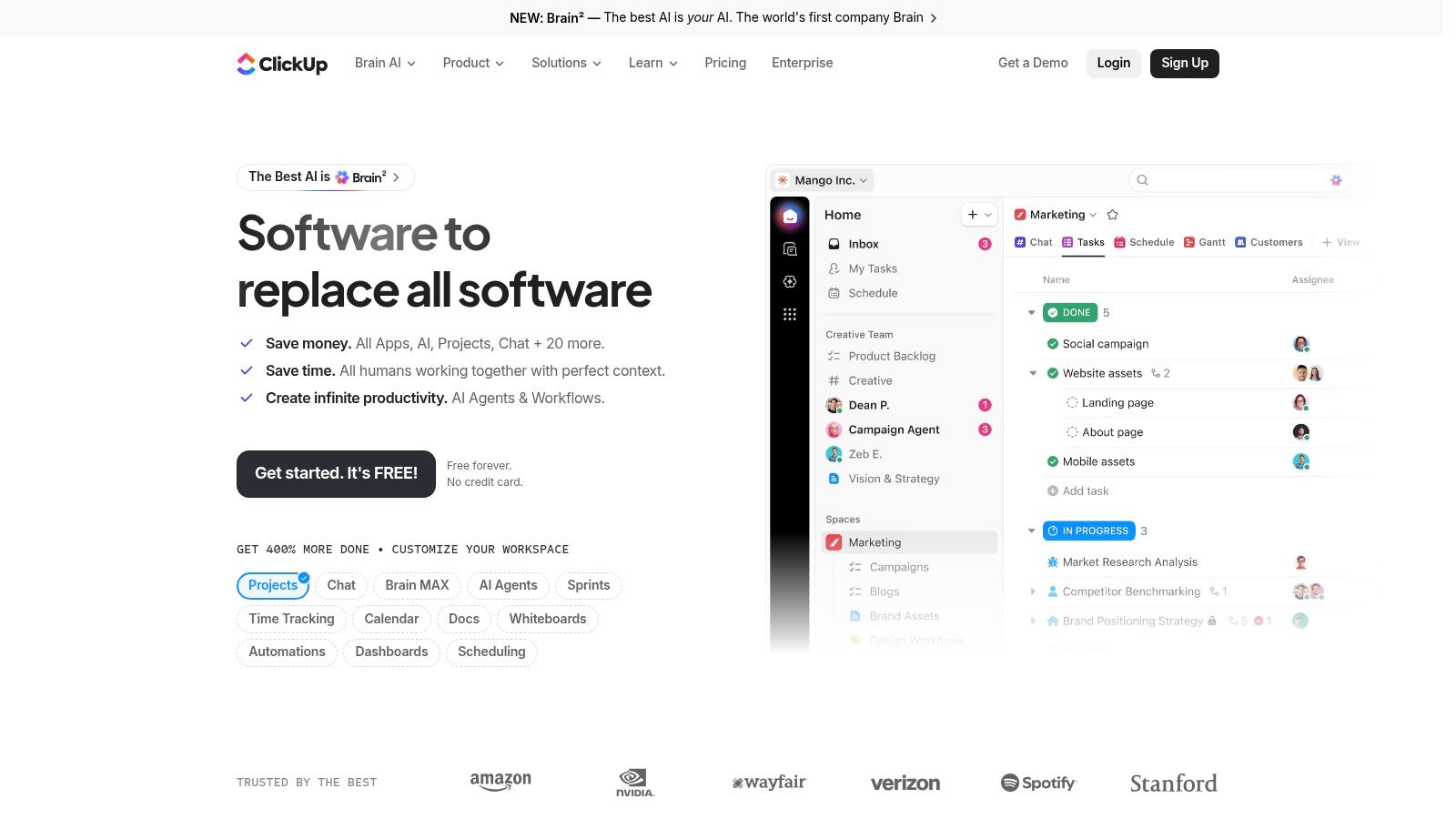
ClickUp suits teams that are tired of app sprawl and willing to invest time in setting up the workspace properly. It brings tasks, docs, whiteboards, chat, dashboards, permissions, automation, and workload views into one place, which helps agencies keep proposal reviews, delivery QA, and internal notes close to the work instead of scattered across separate tools.
Best when consolidation matters
The fit is strongest for client services teams that lose time jumping between docs, task lists, and chat threads. ClickUp cuts that friction by pulling more of the day-to-day work into one system, which matches the broader buying gap many agencies face, they do not just need more features, they need a cleaner way to avoid piling another duplicate layer on top of chat, spreadsheets, and CRM data (buying gap analysis).
That same consolidation can improve profitability if the team uses it well. A shared workspace reduces status-chasing, keeps handoffs visible, and makes it easier to spot where time is leaking before a project goes off track. It also gives ops leaders a place to connect delivery with the systems used for lead capture and onboarding, including the approach outlined in this agency management guide: https://myearlybird.ai/blog-posts/marketing-agency-management-software
ClickUp also fits a broader stack for agencies that want delivery to start automatically after a deal closes, especially when the sales process is tied to an internal toolset like the one covered in this advertising agency software guide. That matters most when project intake has to flow from sales into execution without extra admin work.
The trade-off is setup overhead. Because ClickUp is so configurable, a first-time admin can overbuild the workspace and slow the team down before the structure starts helping. The result is usually either a tightly organized hub or a confusing setup with too many views and too many conventions. The source testing notes also point out that the platform's AI, docs, and customized task views work best when the admin sets clear guardrails from the start.
ClickUp also pairs well with form-based intake, especially if you are standardizing requests across clients and departments. For teams comparing intake systems, integrating forms with Asana shows the kind of workflow logic that matters here, because the value comes from getting the right request into the right delivery path with minimal manual sorting.
Use it when you want one place for delivery, documentation, and communication. Skip it if your team needs something that is ready on day one. ClickUp rewards agencies that are willing to define their process, then run it consistently.
What works well
- Unifying work artifacts: Docs, comments, and tasks live close together, which helps with reviews and handoffs.
- Dashboards for oversight: Custom reporting lets leaders see active work without chasing status updates.
- Custom fields and views: Useful for teams that handle different delivery methods across clients.
What doesn't
- Setup time: You will spend time configuring it.
- Cost creep: Some useful capabilities and add-ons raise the bill.
3. monday.com
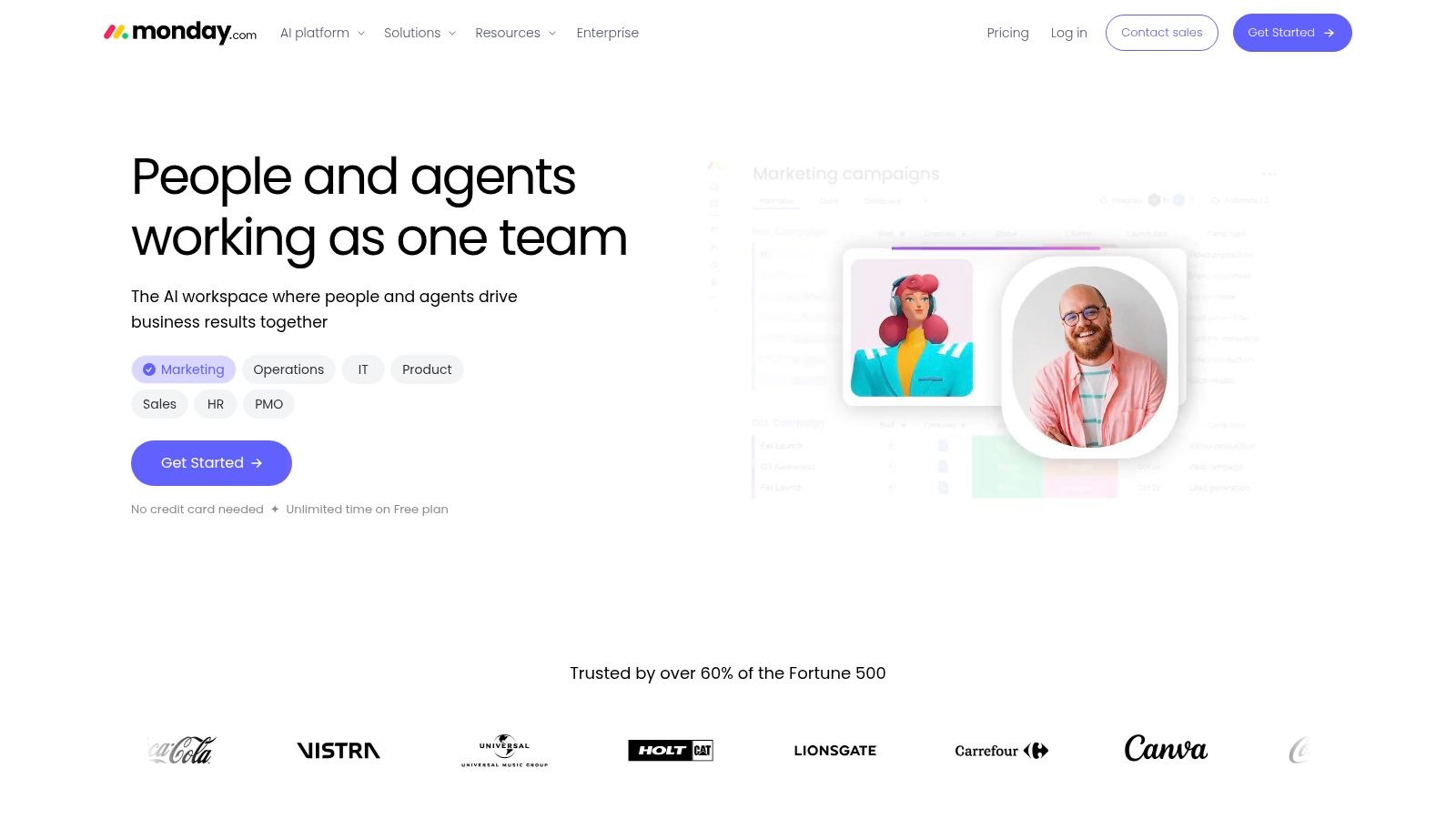
monday.com is the easiest visual pitch in this category. It's a Work OS that handles projects, sales ops, and production pipelines with the kind of board-based interface that creative and marketing teams usually understand quickly. Its no-code automations, templates, and multiple product lines make it approachable when your agency runs lots of smaller projects in parallel.
Why agencies like the visual model
The platform's strength is adoption. Non-technical teams tend to understand it fast because the logic is visible, and that makes it easier to get clients or contractors into a shared workflow without hours of training. The broader market data says PM software is becoming a core collaboration layer for distributed teams, and monday.com fits that shift because it turns work into a visual system people can read (Grand View Research market outlook).
The practical trade-off is total cost of ownership. monday.com can scale from simple boards to more complex programs, but features sitting behind higher plans or multiple product SKUs can push the price beyond the headline number. It's also best when your team is comfortable managing process through boards, automations, and dashboard logic rather than strict issue tracking.
For agencies, that means monday.com works especially well for campaign calendars, production queues, CRM-adjacent workflows, and client-facing status boards. It's less convincing when you need deep budget control or a more rigid project hierarchy. If your main pain is visibility, monday.com is strong. If your main pain is profitability tracking, look elsewhere.
4. Trello
A client asks for a simple place to track requests, your team wants something they can learn in minutes, and you do not want to spend the first week building the system. Trello is the cleanest fit for that situation. Its boards, lists, and cards are easy to explain to clients, which is why it works well for editorial calendars, intake queues, and lightweight production pipelines. It is also fast to roll out at the start of a new engagement.
The best use case is clarity, not depth
Trello's main advantage is adoption. Nobody needs a training session to understand a card moving from one column to the next, and that matters when you are trying to keep a client, a contractor, and an internal account lead looking at the same workflow. The project planning definition in Teamwork's guide fits this use well, since project planning tools are meant to organize tasks, assign work, and track progress instead of leaving everything in email threads and spreadsheets (project planning tools overview).
Trello is strongest when the workflow is obvious and the team does not need much ceremony.
That simplicity has a limit. Native reporting is thinner than what you get in larger PM suites, and real portfolio oversight often means adding Power-Ups or extra tools. For a freelancer or small agency, that can be fine at the start, but it also means Trello is better as a front door than as the system that carries every complex engagement.
The practical trade-off is profitability. Trello helps margin when the work is straightforward because setup stays light and client communication stays quick. It starts to work against you when the project grows and you begin adding tool after tool just to recover visibility. If you want Trello to stay useful, keep the board lean, and pair it with the rest of your delivery stack only where it saves time. For agencies building a lightweight operating model, the right context is often a broader stack such as the one outlined in software for advertising agency workflows, where delivery tools and client-facing automation are connected instead of patched together.
5. Jira Software
Jira Software is the obvious choice when engineering, QA, and product delivery are part of the work. It's issue-centric, customizable, and built around Scrum, Kanban, backlogs, and roadmaps, which is why it remains the standard in software delivery teams. Atlassian's position as the category leader in the industry summary also matches what most practitioners already see in the wild, Jira sits where technical execution is happening (industry summary).
Strongest in disciplined technical workflows
Jira excels when work needs to move through a defined process. Developers and data teams like it because workflows, permissions, and fields can be shaped around real delivery logic instead of generic tasks. That matters in agencies with engineering squads, because the app supports cross-team planning better than most general-purpose tools.
The downside is usability outside technical teams. Jira rewards people who already think in agile terms, and it punishes casual users who just want to check a deadline or attach a comment. The source notes also make clear that it's strongest when teams commit to agile practices, which is a good shorthand for saying it's not the right fit for every agency.
Practical rule: if your account team and creative team both need to live in the same app, Jira is usually too specialized.
Jira does make sense when delivery includes sprint discipline, issue tracking, and QA loops that must stay visible across the team. It is not built for client billing, and it won't replace the operational tools you need for retainer work or profitability tracking. Use it where the work is technical, and pair it with a different system if the agency also needs client-facing delivery management.
6. Notion
A client asks for one place to keep briefs, meeting notes, task status, and approval history. Notion is often the first tool that can handle that without forcing the team into a rigid PM template. It works as a flexible workspace, combining docs, databases, wiki pages, permissions, and light task management, which makes it useful for client portals, playbooks, proposal templates, and project hubs that sit beside briefs. If you want delivery information and the knowledge base in the same system, Notion is one of the strongest options to start with.
Best for knowledge-heavy client work
Notion performs well when a project depends on context as much as task movement. Agencies use it for internal playbooks, onboarding guides, content calendars, and client-facing documentation because the structure can be customized to the work instead of the other way around. Its page-level permissions also make it useful for portals, and that matters when you want clients to see progress without exposing the rest of your operating system.
The trade-off is straightforward. Notion is not a classic PM tool in the same way Asana or Teamwork is. Tasking and reporting are flexible rather than opinionated, which helps when every client has a different workflow, but it also means you have to design the reporting structure yourself if you want something repeatable. The newer AI features can help with drafting and organization, yet the usage-based model adds another cost layer that agencies need to watch closely.
For client communication, Notion works best when it becomes the shared source of truth, not just a task board. It can hold decisions, drafts, handoff notes, and next steps in one place, which reduces the back-and-forth that slows delivery. It also pairs well with outreach and follow-up systems, especially if your team wants to send emails that make people smile after a review cycle or approval round. That keeps communication consistent without forcing every update into a separate inbox thread.
For agencies, Notion works best as the connective tissue between strategy, documentation, and delivery. It is especially strong when clients need a clean home for briefs and decisions. If you want a polished internal knowledge base that also handles some task management, Notion is a smart fit. If you need hard project controls, it usually works better as a companion than as the primary PM system.
7. Basecamp
Basecamp strips project management down to the communication essentials. It centers on message boards, chat, to-dos, schedules, docs, files, and simple client access, which makes it one of the easiest platforms for clients to understand. For agencies that want fewer moving parts and less app switching, that simplicity is the whole point.
A client-friendly choice with fewer moving parts
Basecamp is good at keeping everyone in one place without making the process feel corporate. Clients can get in, see what matters, and respond without learning a complicated interface. That can reduce the back-and-forth that kills time on small to midsize projects, and it helps when your biggest workflow problem is scattered communication rather than deep operational complexity.
The main compromise is depth. Basecamp does not try to be an enterprise PM suite, so you give up complex dependencies, broad portfolio reporting, and the advanced controls larger agencies may need. It's also less suited to teams that rely on detailed time-based profitability tracking.
Use Basecamp when communication is the bottleneck and you want a calm, predictable system. It's especially decent for retainers, recurring client updates, and contractor-heavy projects where everyone needs a shared space but not a wall of analytics. If your business model depends on tight utilization and margin reporting, Basecamp is usually too light.
8. Teamwork
Teamwork is built for agencies, consulting firms, and other service businesses that need to connect delivery with time tracking, resource scheduling, billing, client users, and profitability reporting. That makes it one of the strongest choices for anyone who doesn't just manage projects, but manages the economics of those projects too. The source material on Microsoft Teams integrations makes the same point clearly, generic PM tools miss the client-work features that professional services teams rely on (Teams integration guide).
Built for margin, not just movement
This is the tool to look at when your question is, “Are we making money on this account?” Teamwork puts project health, budget, and utilization in the same conversation as tasks, which is the right shape for agency delivery. That also aligns with the broader definition of project management tools as systems for organizing, assigning, scheduling, and reporting work across a project lifecycle (Coursera on project management tools).
Practical rule: if time, retainers, and client visibility affect profitability, use a tool that tracks those things natively.
Teamwork is not as frictionless as Trello or Basecamp, and it asks more of the admin up front. But that extra setup buys you a system that can support leadership dashboards, project health, and billing logic without duct tape. For agencies that want to reduce status chasing, improve client communication, and keep an eye on margin, it's one of the best-fitting tools on the market.
9. Wrike
Wrike sits in the middle ground between agency-friendly and enterprise-capable. It brings custom workflows, request forms, proofing, workload planning, resource tracking, and advanced analytics together in a way that helps multi-team organizations keep control over larger portfolios. If your agency has outgrown lightweight systems and now needs governance, Wrike deserves a serious look.
Good for larger, coordinated delivery teams
Wrike's sweet spot is coordination. Approval-heavy creative work, cross-functional programs, and team structures with multiple handoff points benefit from its request forms and proofing. The platform is also strong when capacity planning matters, because workload and resource tracking help managers see where work is piling up.
The cost is complexity. Wrike can feel like too much tool for smaller studios or simple one-off projects, and pricing plus add-on packaging can take more effort to decode than you'd like. It's a platform you adopt because you need the control, not because it feels lightweight.
For agencies, that's often the right trade. Once project volume rises, the cost of a bad handoff or poor resource visibility is usually higher than the cost of a more advanced PM stack. Wrike is best when you need process discipline, not just status boards.
10. Smartsheet
Smartsheet is the best option for teams that think in spreadsheets but need real project controls. It offers grid, Gantt, card, and calendar views, along with automations, forms, dashboards, workload tracking, and premium governance add-ons. That makes it especially useful for PMOs and agencies that want a familiar interface without giving up structure.
The spreadsheet feel is the entry point
Many teams adopt Smartsheet because it doesn't ask them to abandon how they already work. Spreadsheet-native project managers usually pick it up quickly, and that lowers the friction of transition. The platform's add-ons, like Control Center, Data Shuttle, Dynamic View, and Resource Management, also make it more viable when governance and scale become more important than simplicity.
The trade-off is that Smartsheet can get expensive and admin-heavy as the team grows. Some of the most useful capabilities sit behind premium add-ons, and it doesn't try to be a lightweight Kanban board for fast-moving creative work. It's more suitable when structure, reporting, and portfolio oversight matter.
Smartsheet is strongest when the team needs the logic of a spreadsheet and the control of a PM system.
For agencies handling multiple projects with repeatable delivery patterns, Smartsheet can be a strong operational base. It works especially well when leadership wants familiar reporting, and when project managers need a system that can scale without throwing away spreadsheet fluency.
How to Choose the Right App and Get Started
The best project management app is the one your team will use. That sounds obvious, but it's where a lot of agencies make their first mistake. They buy for features, then discover that the primary cost comes from low adoption, duplicate tools, and client confusion.
Start by evaluating each option against four things. Team size and type, because a solo operator and a multi-account agency do not need the same level of structure. Client collaboration needs, because some teams only need internal visibility while others need client portals, approvals, and controlled access. Key integrations, because your PM app should fit with time tracking, Slack, Git, or finance tools instead of fighting them. Budget and scalability, because the cheapest plan usually isn't the cheapest system once the team grows.
Then test the app with one active project, not your entire business. Use real tasks, real owners, real deadlines, and at least one messy handoff, because a polished demo can hide operational weaknesses. That advice lines up with practical testing guidance from product reviewers who recommend using one active project to measure how fast users can create tasks, find context, log hours, and spot risk under real workload pressure (practical evaluation approach).
Templates matter too. Build one for your recurring services, whether that's a content sprint, a design retainer, or a paid media launch. That's where profit lives, because standardized onboarding saves the hidden time you usually lose to re-explaining the same steps to every new client.
The cleanest setup is when delivery starts the moment sales closes. If your proposal process lives in an automation platform like Earlybird AI, connect it to your PM tool so an accepted deal can trigger a new project automatically in Asana, ClickUp, or whichever app your team runs on. That handoff removes manual setup, keeps the client journey tight, and protects the time you'd rather spend on delivery than admin.
If you want to connect lead generation, proposal automation, and delivery without adding more manual work, Earlybird AI is built for that handoff. It helps agencies and freelancers automate Upwork outreach, then route new opportunities into a cleaner client lifecycle. Visit it if you want your sales process and project management stack to work like one system instead of two separate jobs.




