
← Back To Blog
Upwork Confidentiality Agreement: NDAs & IP Protection

The message usually looks harmless at first. A client invites you to a job, the budget is solid, and the work is exactly in your lane. Then the last line changes the tone: they want to share product specs, source files, ad account access, or a launch plan that hasn't gone public yet.
That's the moment most freelancers and agency leads realize they're not just selling labor. They're handling risk.
An upwork confidentiality agreement isn't paperwork you think about after kickoff. It starts shaping the deal before you even write the first line of code or open the first Figma file. If you run a team, or use automation in your Upwork workflow, the stakes get higher because confidential information starts moving across people, systems, and accounts fast.
The good news is that Upwork already gives you a baseline. The harder part is knowing when that baseline is enough, when it isn't, and how to prevent your own internal process from becoming the weak point.
Your First Encounter with a Confidential Project
The first confidential project usually doesn't feel complicated until the client starts sending details.
A SaaS founder wants a landing page rewrite, but the copy brief includes pricing strategy and upcoming product positioning. A startup needs bug fixes, but access means reading code tied to an unreleased feature. A marketing client wants proposal help, but their files include customer segments, ad data, and internal messaging notes. On paper, these are normal Upwork jobs. In practice, they're trust exercises.
What trips people up is that confidentiality questions show up before the work is fully defined. Can you review documents before a contract starts? Should you ask for an NDA first? If your agency has a sales assistant, a project manager, and a specialist, who is allowed to see the files?
Freelancers often make one of two mistakes.
- They assume nothing is protected unless a client sends a formal NDA.
- They assume everything is covered well enough because the job lives on Upwork.
Neither instinct is reliable on its own.
In day-to-day agency work, the primary risk usually isn't dramatic theft. It's sloppy handling. A team member reuses a proposal phrase that came from a confidential brief. Someone uploads a client screenshot into an internal training doc. An automation workflow learns from sensitive project data and applies that learning where it shouldn't.
The awkward part about confidentiality failures is that they often start as convenience, not bad intent.
Clients notice the difference between a seller who treats sensitive information casually and one who acts like a professional operator. Even simple habits matter. Asking what can be shared before contract start, limiting who gets access, and confirming whether platform terms are enough tells the client you know how to carry responsibility.
That's where most good Upwork operators level up. They stop thinking about confidentiality as a legal footnote and start treating it like part of delivery.
How Upwork Protects You by Default
Upwork gives you a baseline confidentiality framework before anyone sends over a custom NDA.
For solo freelancers, that mainly means project information is not a free-for-all. For agencies, the essential value is that the default obligation starts early enough to shape how your team handles intake, reviews, and handoffs. That matters when a sales lead screens the job, a specialist reviews sample files, and a project manager builds the delivery plan before the work is fully underway.
What the default framework does
Upwork's standard contract structure includes confidentiality obligations that apply across work arranged on the platform, even if the client never uploads a separate NDA. In practice, that gives both sides a starting rule. Information shared for the project should be protected and should not be disclosed or reused outside that engagement.
That baseline is broad on purpose.
Clients do not always mark every file, message, loom recording, or spreadsheet as confidential. Upwork's default setup helps cover ordinary project materials without forcing the parties to negotiate custom legal language before work begins. For common service work, that is usually enough to set expectations and reduce careless handling.
What this means in real operations
The main protection is not just legal language. It is the operating rule that follows from it.
If a client shares source code, internal process docs, campaign data, pricing logic, product screenshots, or draft launch materials, treat those items as protected by default. Do the same with materials shared during scoping if they are clearly tied to the proposed engagement.
For agencies and teams, this has practical consequences:
- Limit access to people who are evaluating or delivering the work.
- Keep confidential files out of shared training folders and swipe files.
- Do not paste client content into prompts, automations, or internal knowledge bases unless the client has agreed to that use.
- Remove access after the review or project stage ends, especially in multi-bidder workflows where several teammates may have seen early materials.
That last point gets missed often. On Upwork, one person may submit the proposal while another reviews the brief and a third joins the call. If your internal process is loose, confidential information spreads farther inside your agency than the client likely expects.
Where the default protection helps most
Default platform protection works best on straightforward engagements where both sides need a clear duty to protect project information, not a negotiated document with special definitions and exceptions.
Typical examples include content production, design execution, website updates, paid media support, and routine development work. In those cases, Upwork gives you a usable floor. The client can share what you need to quote, plan, and deliver without stopping the job over paperwork.
That baseline also supports trust at scale. If you want a broader view of platform risk beyond confidentiality terms alone, this guide on whether Upwork is safe is a useful companion.
Where the default protection stops
The default framework does not solve data governance for you.
It does not tell your team who may view a client folder internally. It does not spell out whether you can use AI tools on the client's materials. It does not define retention periods, subcontractor access, audit rights, or what happens if five people inside your agency touch the same brief during the sales process.
That is why experienced operators treat Upwork's built-in confidentiality terms as the minimum standard. Useful, yes. Complete, no.
Platform Protections Versus Custom NDAs
A client invites your agency to bid on a product launch. Before anyone is hired, a strategist reads the brief, an operations lead checks feasibility, and a contractor is asked for a quick estimate. At that point, confidentiality is no longer just a legal concept. It is an access-control problem.
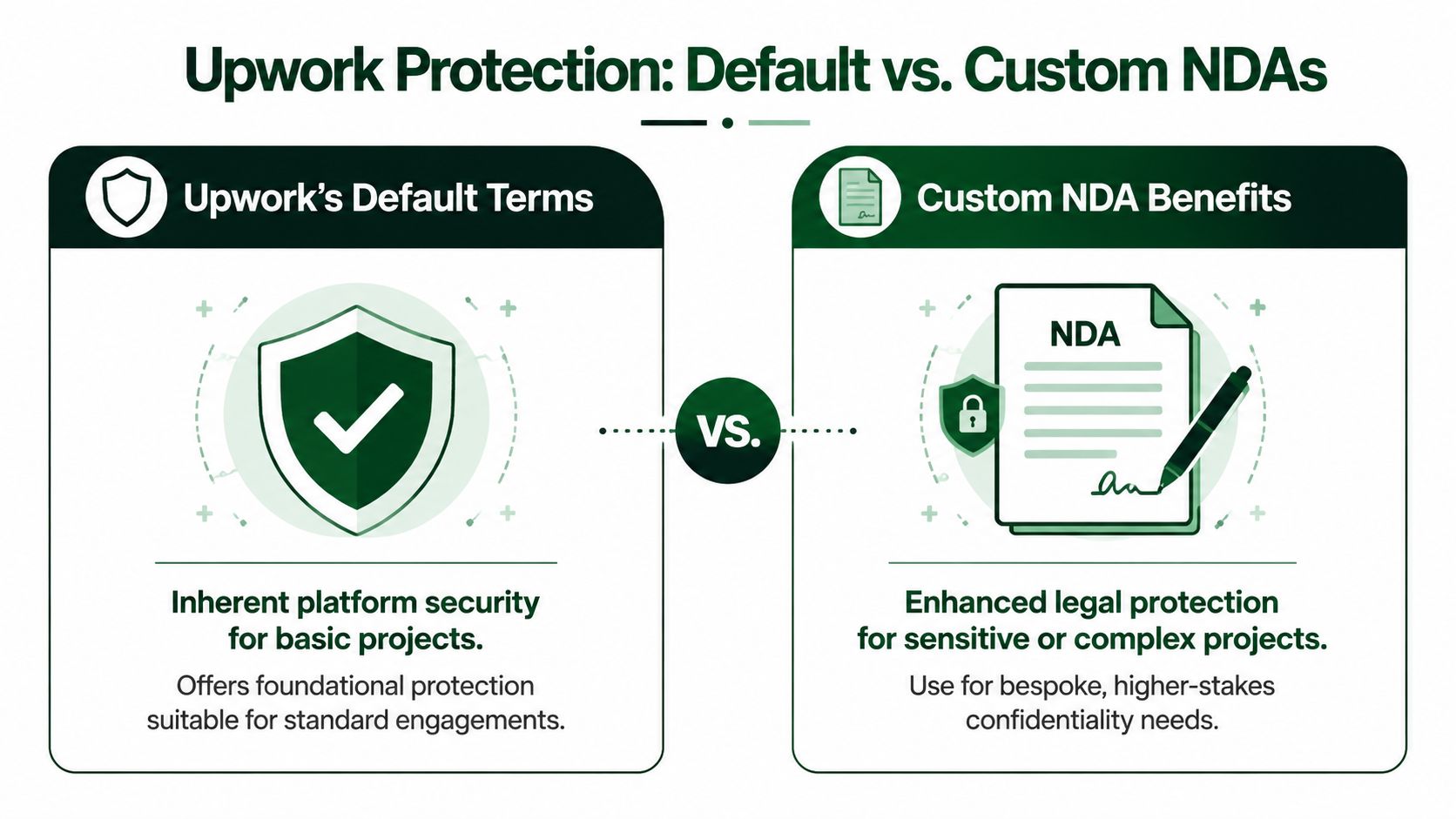
Upwork's built-in terms give you a baseline duty not to misuse or disclose project information. That baseline is often enough for contained, low-drama work where the client needs competent delivery more than negotiated legal language.
Examples include routine design production, standard content work, website maintenance, and day-to-day marketing support. In those jobs, a separate NDA can slow down kickoff, create review cycles on both sides, and still add very little operational value.
The analysis changes once the project involves shared access across a team, use of external tools, or information that can cause real damage if it spreads. Agencies run into this sooner than solo freelancers do. So do anyone using AI note-takers, proposal assistants, code copilots, transcription tools, or internal knowledge bases.
A custom NDA earns its place when the client needs rules that the platform terms do not spell out clearly. In practice, that usually means one of these conditions:
- More than one person may see the material before the contract is fully staffed. Multi-bidder workflows create exposure early, especially when sales, delivery, and specialist reviewers all touch the same files.
- Your team uses subcontractors or specialist contributors. The client may want written language that binds everyone who gets access, not just the Upwork account owner.
- You use automation or AI tools in delivery. Clients often want explicit approval, limits on training use, or a ban on entering confidential material into third-party systems.
- The work involves regulated, strategic, or durable information. Customer records, product roadmaps, source code, M&A discussions, pricing logic, and investor materials usually justify tighter drafting.
- The client cares about data handling after the work ends. Retention, deletion, return of files, and proof of cleanup matter more than freelancers expect.
I usually frame the choice around operational questions, not legal theory.
If only one delivery person will access a straightforward brief inside Upwork, default terms are often enough. If five people may review the opportunity, files will move through Slack or Notion, and your team uses automation in research or production, a custom NDA is the safer choice because it forces everyone to define the workflow before sensitive material starts moving.
That trade-off matters. Extra paperwork creates friction. Ambiguous confidentiality rules create liability.
Custom NDAs also help when the client's real concern is governance. They want to know who can open the folder, whether a meeting recorder is allowed, whether prompts can include client data, and how quickly your team will delete exports or credentials after offboarding. Upwork does not manage those decisions for you.
The strongest approach is layered. Use the platform protections as the floor, then add a custom NDA when the project includes broader internal access, higher-value information, or tool usage that needs written limits. That is usually the point where confidentiality stops being a simple promise and becomes a system your agency has to run correctly.
Essential Clauses for Your Custom Upwork NDA
A good NDA doesn't try to sound intimidating. It tries to remove ambiguity.
Most bad NDAs fail in one of two ways. They're so broad that nobody can follow them sensibly, or they're so vague that they don't help when a dispute appears. If you're reviewing or drafting a custom NDA for an Upwork project, focus on clauses that answer practical questions.
Define confidential information properly
This is the clause that decides what the agreement protects.
If the definition is too narrow, important materials slip out. If it's too broad, ordinary public knowledge gets dragged in and the document becomes hard to respect. Plain English works best. Confidential information usually includes nonpublic project material shared for evaluation or performance of the work, such as documents, code, credentials, designs, business plans, customer data, or internal strategy.
A workable clause should also mention common exclusions. Public information, material already known legitimately, independently developed work, and information lawfully received from a third party usually shouldn't be covered.
Limit permitted use
This part matters more than many freelancers realize.
A client doesn't just want you to keep information secret. They want you to use it only for the project. That one phrase shuts down a lot of sloppy behavior, such as turning client examples into portfolio teasers, using internal process screenshots for training, or feeding sensitive materials into broader internal systems without consent.
A good clause sounds more like operations than law: use the information only to evaluate, perform, and complete the defined project.
Set a realistic term
Duration should fit the type of information.
For ordinary business material, a fixed period often works. For true trade secrets, clients may want longer protection. The point isn't to force the longest possible term. The point is to match the commercial reality of what's being shared.
If the NDA includes post-project obligations, make sure you can comply with them. Don't agree casually to language you haven't operationalized inside your team.
Add return or destruction language
This clause is where professionalism shows.
When the project ends, what happens to files, exports, working drafts, and credentials? A strong clause should state whether materials must be returned, deleted, or destroyed on request or at closeout. It should also account for normal business realities like secure archival backups if those exist in your workflow.
Use a checklist approach when you close a project:
- Remove access first. Revoke tools, shared drives, repositories, and ad accounts.
- Clear local copies. Delete downloaded files from laptops and shared folders that aren't meant for retention.
- Confirm the action. Send a short written note that materials were returned or deleted as required.
Cover team access and subcontractors
This is the clause agencies should care about most.
If the account owner signs the NDA but a contractor, assistant, or specialist touches the work, you need language that allows limited need-to-know sharing while requiring those people to be bound by equal or stronger confidentiality obligations.
That protects the client, but it also protects you from a false sense of coverage.
A custom NDA is only as strong as your weakest internal handoff.
If a client sends an NDA that says you may not disclose anything to any third party under any circumstances, but your delivery model requires a designer or developer to access the files, fix that before signing. Otherwise you're agreeing to a workflow you can't legally run.
Confidentiality Best Practices for Agencies and Teams
Confidentiality gets harder the moment more than one person touches the work.
A solo freelancer can often manage this with discipline and common sense. An agency can't rely on memory. Once you add shared inboxes, proposal staff, specialists, and automation tools, the upwork confidentiality agreement stops being just a legal concept and becomes a data-governance problem.

Each account creates its own boundary
This is the part many agency owners miss.
When an automation tool submits proposals from multiple team members' accounts, each submission creates a separate contractual confidentiality obligation under Upwork's terms. Upwork guidance also means learnings derived from one project's confidential data can't be transferred or optimized across other clients' proposals without explicit consent, which requires contract records and algorithm governance, as outlined in Upwork's guidance on how NDAs work on the platform.
In plain terms, one bidder's access does not magically authorize the rest of your team.
If your agency manages multiple freelancers under one operating model, this guide to an Upwork agency account setup helps frame the structural side of that issue.
What works in practice
The agencies that handle confidentiality well usually do a few unglamorous things consistently.
- Create access by role, not by curiosity. Proposal staff need enough information to qualify and respond. Delivery staff need what they need to execute. Not everyone needs full client visibility.
- Document which terms apply to which account. If one contract has a custom NDA and another relies on platform terms, don't blend them in the same workspace without labels and controls.
- Separate reusable know-how from client-specific facts. Your agency can improve its process over time, but it shouldn't extract confidential details from one client and carry them into another engagement.
- Treat automation outputs as governed material. If a system drafts proposals, analyzes client messages, or surfaces patterns, you need rules about what source data is allowed to inform those outputs.
Build a cascading confidentiality structure
A client may contract with one freelancer profile, but agencies often deliver through a chain of people.
That means your internal setup should mirror the client-facing obligation. Employees, contractors, assistants, and subcontractors need written confidentiality duties that are at least as protective as what you accepted externally. Don't rely on verbal understandings or “everyone knows this is private.”
A practical internal model usually includes:
- Team agreements that bind staff and contractors.
- Project-level access rules so only relevant people can enter client systems.
- Offboarding steps that remove access the same day a contributor leaves the project.
- Content handling rules covering screenshots, exports, copied snippets, and training materials.
Agencies don't get in trouble because they had too few ideas. They get in trouble because too many people had casual access.
The trade-off is speed. Tighter controls can slow collaboration. But loose controls create invisible exposure that grows as your team scales.
Navigating Red Flags and Enforcement
A confidentiality problem usually shows up at an inconvenient moment. A client asks why one of your assistants viewed a folder they were never supposed to open, or an automation tool pulls client text into a prompt log your team forgot to restrict. By then, the NDA is no longer a document review exercise. It is an evidence problem.
That is why I treat red-flag review as an operations check, not just a legal check.
Red flags worth pushing back on
Start with the definition of confidential information. If it covers everything exchanged, created, discussed, inferred, or observed, with no clear exclusions, your team cannot apply it consistently. Public material, information you already had lawfully, and work developed independently should be excluded in plain language.
The next set of problems is more practical than legal. Agencies and freelancers using automation run into these clauses constantly:
- Portfolio bans written too broadly. A client may want full confidentiality before launch. That is reasonable. A permanent ban on naming a now-public project may still be acceptable, but it should be explicit and priced into the engagement.
- Non-compete language hidden inside the NDA. If the clause limits who you can work with next, you are no longer dealing with confidentiality alone.
- Promises that conflict with your delivery model. Some NDAs assume only one person will ever touch the work. That fails immediately if you use a project manager, junior specialist, QA reviewer, or proposal assistant.
- Restrictions that ignore automation workflows. If you use AI drafting tools, internal search, transcription, or message triage, the agreement should match that reality. Otherwise, normal processing can become a technical breach.
- Deletion demands you cannot verify. “Delete everything immediately” sounds clean, but backups, audit logs, and tool retention settings can make that impossible.
- Remedies drafted only for the client. Injunctive relief, fee shifting, and broad indemnity deserve a close read before you accept them.
Multi-bidder workflows create another blind spot. If several team members help assess a project before one freelancer profile submits the final proposal, decide what information each person can see before the client shares anything sensitive. A lot of confidentiality failures happen before the contract starts.
What enforcement usually looks like
Enforcement usually begins with records, not courtroom drama.
The first question is simple. What was exposed, to whom, and when? If you cannot answer that quickly, your position weakens fast, whether the issue stays inside Upwork messages or spills into a lawyer-to-lawyer dispute.
A practical response sequence looks like this:
- Contain access immediately. Revoke permissions, pause automations, and stop further sharing.
- Preserve the evidence. Save message threads, access logs, exports, prompts, and timestamps.
- Map the exposure. Identify which people, tools, and systems touched the information.
- Notify the client with facts, not guesses. State what you know, what you shut down, and what you are checking next.
- Keep the communication trail inside the platform where appropriate. A clean written record matters.
- Review the custom NDA for remedies and notice requirements. Some agreements require specific disclosures or cure periods.
For agencies, the hard part is proving governance. You may have acted responsibly, but if five contractors had shared inbox access and no one can show who opened what, you will struggle to defend that story. The same problem shows up with AI tools. If your team cannot tell whether client material was processed by a third-party model, you have a control gap.
That risk also affects reputation. If a project turns tense, your written conduct inside the platform matters almost as much as the underlying dispute. This guide on how to leave client feedback on Upwork professionally is useful because enforcement and reputation management often collide on the same projects.
A signed NDA helps. A documented workflow, limited access, and a usable audit trail are what protect you when something goes wrong.
Frequently Asked Questions on Upwork Confidentiality
Does confidentiality continue after the contract ends
Usually, yes.
The exact duration depends on the terms that govern the project. Upwork's default framework creates a confidentiality obligation tied to project information, and a custom NDA may spell out a specific post-project period or longer protection for trade secrets. Don't assume the obligation disappears just because the milestone is closed.
Can you put NDA work in your portfolio
Only if the client's terms allow it.
If the work is covered by confidentiality, don't publish screenshots, results, drafts, or descriptions without permission. The safest move is to ask for written approval that specifies what you may show and how.
What if a client refuses to sign an NDA for a sensitive project
Then decide based on risk, not hope.
If Upwork's default protections feel sufficient for the materials involved, you may proceed carefully. If the project involves unusually sensitive information and the client won't add custom terms, it may be smarter to decline than to operate with unclear expectations.
Is a verbal confidentiality agreement on a call enough
Don't rely on it.
A verbal promise may feel reassuring, but it's weak operationally because nobody can manage against fuzzy memory. Keep confidentiality terms in Upwork messages or a signed document so the expectations are visible and enforceable.
Can agencies share confidential client material internally
Only on a need-to-know basis, and only if your internal team members are bound appropriately.
If your workflow includes assistants, contractors, or specialists, make sure your internal agreements and access controls match the client-facing obligation. Confidentiality breaks down fastest during internal handoffs.
If you want to scale Upwork outreach without creating a mess across bidder accounts, workflows, and client data, Earlybird AI is built for that reality. It helps freelancers and agencies automate proposal writing, replies, and follow-up while supporting multi-user operations, account safety, and cleaner process control around how your team works on Upwork.




